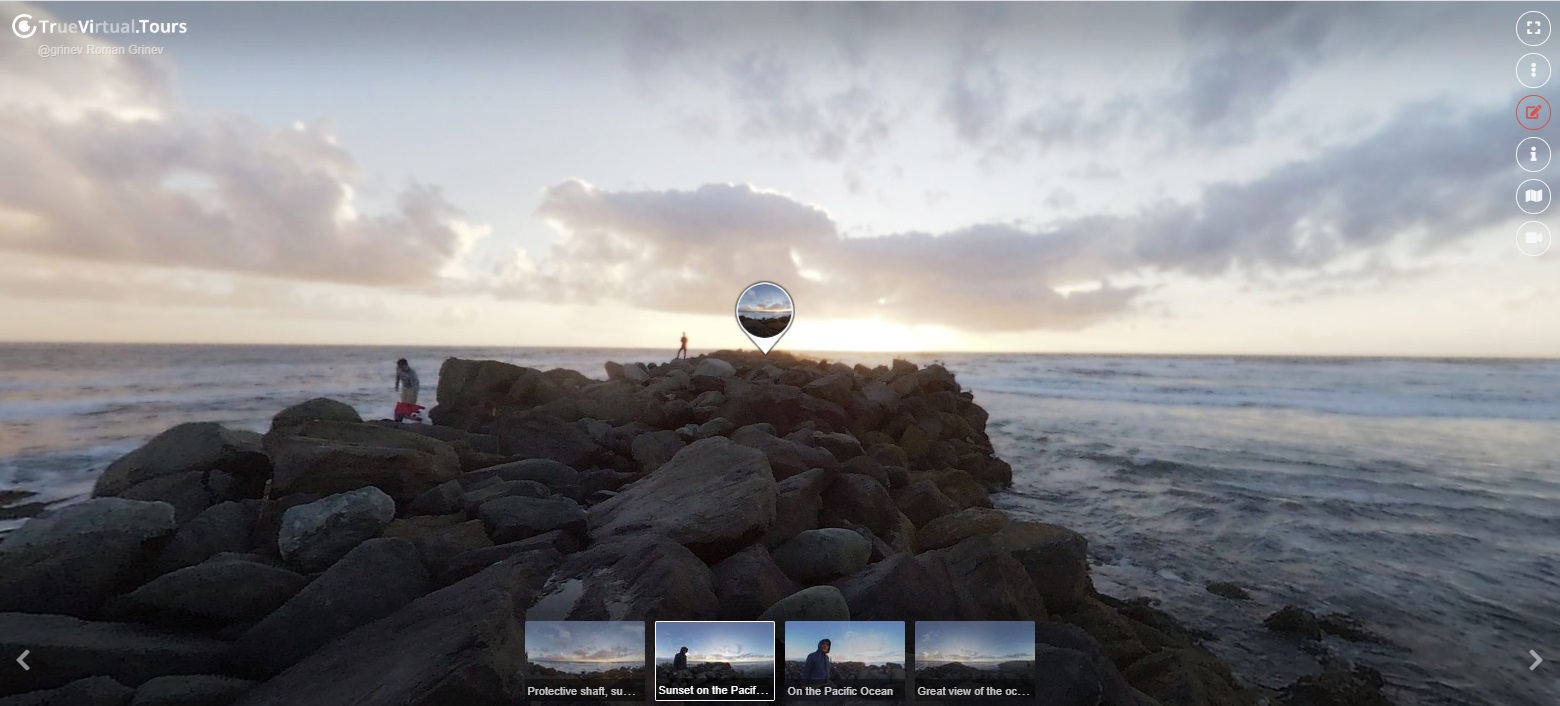
360° panoramas of this virtual tour, page 2

R0010720 20220418151447
R0010715 20220418150922
R0010716 20220418151003
R0010719 20220418151353
R0010718 20220418151259
R0010717 20220418151131
R0010725 20220418151923
R0010723 20220418151723
R0010722 20220418151650
R0010724 20220418151845
R0010699 20220418145330 (1)
Showing 25-35 of 35 items.
  • today
    John Smith

How to create a virtual 3D tour? Step-by-step instruction

The order is as follows: 1) upload to the site spherical panoramas from which you plan to create a virtual tour; 2) from the list of uploaded panoramas add each panorama to the virtual tour (Add to 3D tour link); 3) open the created virtual tour, edit the panorama order, select the main panorama, set transition points (tunnels).

Learn more