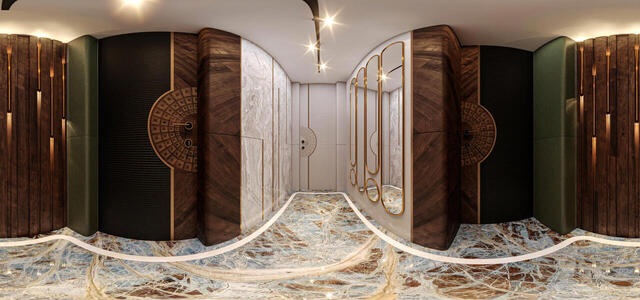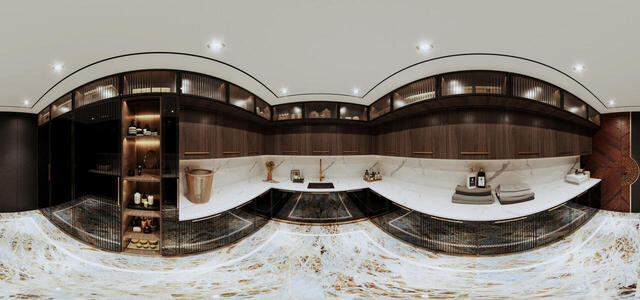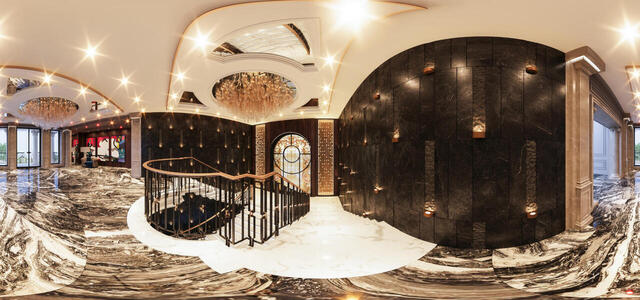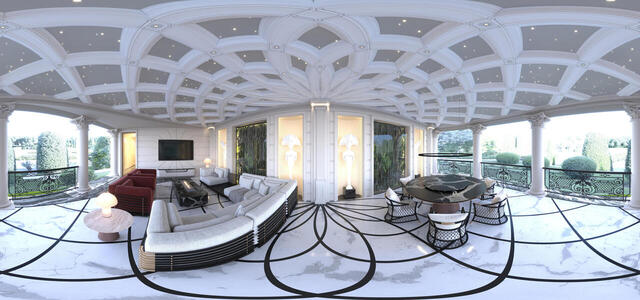

Ardeco by Gamarlinsky

106   329   0   0   1 / 1

PRO

360° panoramas
QARDEROB 2-gigapixel-standard v2-1x
XOLL 1-gigapixel-standard v2-1x
ISKANDAR-gigapixel-standard v2-1x
QARDEROB 1-gigapixel-standard v2-1x
master yataq1-gigapixel-standard v2-1x
ISKANDAR WARDROBE-gigapixel-standard v2-1x
MANSAR XOLL-gigapixel-standard v2-1x
-2 xoll-gigapixel-standard v2-1x
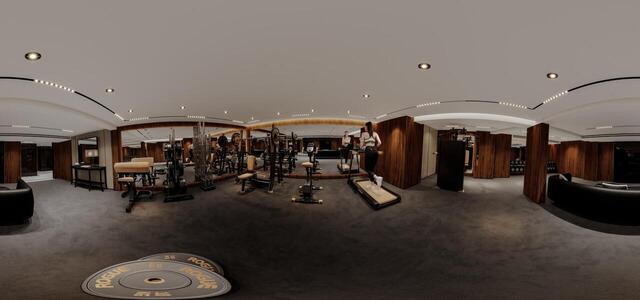
-2 FITNESS-gigapixel-standard v2-1x
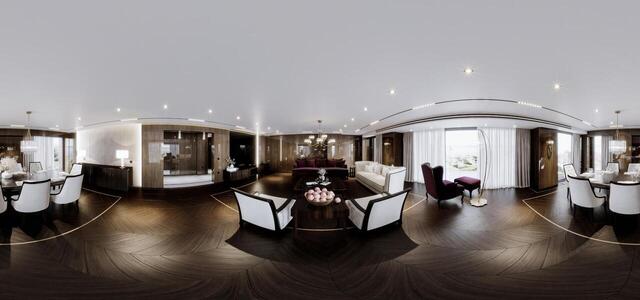
-1 ZAL-gigapixel-low resolution-1x
Прачачная первая часть(нижняя часть спа комплекса)
Комната отдыха для служащих (Нижняя часть спа комплекса)
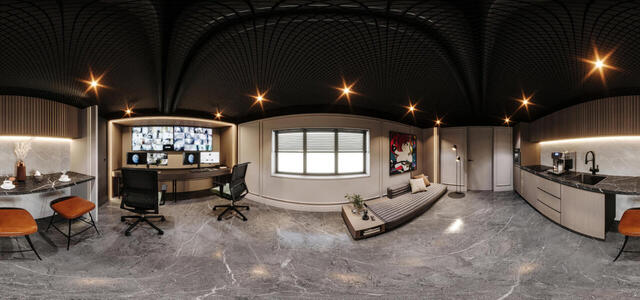
Комната для охраны (нижняя часть спа комплекса)
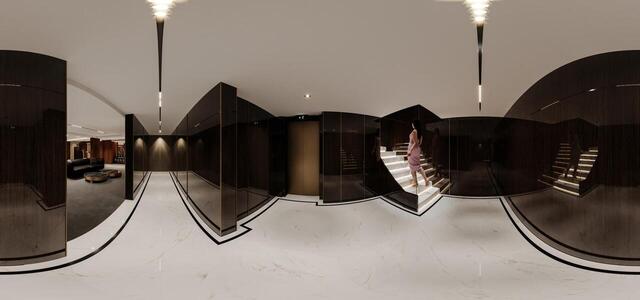
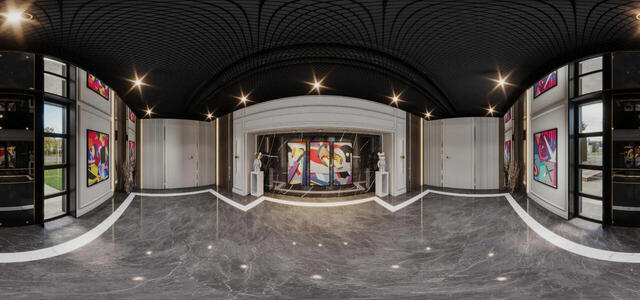
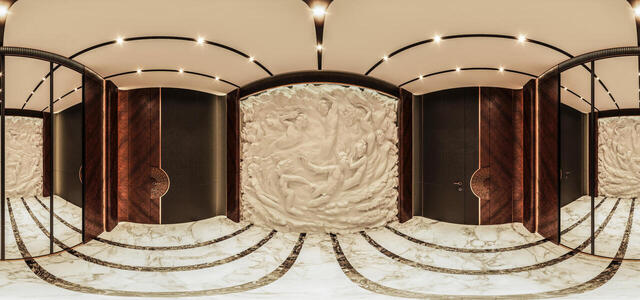
СПА нижняя часть (вход)
Зона примерочной
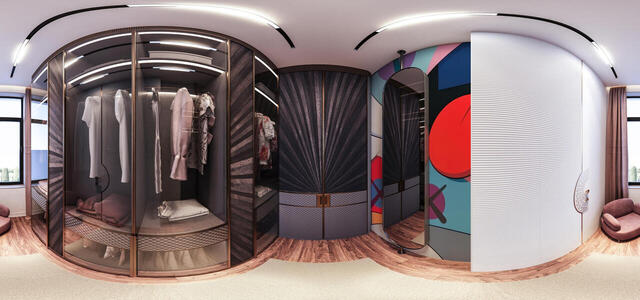
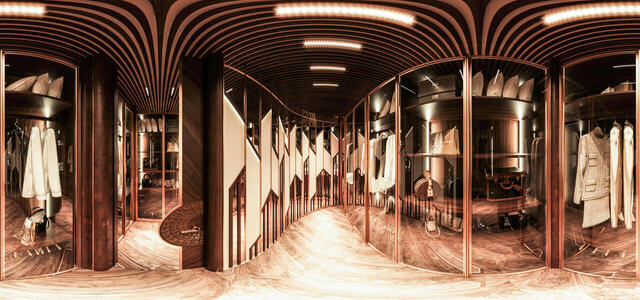
Гардероб Сафи
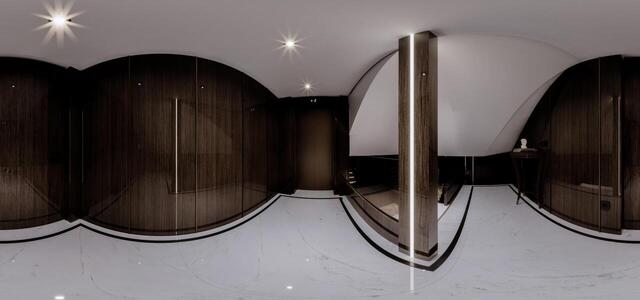
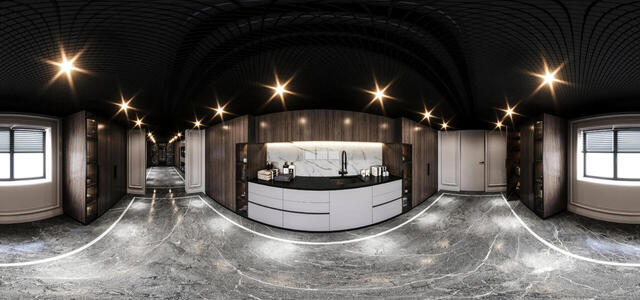
Коридор - гостевой гардероб
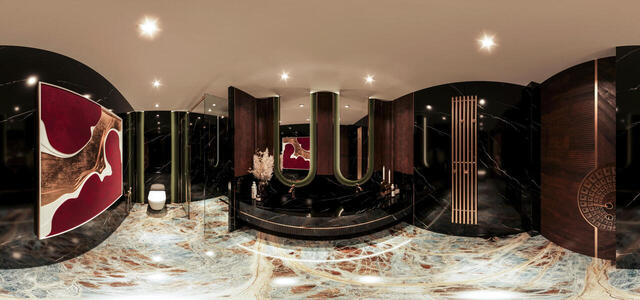
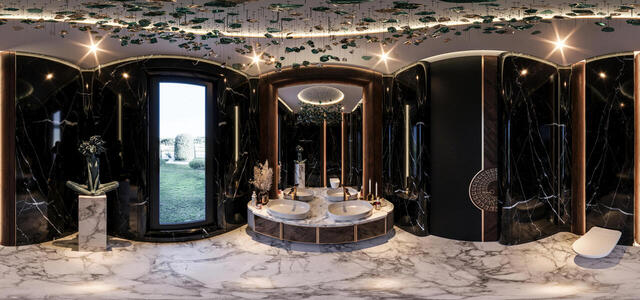
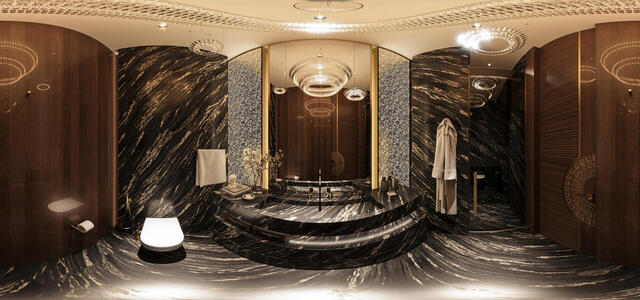
Санузел минус первый этаж
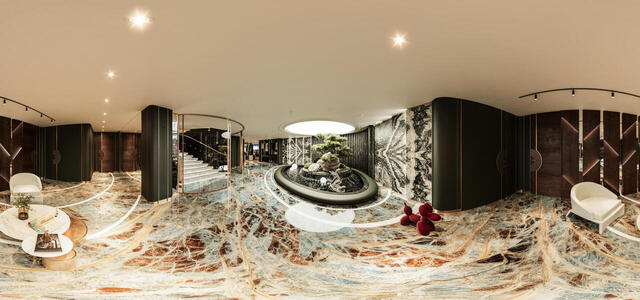
Зона декоративного бассейна
Комната для персонала
Bathroom 1st floor - East house
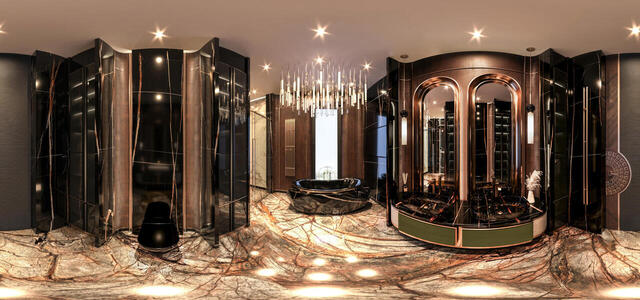
Master WC - Eastern House
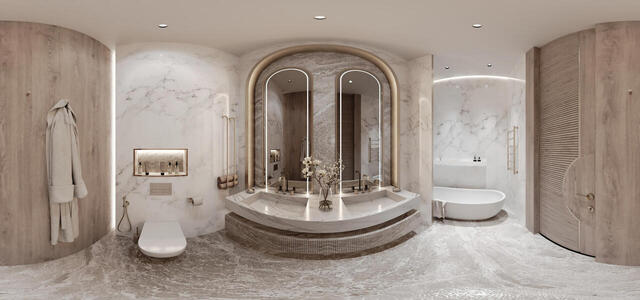
Санузел для комнаты младенцев
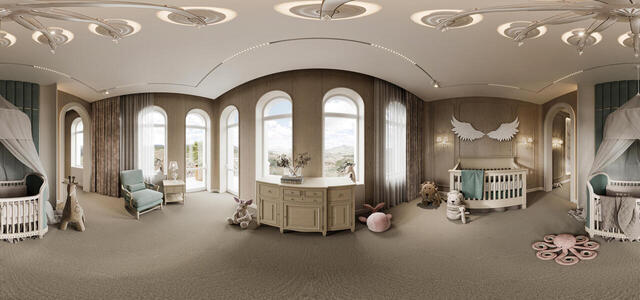
Комната младенца
Коридор прачечной и комнаты для персонала
Laundry -1
Холл 2-ой этаж
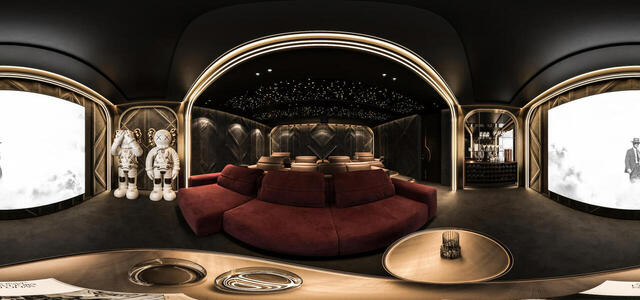
Cinema room
Terrace - East House
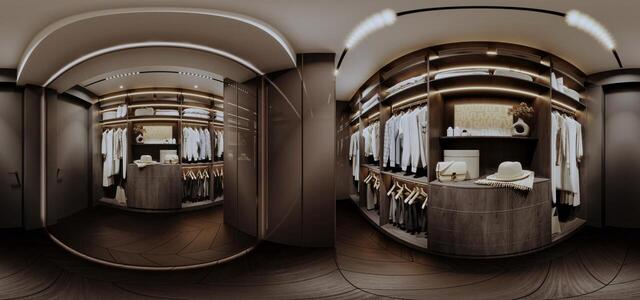
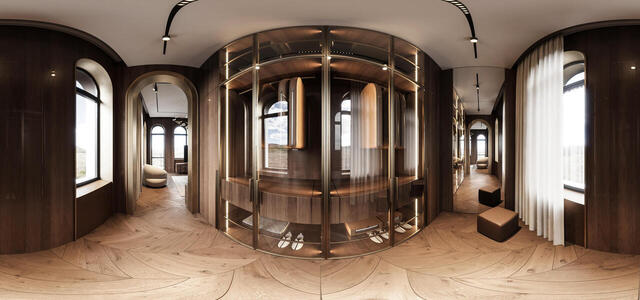
Master bedroom wardrobe - Eastern house
Guest Bathroom - East House
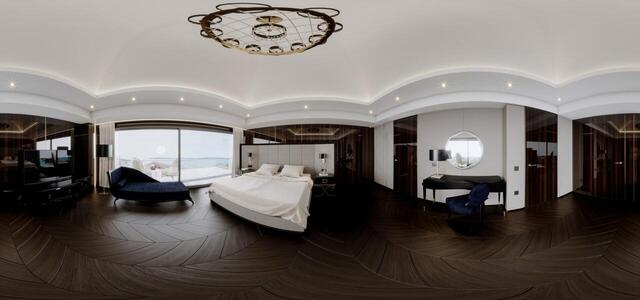
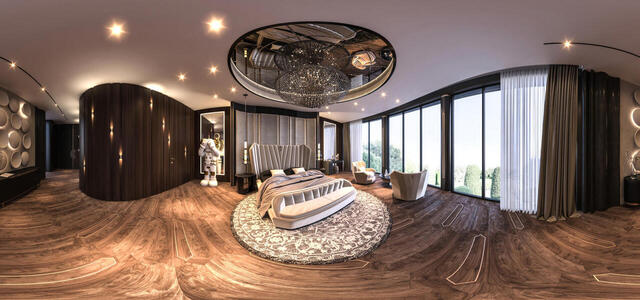
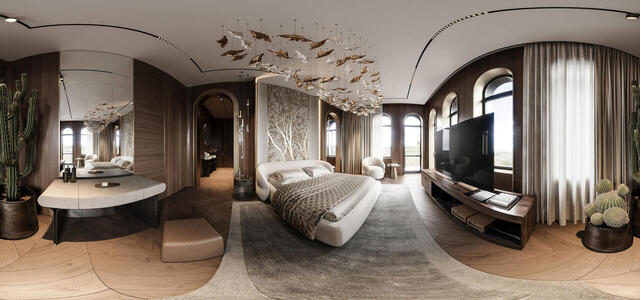
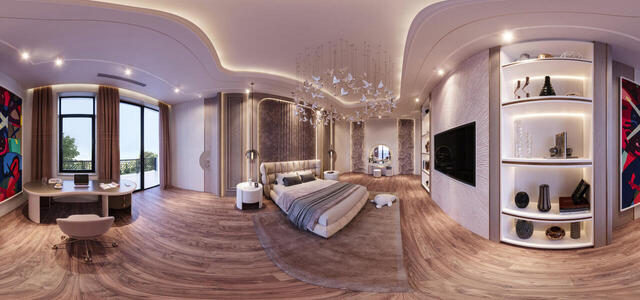
Master Bedroom - East House
Guest Wardrobe - Eastern House
Sophie's room - East house
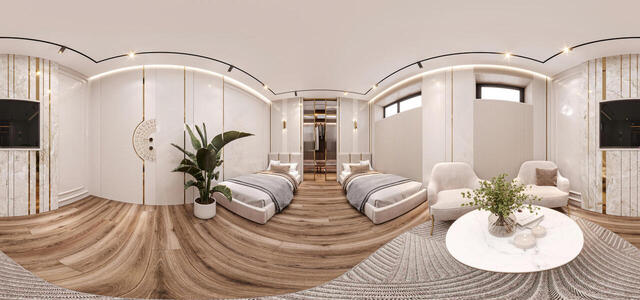
Гостевая Спальня - Восточный Дом
How to create a virtual 3D tour? Step-by-step instruction

The order is as follows: 1) upload to the site spherical panoramas from which you plan to create a virtual tour; 2) from the list of uploaded panoramas add each panorama to the virtual tour (Add to 3D tour link); 3) open the created virtual tour, edit the panorama order, select the main panorama, set transition points (tunnels).
30
Showing 71-105 of 110 items.