samsung SM-A505FM

Classic camera

360° panoramas

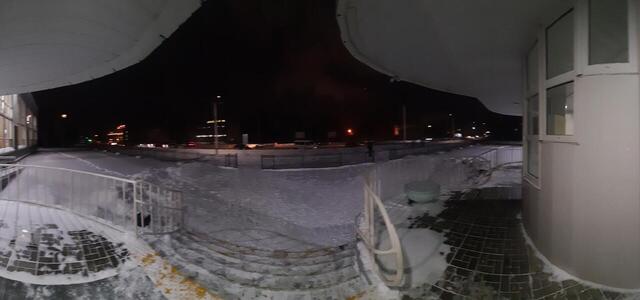
20221125 082505
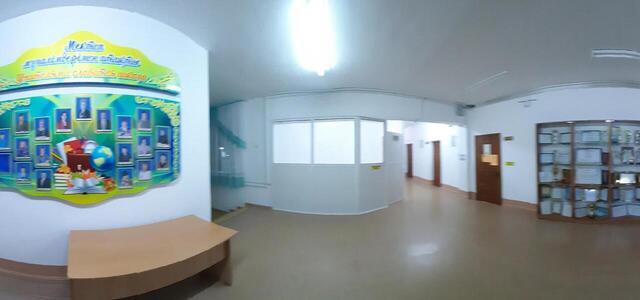
20221125 082710
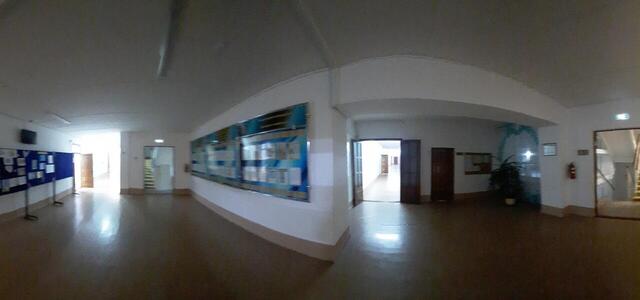
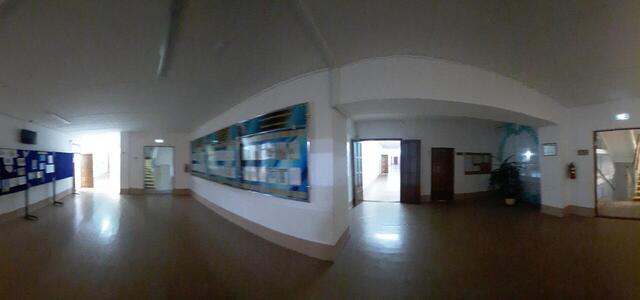
20221125 083309
20221125 083309
20221125 082559
20221125 082505
20221118 123800
20221125 082710
20221118 123705
20221118 123705
20221125 082710
20221125 082559
20221125 082505
20221125 082710
20221118 123800
20221118 123705
How to create a virtual 3D tour? Step-by-step instruction

The order is as follows: 1) upload to the site spherical panoramas from which you plan to create a virtual tour; 2) from the list of uploaded panoramas add each panorama to the virtual tour (Add to 3D tour link); 3) open the created virtual tour, edit the panorama order, select the main panorama, set transition points (tunnels).

30
Showing 1-16 of 16 items.