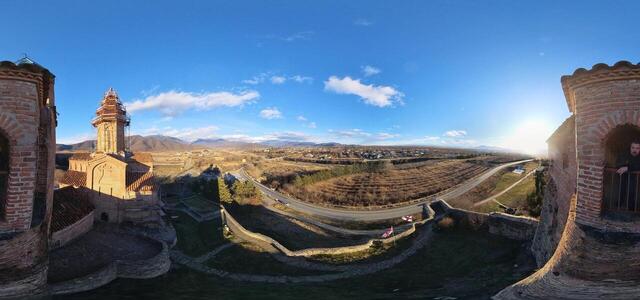
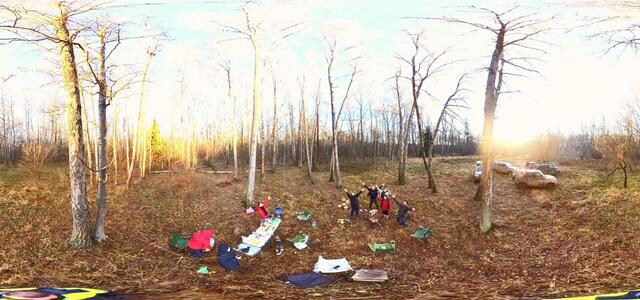
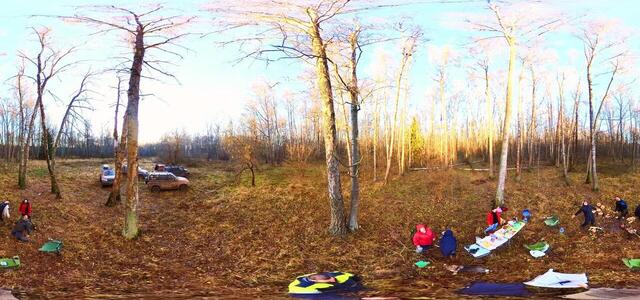
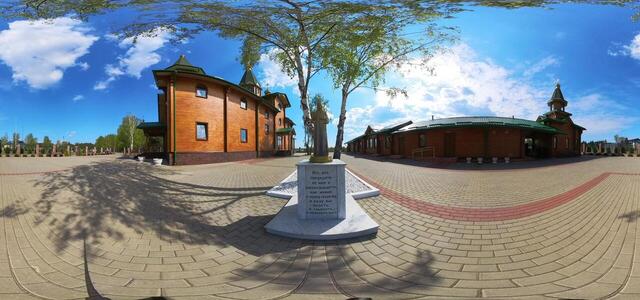
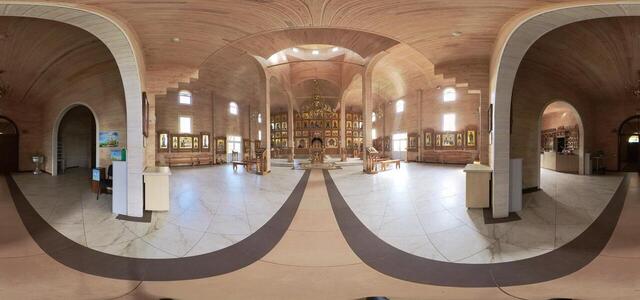
Insta360 X3.PHOTO_HDR

Classic camera

360° panoramas

20241217 223354 858
20241110 202558 556
20241110 202629 845
20240427 111037 110
20240429 081341 057
20240429 081354 320
20240429 081343 050
20240429 081355 905
20240427 151447 881
20240406 182354 685
3rd floor 3
3rd floor 2
3rd floor 1
1st floor 1
1st floor 1
20230919 205350 538
20230919 205322 144
20230919 210556 795
20230919 210418 386
20230919 210523 441
20230919 210523 441
20230919 210459 907
20230919 210418 386
20230919 210556 795
How to create a virtual 3D tour? Step-by-step instruction

The order is as follows: 1) upload to the site spherical panoramas from which you plan to create a virtual tour; 2) from the list of uploaded panoramas add each panorama to the virtual tour (Add to 3D tour link); 3) open the created virtual tour, edit the panorama order, select the main panorama, set transition points (tunnels).

30
Showing 1-24 of 24 items.