Arashi Vision Insta360 X5

Classic camera

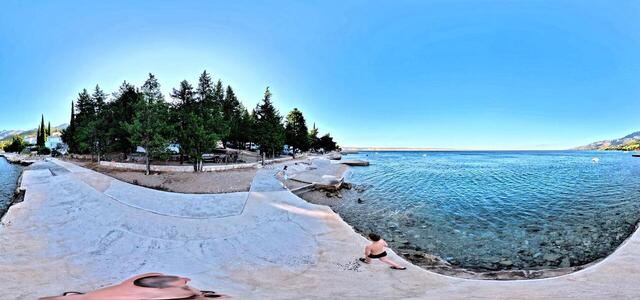
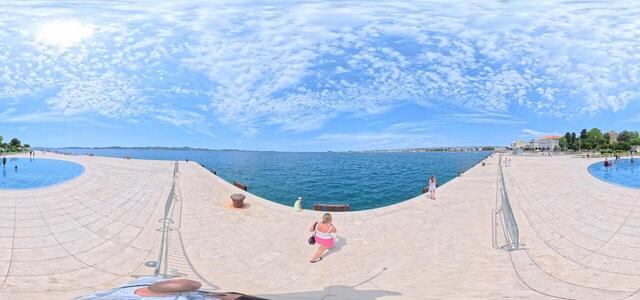
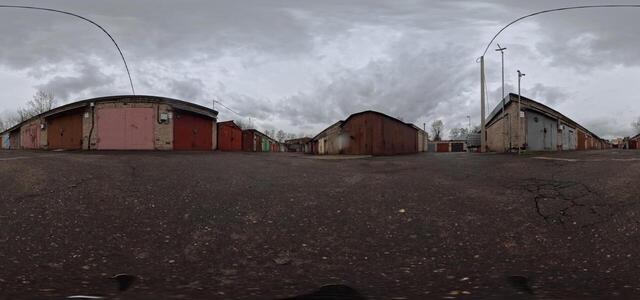
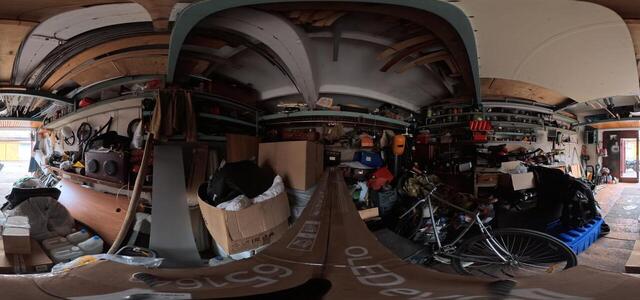
360° panoramas
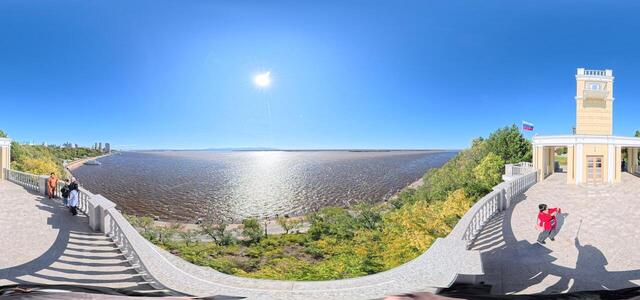
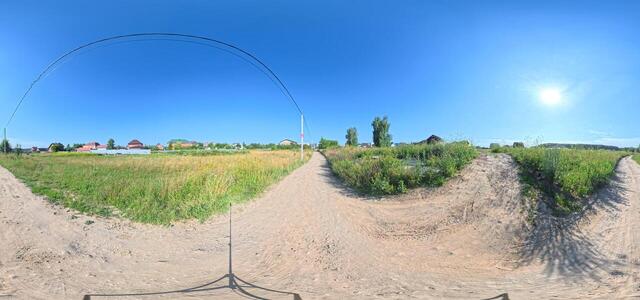
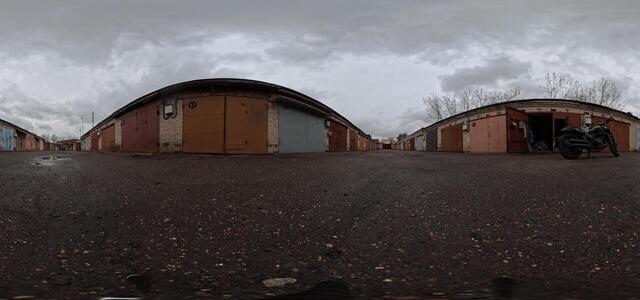
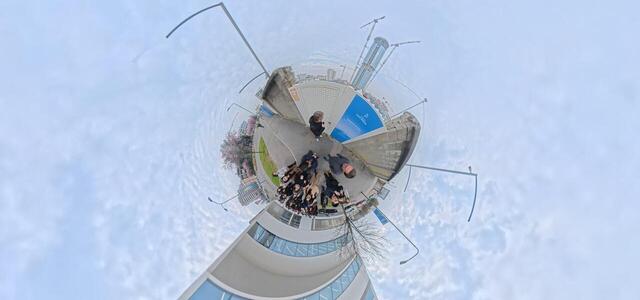
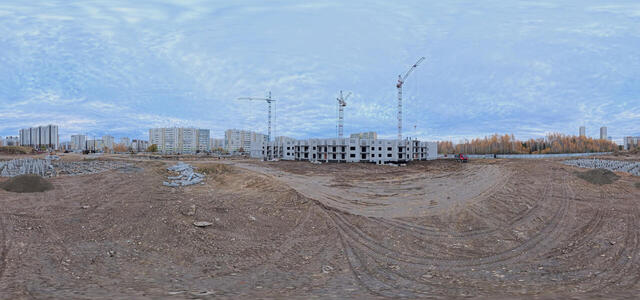
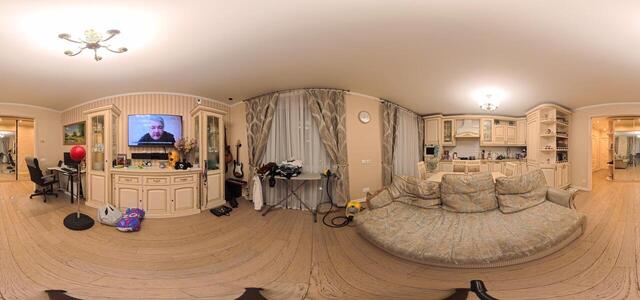
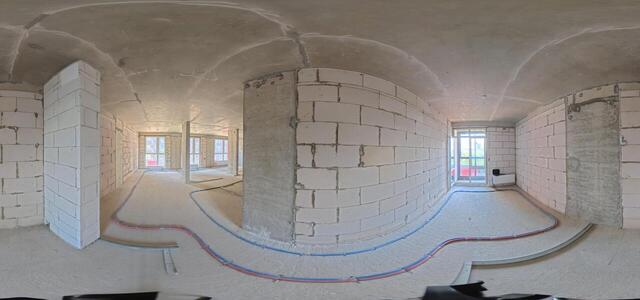
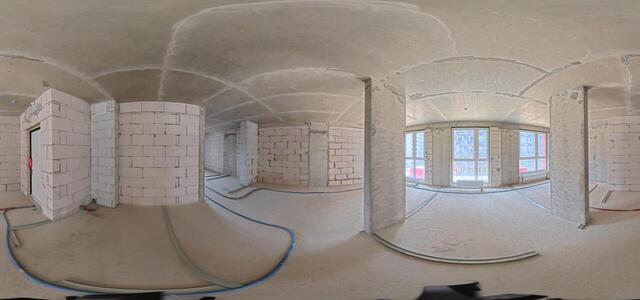
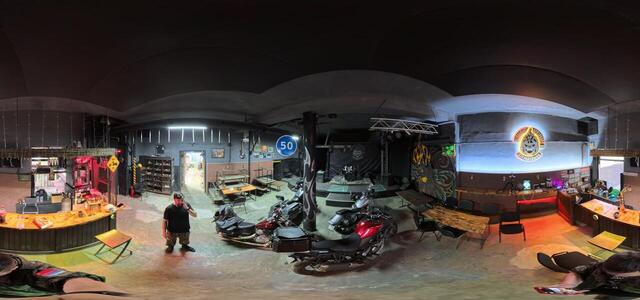
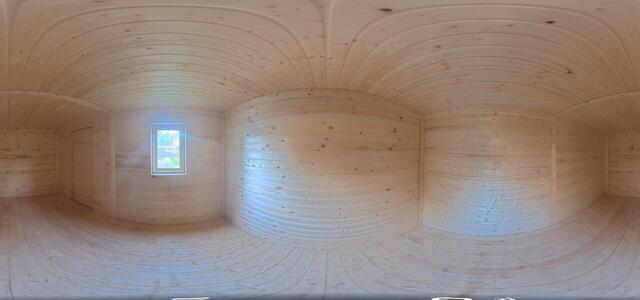
IMG 20251203 184127 00 015

Inzhenernaya St., 21, Sergiev Posad, Moscow Region, Russia, 141301

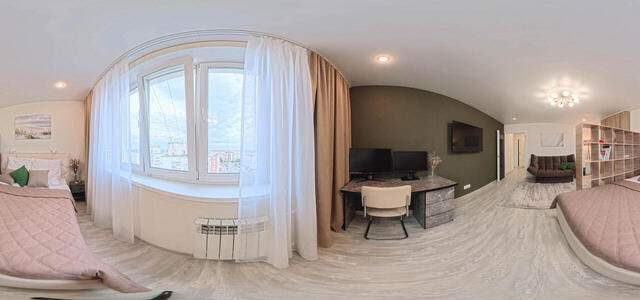
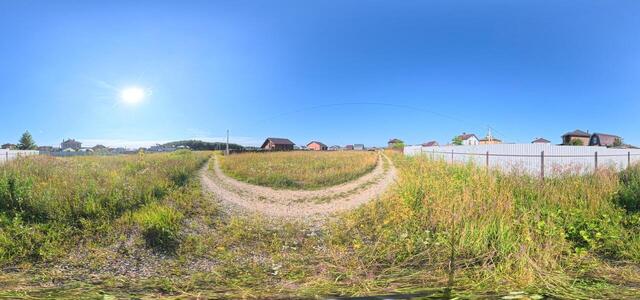
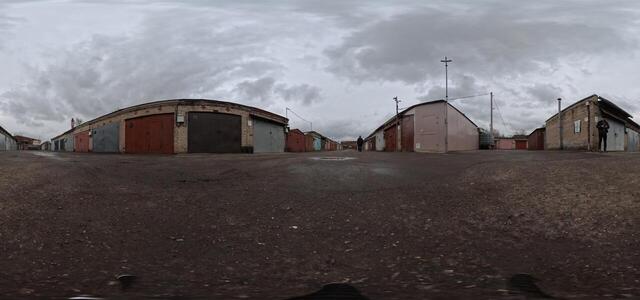
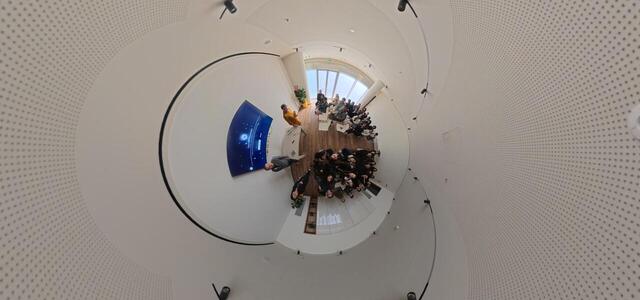
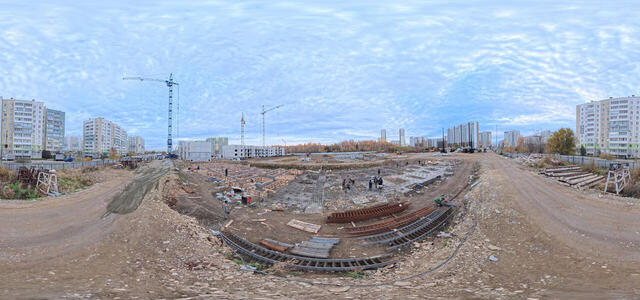
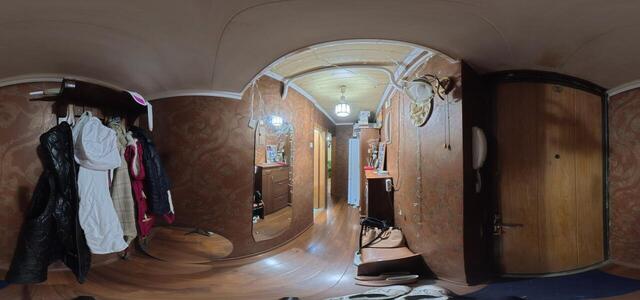
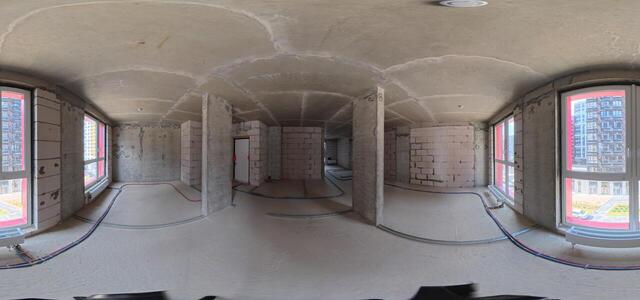
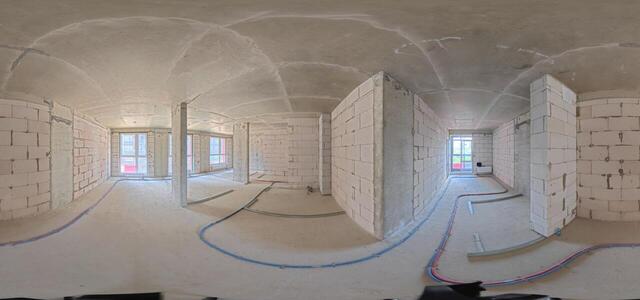
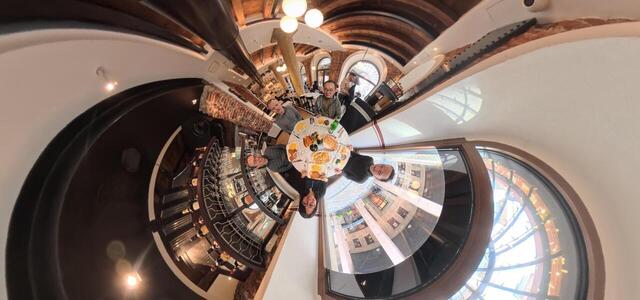
IMG 20251203 184048 00 014

Inzhenernaya St., 21, Sergiev Posad, Moscow Region, Russia, 141301

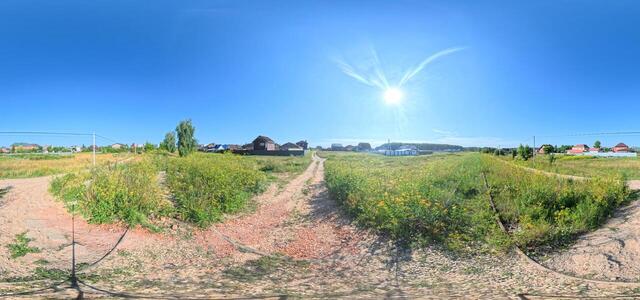
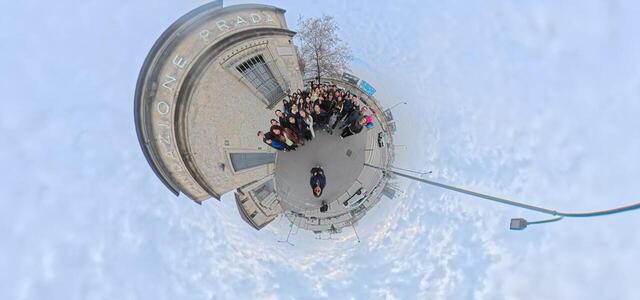
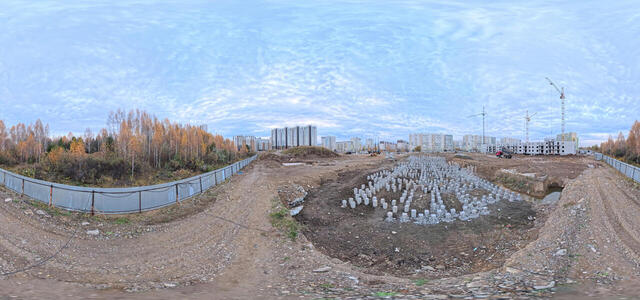
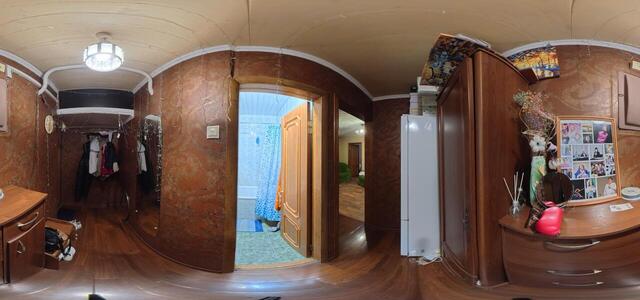
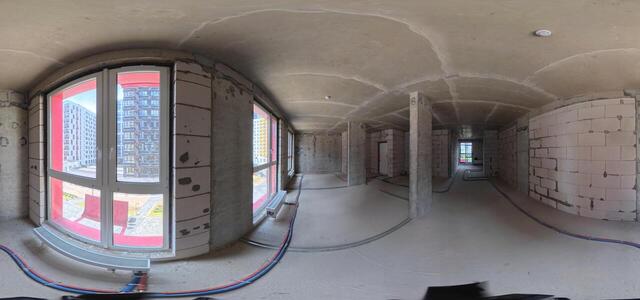
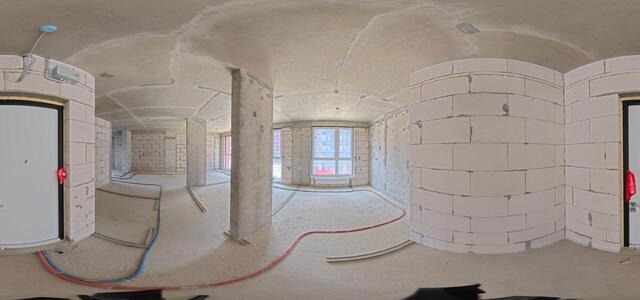
IMG 20251203 184915 00 016

Inzhenernaya St., Building 21, Sergiev Posad, Moscow Region, Russia, 141301

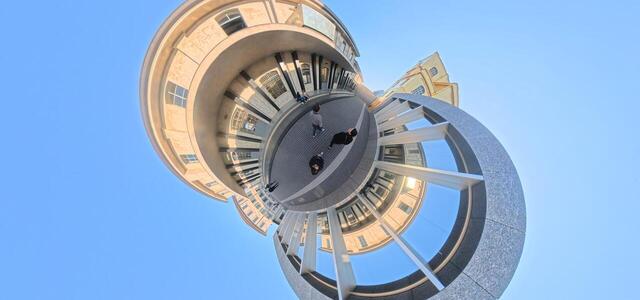
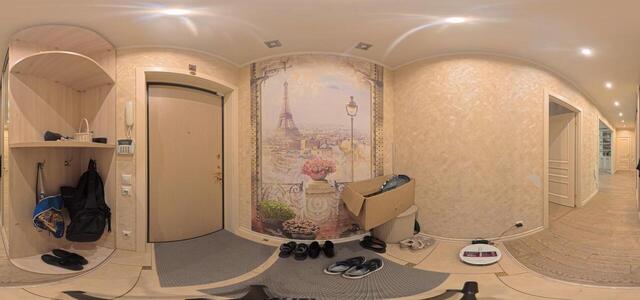
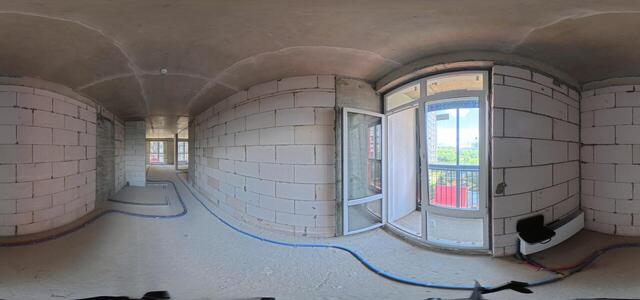
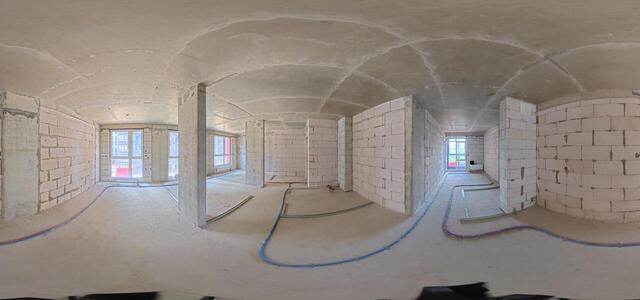
IMG 20251203 184013 00 013

Kuznetsova Blvd., 15, Sergiev Posad, Moscow Region, Russia, 141310

01 kor
0101 korr
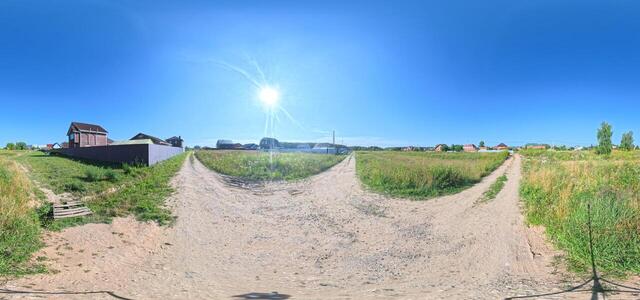
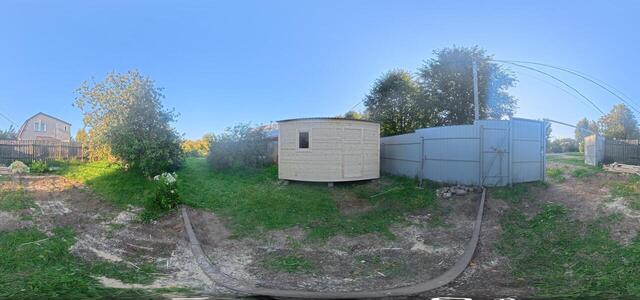
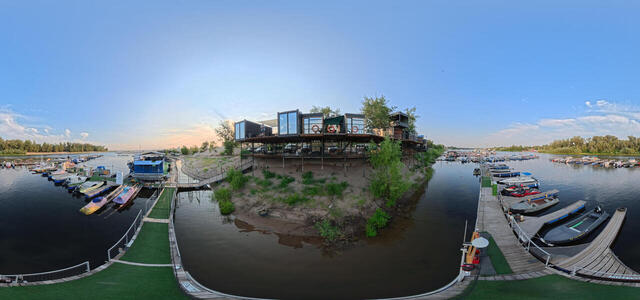
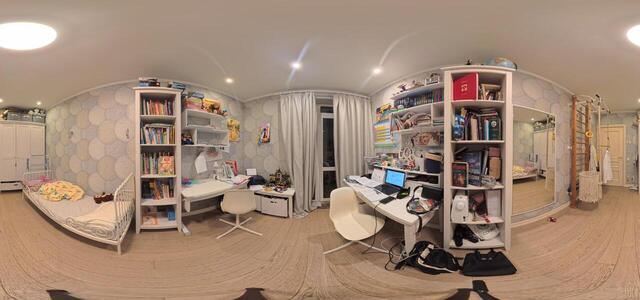
IMG 20250831 173440 00 034

PQPC+8W Novoalexandrovka, Moscow region, Russia

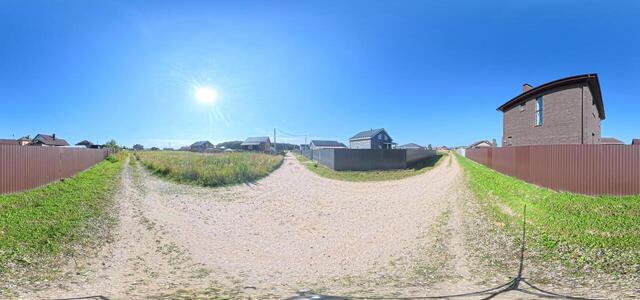
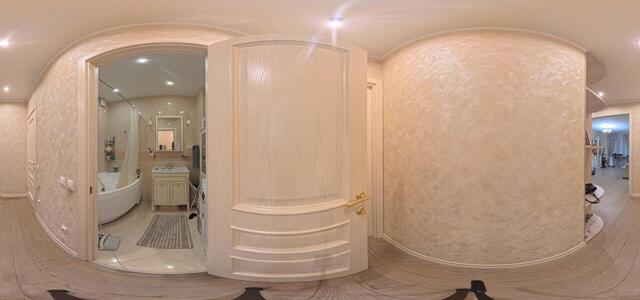
IMG 20250831 173049 00 031

PQPC+8W Novoalexandrovka, Moscow region, Russia

1
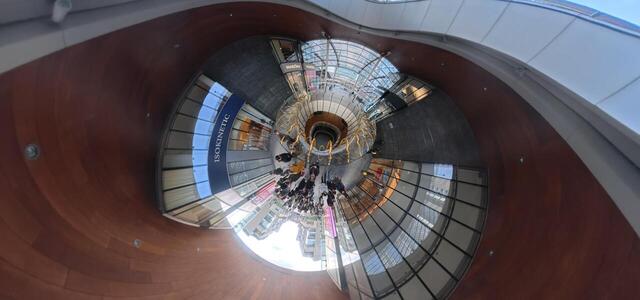
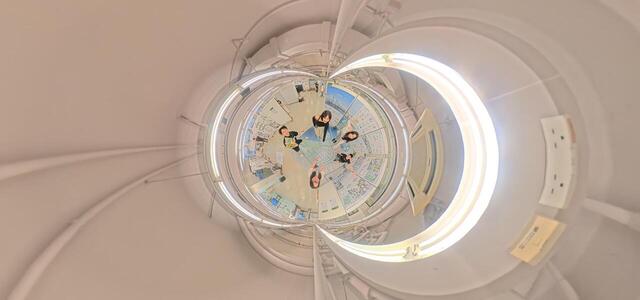
DegreeShow 055
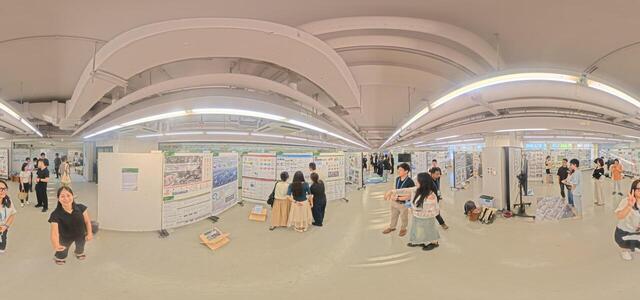
DegreeShow 036

Room 528, Knowles Building, The University of Hong Kong Main Building, Pok Fu Lam Rd, Lung Fu Shan, Hong Kong

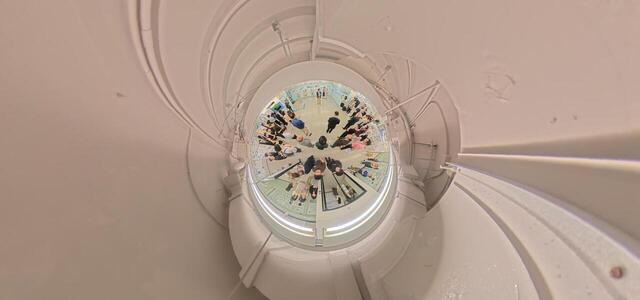
DegreeShow 049

Room 528, Knowles Building, The University of Hong Kong Main Building, Pok Fu Lam Rd, Lung Fu Shan, Hong Kong

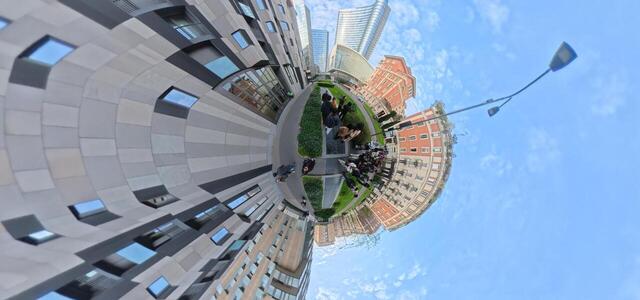
IMG 20250704 145816 00 015

HCRJ+M7 Yasenevo district, Moscow, Russia

IMG 20250704 150309 00 022

HCRJ+Q4 Yasenevo district, Moscow, Russia

IMG 20250704 150220 00 021

HCRJ+Q4 Yasenevo district, Moscow, Russia

IMG 20250704 145629 00 012

HCRJ+M7 Yasenevo district, Moscow, Russia

IMG 20250704 150410 00 024

HCRJ+R5 Yasenevo district, Moscow, Russia

IMG 20250704 145939 00 017

HCRJ+MC Yasenevo district, Moscow, Russia

IMG 20250704 150536 00 026

HCRJ+Q4 Yasenevo district, Moscow, Russia

IMG 20250704 150022 00 018

HCRJ+MC Yasenevo district, Moscow, Russia

IMG 20250619 104320 700PM
How to create a virtual 3D tour? Step-by-step instruction

The order is as follows: 1) upload to the site spherical panoramas from which you plan to create a virtual tour; 2) from the list of uploaded panoramas add each panorama to the virtual tour (Add to 3D tour link); 3) open the created virtual tour, edit the panorama order, select the main panorama, set transition points (tunnels).
30
Showing 1-21 of 21 items.