Arashi Vision insta360 oners

Classic camera

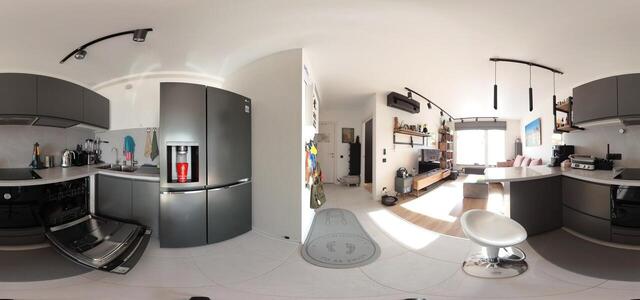
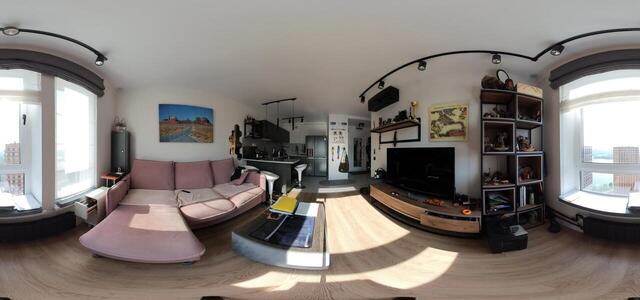
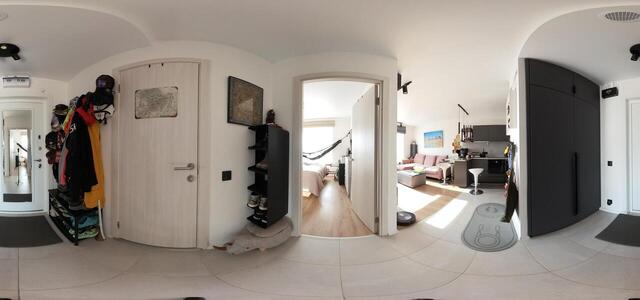
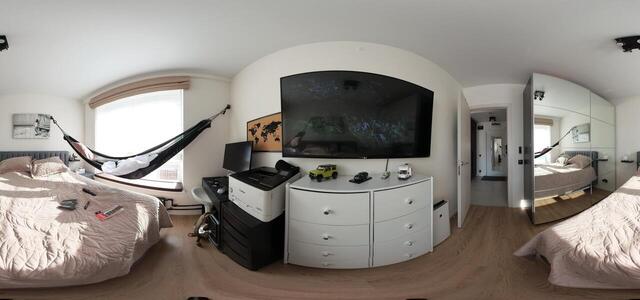
360° panoramas

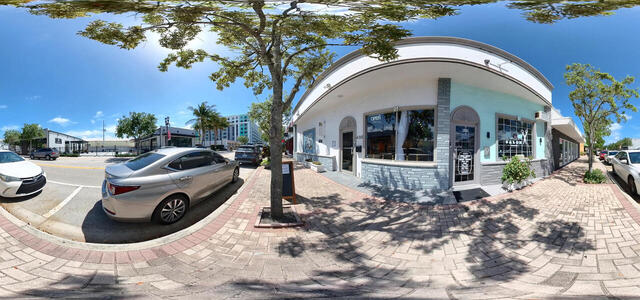
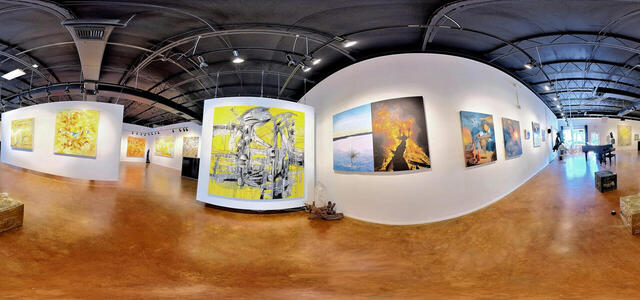
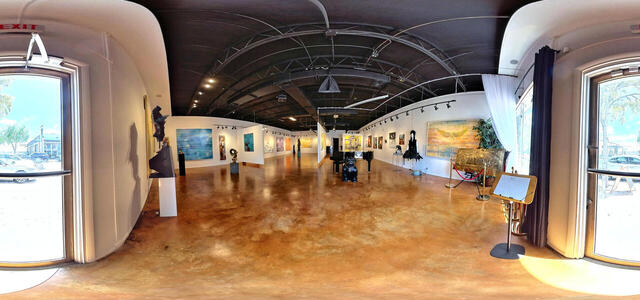
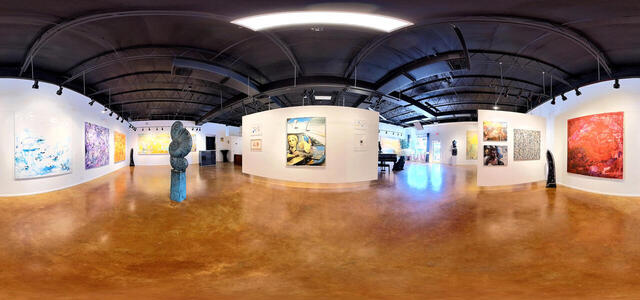
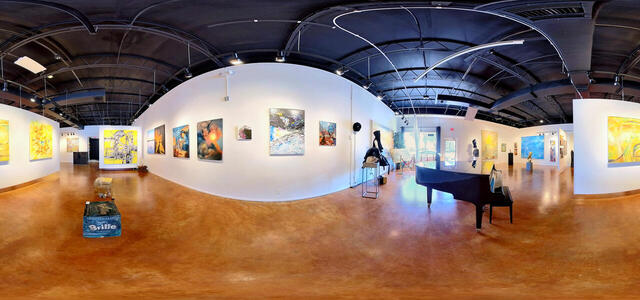
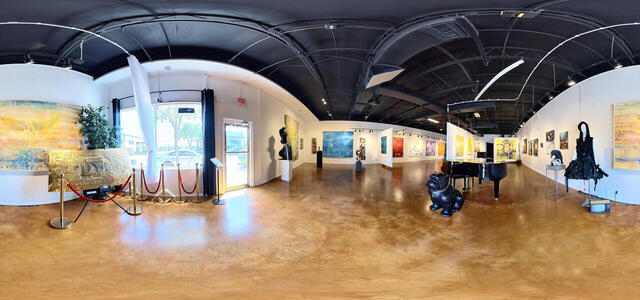
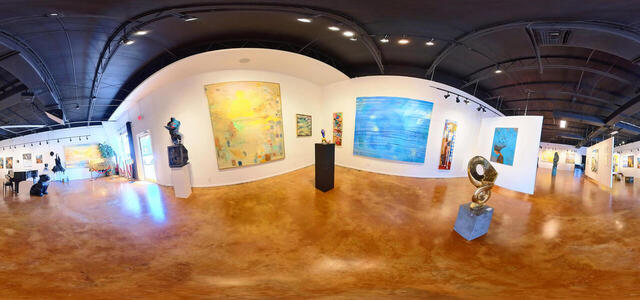
INGRESS GALLERY 7
INGRESS GALLERY 2
INGRESS GALLERY 5
INGRESS GALLERY
INGRESS GALLERY 8
INGRESS GALLERY 3
INGRESS GALLERY 6
INGRESS GALLERY 9
INGRESS GALLERY 10
INGRESS GALLERY 4
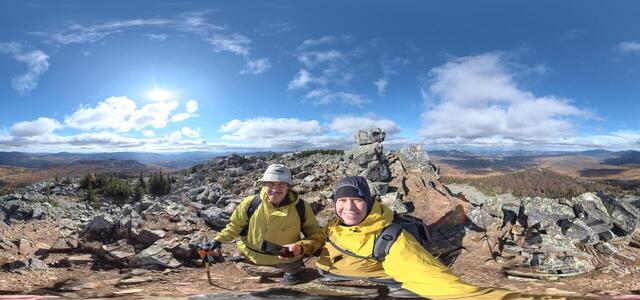
IMG 20250926 141211 00 merged

RW9J+47 Bakal, Chelyabinsk Oblast, Russia

IMG 20250628 073502 722

XC22+45 Molzhaninovsky district, Moscow, Russia

IMG 20250628 073504 402

76, Poima SNT, Moscow region, Russia, 141425

IMG 20250628 073505 773

76, Poima SNT, Moscow region, Russia, 141425

IMG 20250628 073506 986

76, Poima SNT, Moscow region, Russia, 141425

2
How to create a virtual 3D tour? Step-by-step instruction

The order is as follows: 1) upload to the site spherical panoramas from which you plan to create a virtual tour; 2) from the list of uploaded panoramas add each panorama to the virtual tour (Add to 3D tour link); 3) open the created virtual tour, edit the panorama order, select the main panorama, set transition points (tunnels).

30
Showing 1-16 of 16 items.