DJI FC7703

Classic camera

360° panoramas

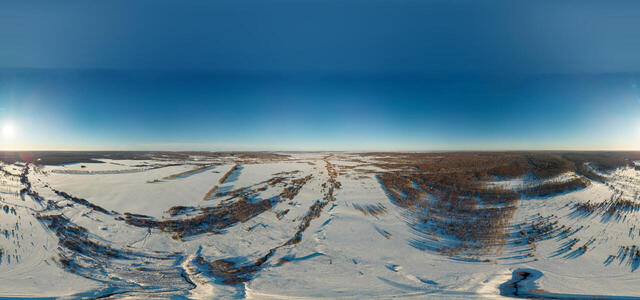
Non-freezing vaucluse spring on the Volga Upland

4JGW+QF Garth, Republic of Mordovia, Russia

HXLR3449

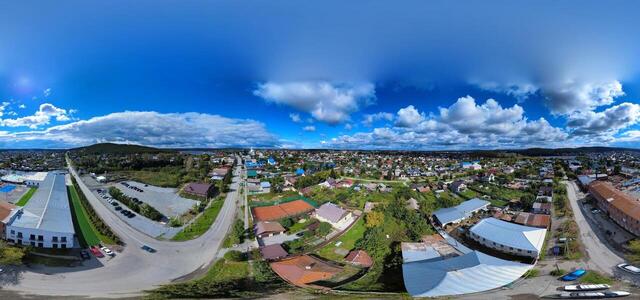
Bykova st., 11, Sysert, Sverdlovsk region, Russia, 624022

GKCT4866

Bykova st., 28, Sysert, Sverdlovsk region, Russia, 624022

EJBI1012

FRQ5+H9 Sysert, Sverdlovsk region, Russia

CDNC0000

Bykova st., 13, Sysert, Sverdlovsk region, Russia, 624022

IHPC4365

FRR5+68 Sysert, Sverdlovsk region, Russia

NNEJ1154

st. Engelsa, 1A, Sysert, Sverdlovsk region, Russia, 624022

QLDS3573

st. Antropova, 1, Sysert, Sverdlovsk region, Russia, 624022

How to create a virtual 3D tour? Step-by-step instruction

The order is as follows: 1) upload to the site spherical panoramas from which you plan to create a virtual tour; 2) from the list of uploaded panoramas add each panorama to the virtual tour (Add to 3D tour link); 3) open the created virtual tour, edit the panorama order, select the main panorama, set transition points (tunnels).

30
Showing 1-8 of 8 items.