DJI FC7503

Classic camera

360° panoramas

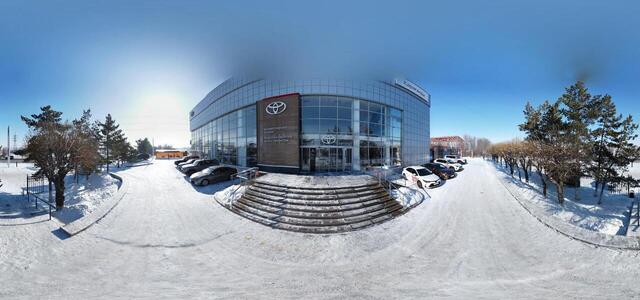
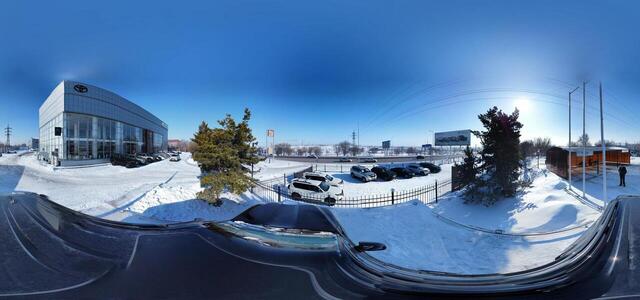
dji fly 20260214 115520 71 1771049883011 pano optimized

st. 108th Accounting Quarter, 305, Karaganda 100000, Kazakhstan

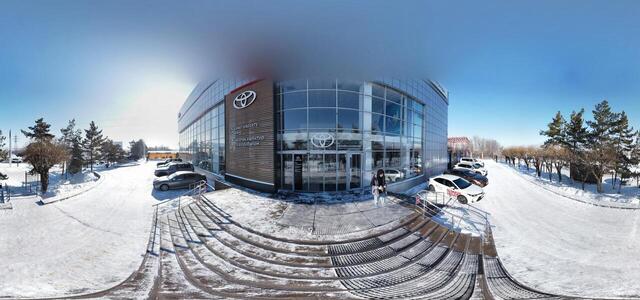
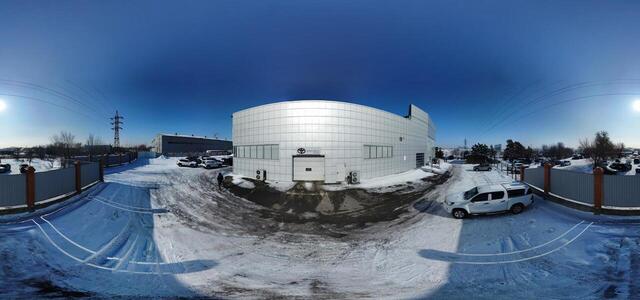
dji fly 20260214 115738 73 1771049724763 pano optimized

st. 108th Accounting Quarter, 305, Karaganda 100000, Kazakhstan

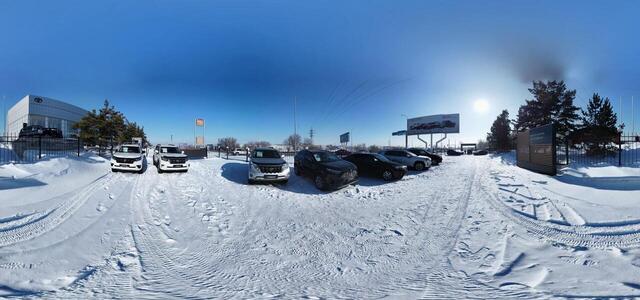
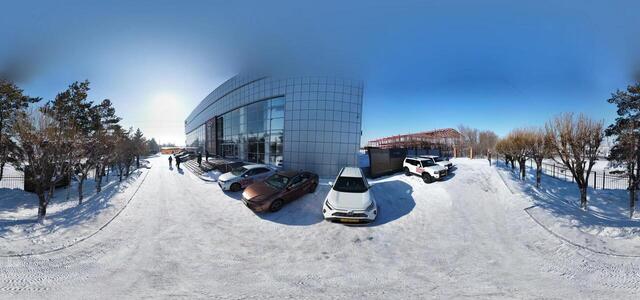
dji fly 20260214 120058 76 1771049441915 pano optimized

st. 108th Accounting Quarter, 305, Karaganda 100000, Kazakhstan

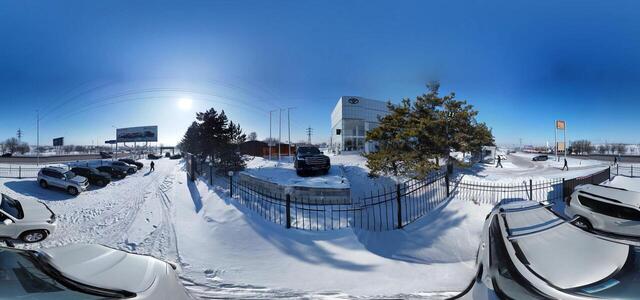
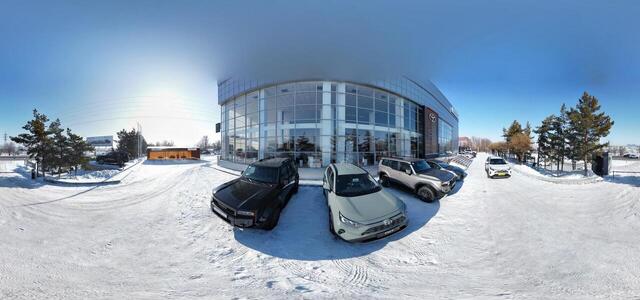
dji fly 20260214 120212 77 1771049380909 pano optimized

st. 108th Accounting Quarter, 305, Karaganda 100000, Kazakhstan

dji fly 20260214 115950 75 1771049528818 pano optimized

st. 108th Accounting Quarter, 305, Karaganda 100000, Kazakhstan

dji fly 20260214 120336 78 1771049255331 pano optimized
dji fly 20260214 115634 72 1771049791495 pano optimized

st. 108th Accounting Quarter, 305, Karaganda 100000, Kazakhstan

dji fly 20260214 115838 74 1771049629845 pano optimized

st. 108th Accounting Quarter, 305, Karaganda 100000, Kazakhstan

The Opus One
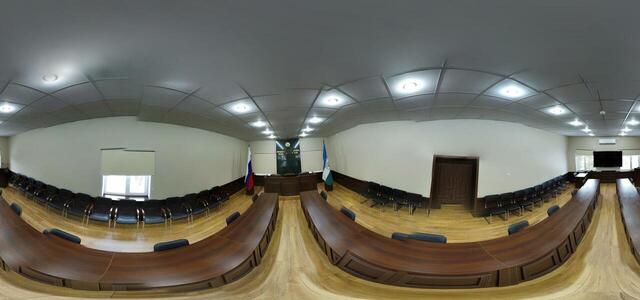
Assembly hall
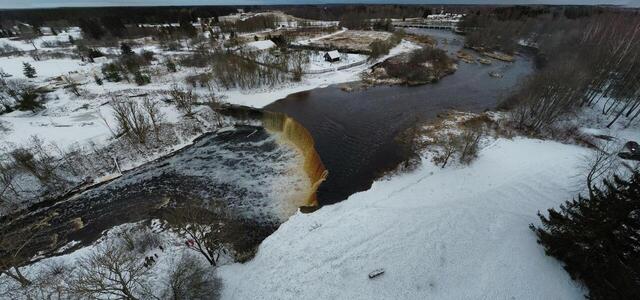
dji fly 20250102 145706 53 1735822774431 pano optimized

Kadaka, Kadaka, Jägala-Joa, 74212 Harju maakond, Estonia

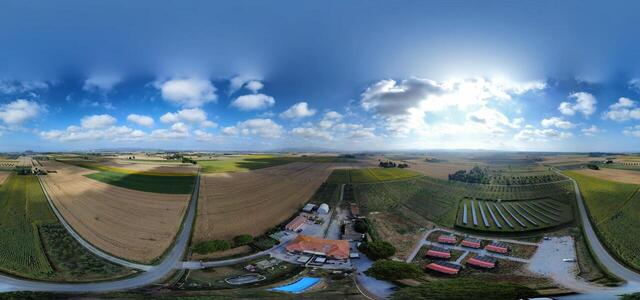
Agriturismo Stella Marina
How to create a virtual 3D tour? Step-by-step instruction

The order is as follows: 1) upload to the site spherical panoramas from which you plan to create a virtual tour; 2) from the list of uploaded panoramas add each panorama to the virtual tour (Add to 3D tour link); 3) open the created virtual tour, edit the panorama order, select the main panorama, set transition points (tunnels).

30
Showing 1-12 of 12 items.