
Nhadatngop04

7   11   0   0   0 / 0

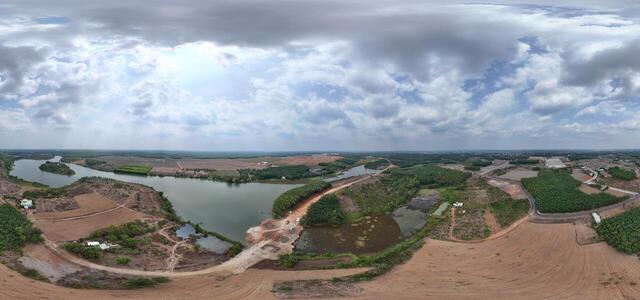
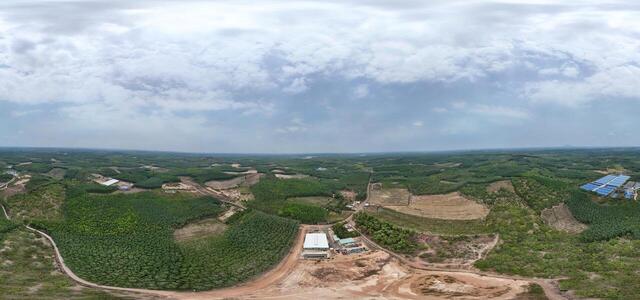
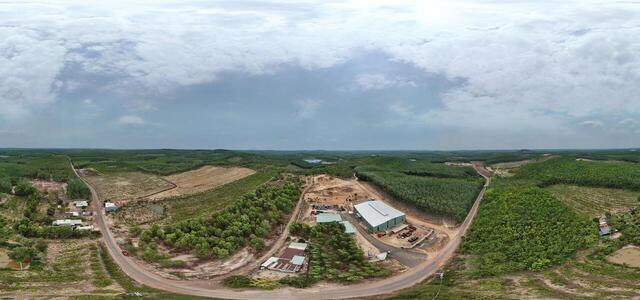
360° panoramas

04 date 22.04 Kuland Tuyến 3 DT 741 và CCN Thành Phương (8)

CVX6+7GQ, Tôn Đức Thắng, TT. Tân Phú, Đồng Phú, Đồng Nai, Vietnam

04 date 22.04 Kuland Tuyến 3 DT 741 và CCN Thành Phương (7)

CVX5+HJ Dong Phu, Dong Nai, Vietnam

04 date 22.04 Kuland Tuyến 3 DT 741 và CCN Thành Phương (6)

CVX4+97, Dong Phu, Dong Nai, Vietnam

04 date 22.04 Kuland Tuyến 3 DT 741 và CCN Thành Phương (5)

FV24+JR Dong Phu, Dong Nai, Vietnam

04 date 22.04 Kuland Tuyến 3 DT 741 và CCN Thành Phương (1)

FV54+8P Dong Phu, Dong Nai, Vietnam

03 date 22.04 Kuland TTHC Đồng Phú Đảo Yến Sơn Hà (11)

JXM2+RR Thuan Loi, Binh Phuoc, Vietnam

03 date 22.04 Kuland TTHC Đồng Phú Đảo Yến Sơn Hà (7)

JXP3+4H Thuan Loi, Binh Phuoc, Vietnam

How to create a virtual 3D tour? Step-by-step instruction

The order is as follows: 1) upload to the site spherical panoramas from which you plan to create a virtual tour; 2) from the list of uploaded panoramas add each panorama to the virtual tour (Add to 3D tour link); 3) open the created virtual tour, edit the panorama order, select the main panorama, set transition points (tunnels).

30
Showing 1-7 of 7 items.