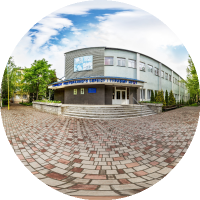
Nata170364

35   47   0   0   0 / 0

360° panoramas
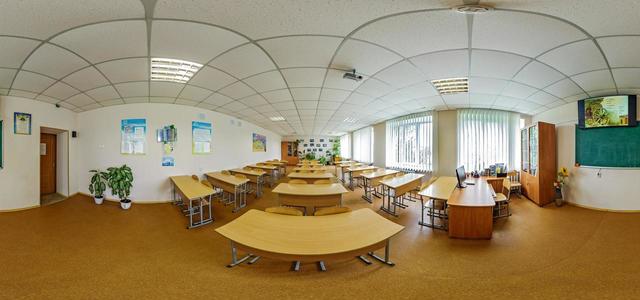
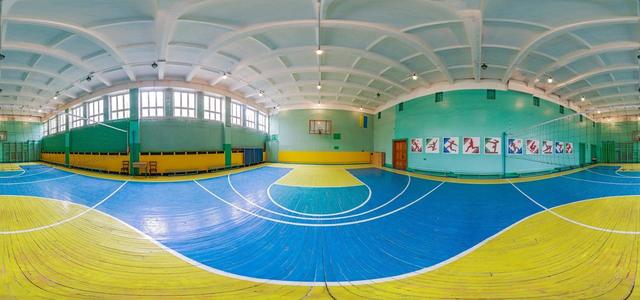
Gym
Smerichka
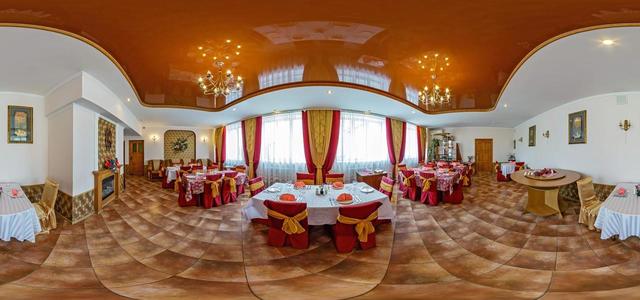
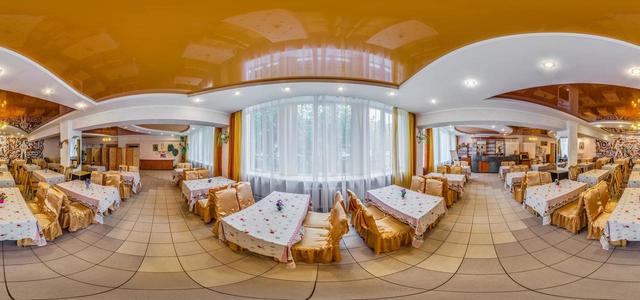
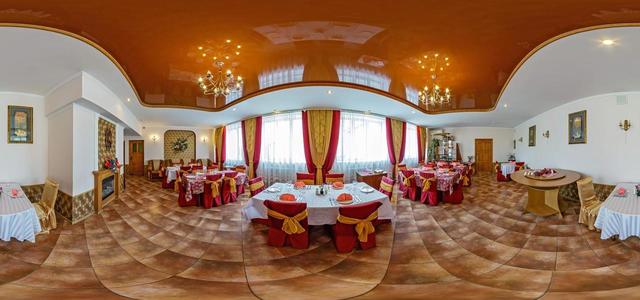
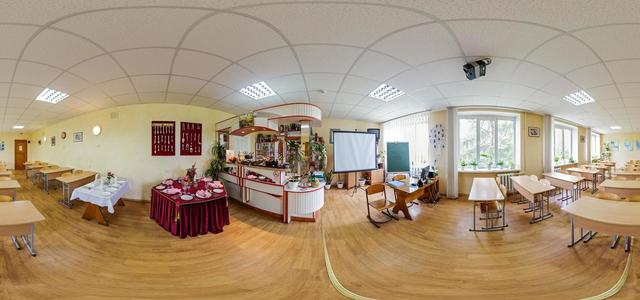
Restaurant
Maysternya GO
Maisternya of waiters
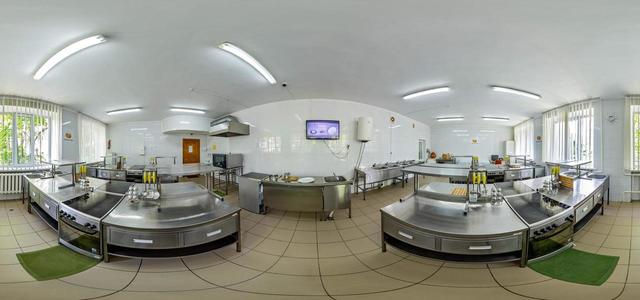
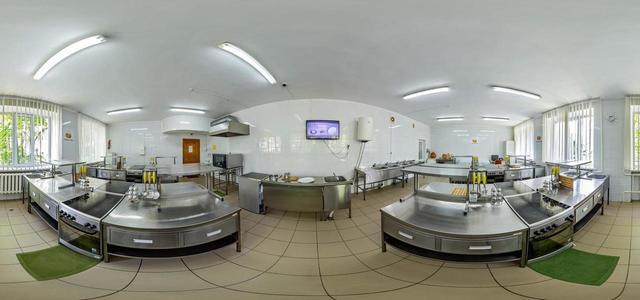
Kitchen-laboratory
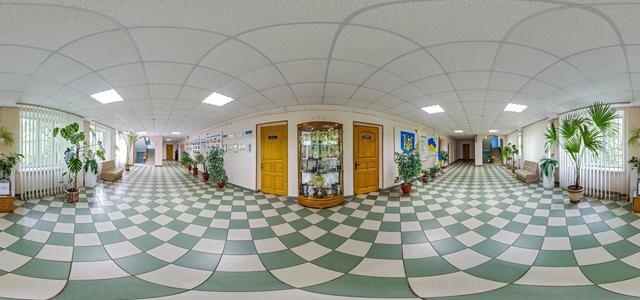
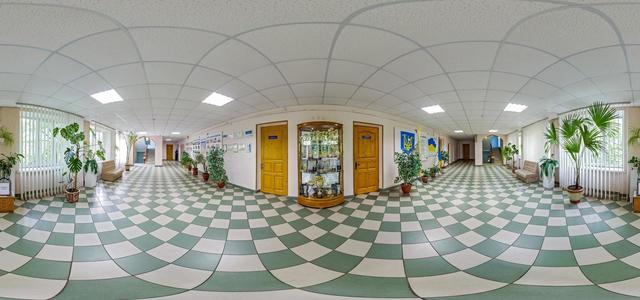
Corridor 2 over
Corridor 1 over
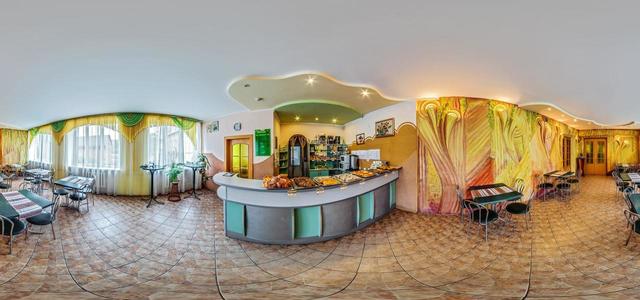
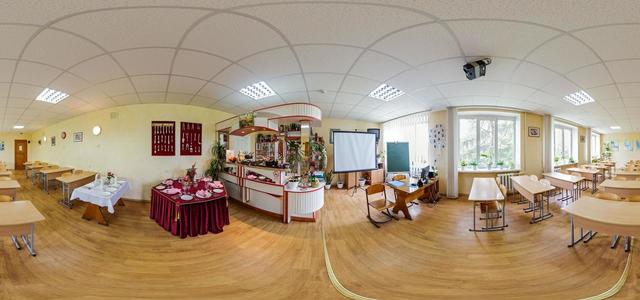
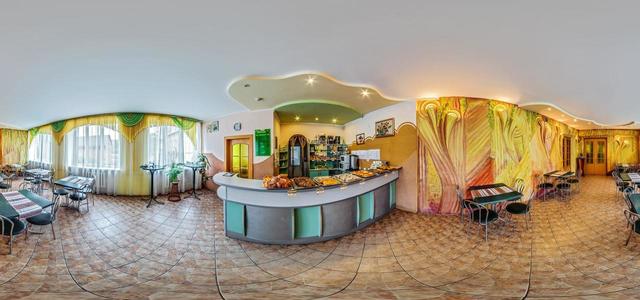
Cafe
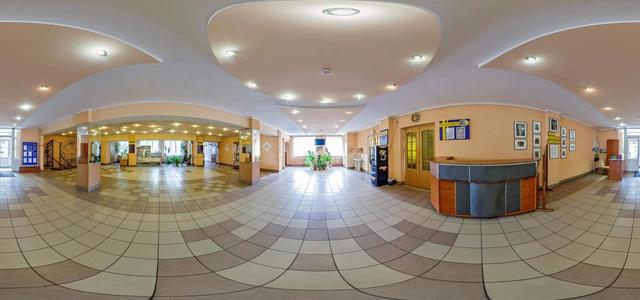
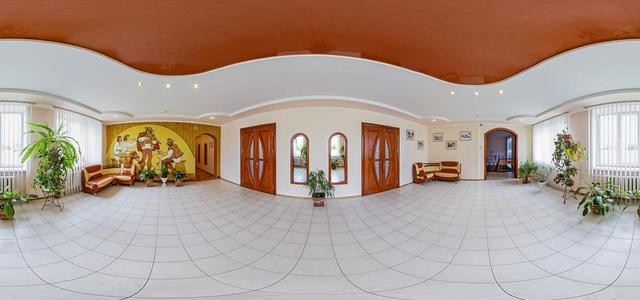
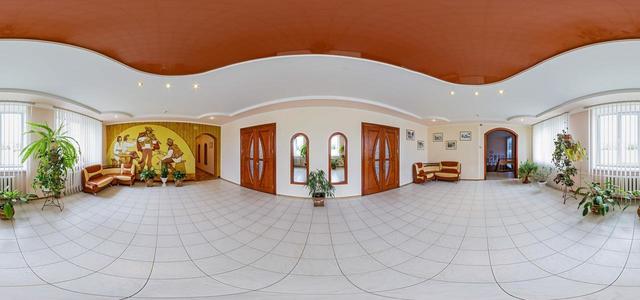
Corridor near the assembly hall
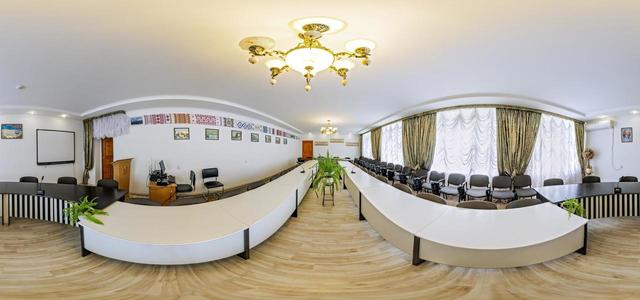
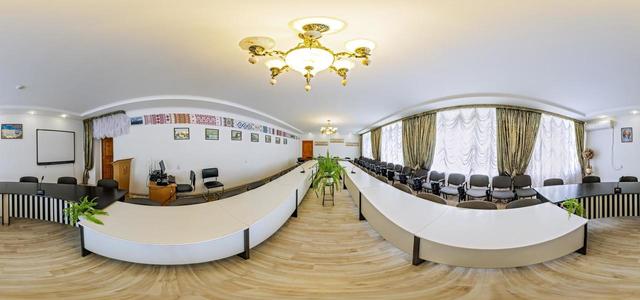
Conference hall1
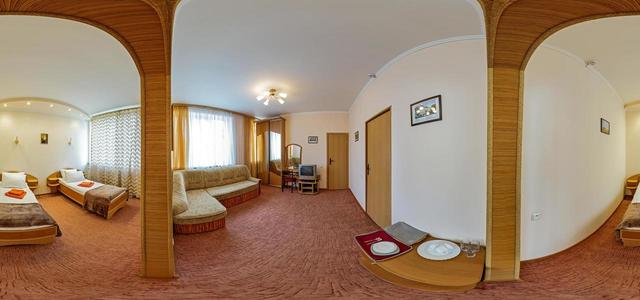
Cabinet of History
Door to college
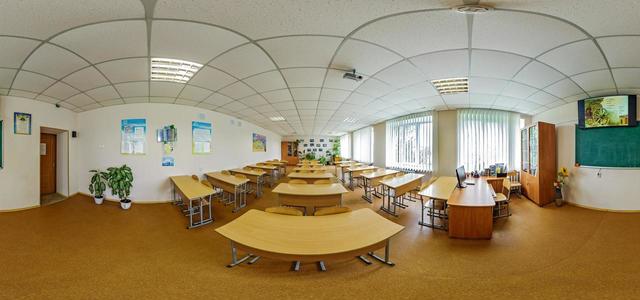
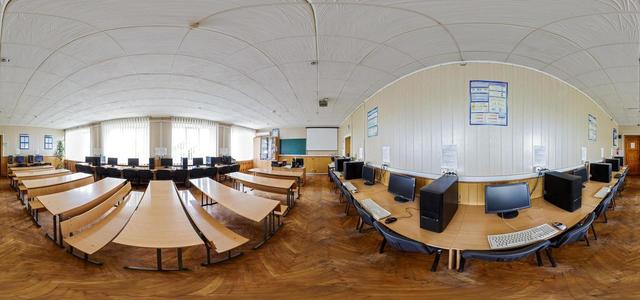
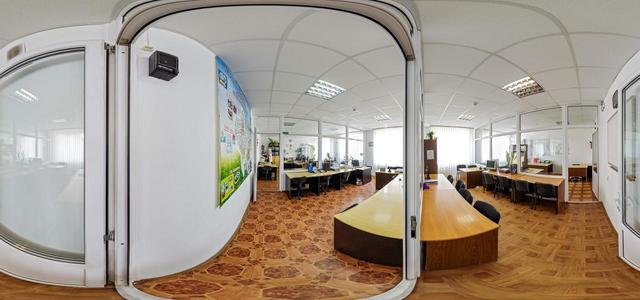
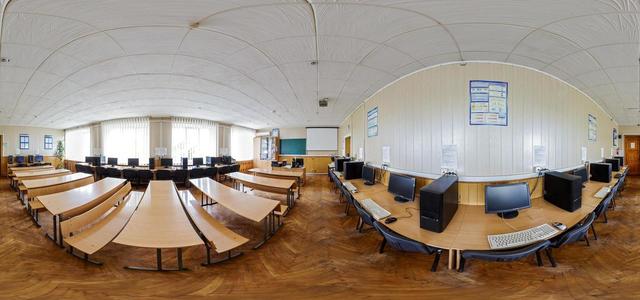
Cabinet of Informatics
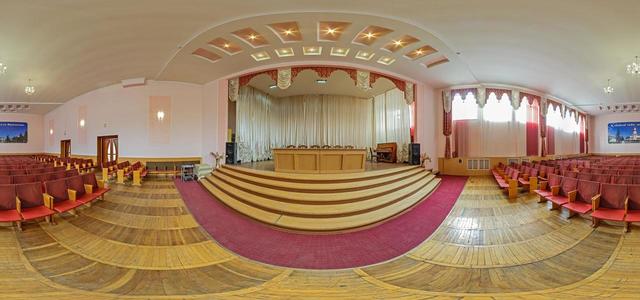
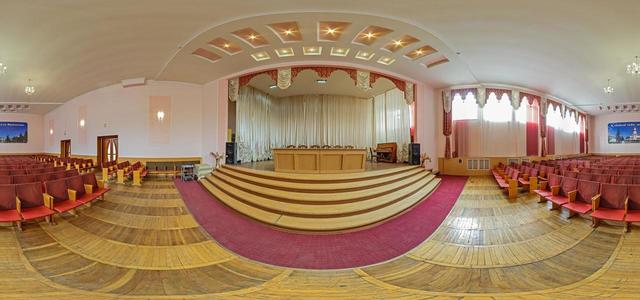
assembly hall
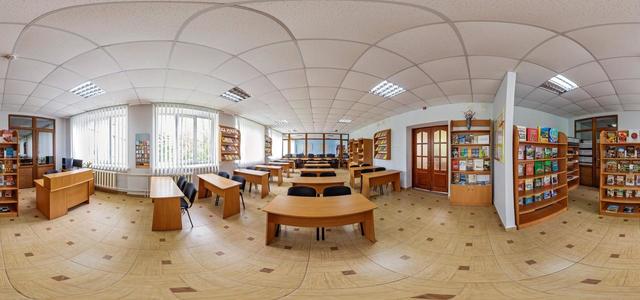
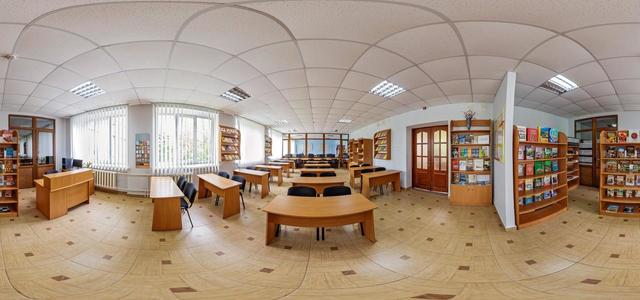
library
Service room in ZRG
Smerichka
Restaurant
Gym
Maisternya of waiters
Maysternya GO
Kitchen-laboratory
Corridor 1 over
Corridor 2 over
Conference hall1
Corridor near the assembly hall
Cafe
Cabinet of History
Cabinet of Informatics
library
Service room in ZRG
Door to college
assembly hall
How to create a virtual 3D tour? Step-by-step instruction

The order is as follows: 1) upload to the site spherical panoramas from which you plan to create a virtual tour; 2) from the list of uploaded panoramas add each panorama to the virtual tour (Add to 3D tour link); 3) open the created virtual tour, edit the panorama order, select the main panorama, set transition points (tunnels).
30
Showing 1-34 of 34 items.