Ilia.pancha

Панорамы!

160   457   0   0   0 / 0

PRO

360° panoramas

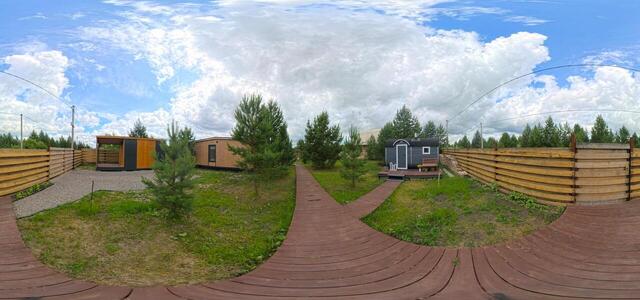
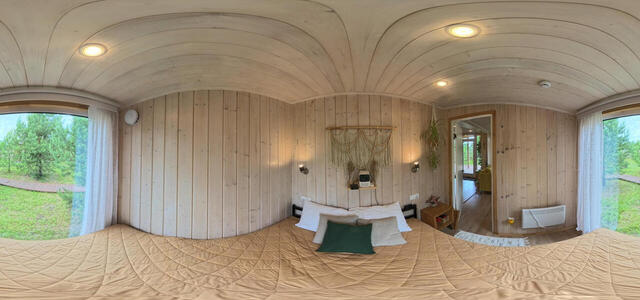
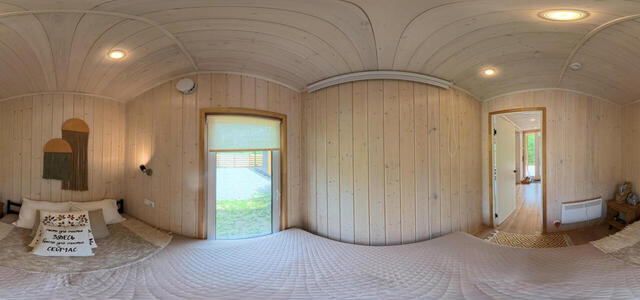
IMG 20240625 121735 00 037

444C+4C Elan, Tyumen region, Russia

IMG 20240625 121858 00 038

444C+4C Elan, Tyumen region, Russia

IMG 20240625 120523 00 032

444C+58 Elan, Tyumen region, Russia

IMG 20240625 122343 00 041

444C+4C Elan, Tyumen region, Russia

IMG 20240625 120221 00 031
IMG 20240625 122057 00 039

444C+4C Elan, Tyumen region, Russia

IMG 20240625 122224 00 040

444C+4C Elan, Tyumen region, Russia

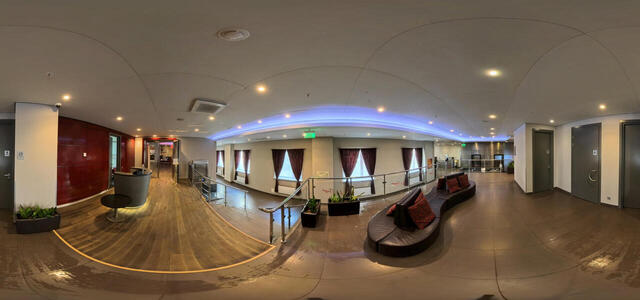
IMG 20240620 112341 00 009

st. 50 Let Oktyabrya, 14, Tyumen, Tyumen region, Russia, 625048

How to create a virtual 3D tour? Step-by-step instruction

The order is as follows: 1) upload to the site spherical panoramas from which you plan to create a virtual tour; 2) from the list of uploaded panoramas add each panorama to the virtual tour (Add to 3D tour link); 3) open the created virtual tour, edit the panorama order, select the main panorama, set transition points (tunnels).

30
Showing 141-148 of 148 items.