
Datcong103

8   9   0   0   0 / 0

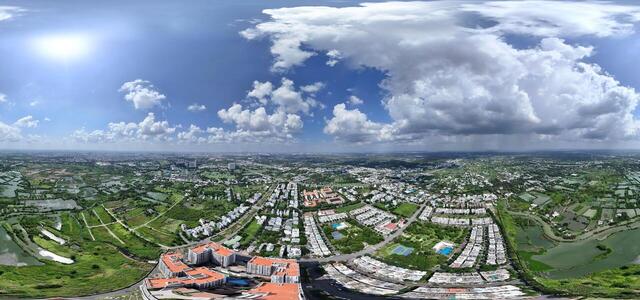
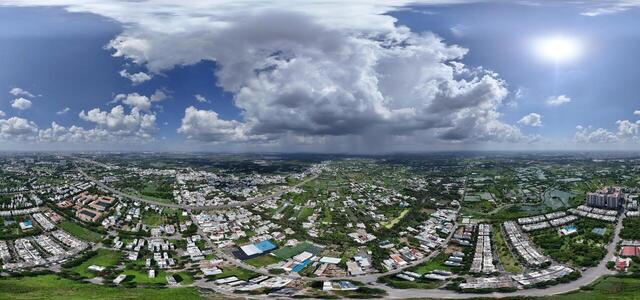
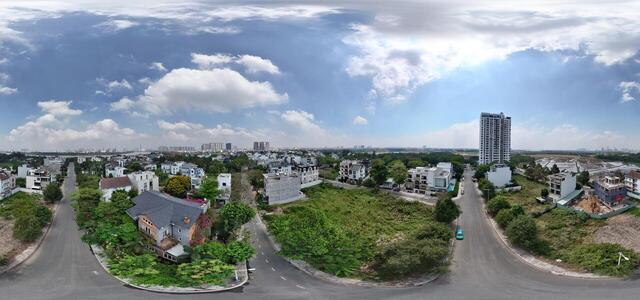
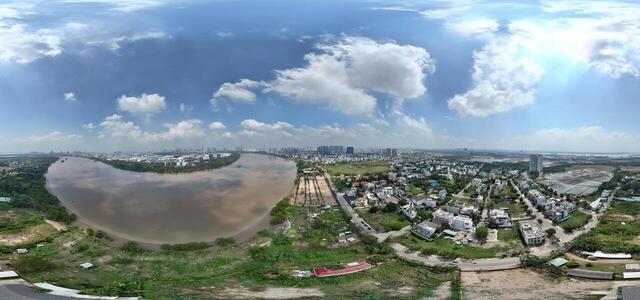
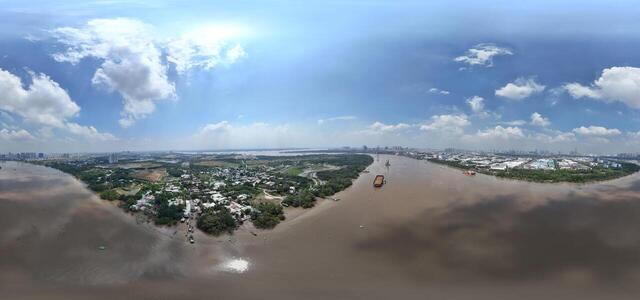
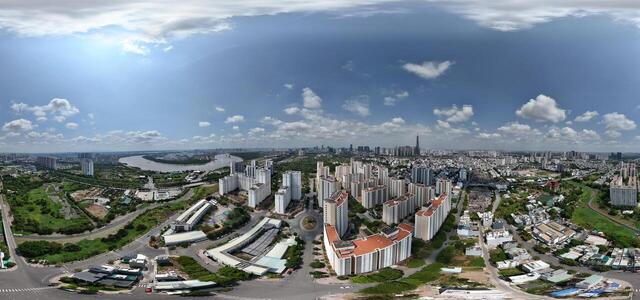
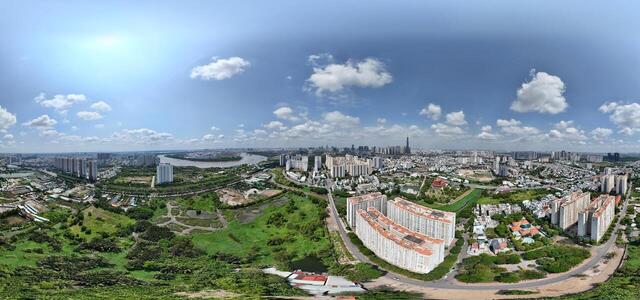
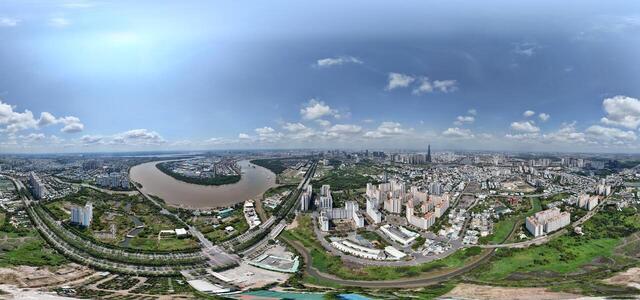
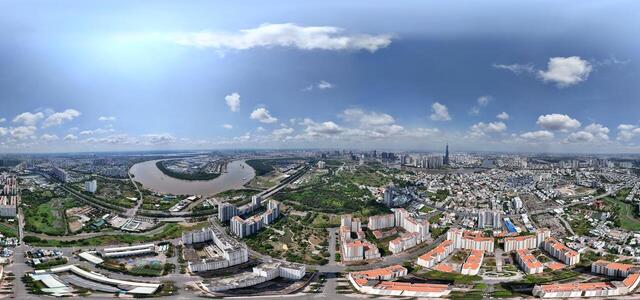
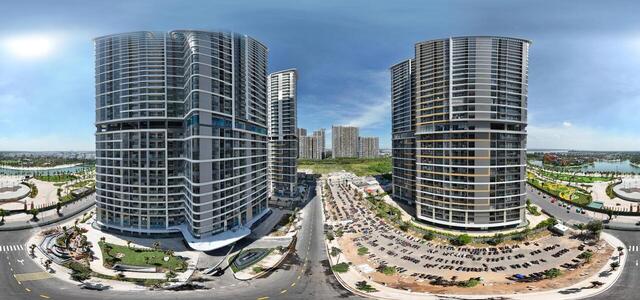
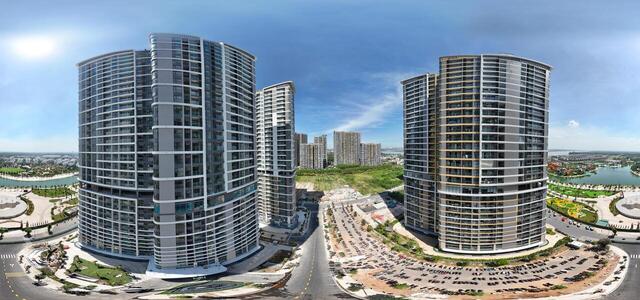
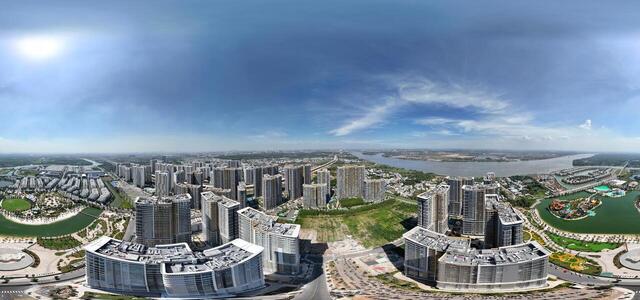
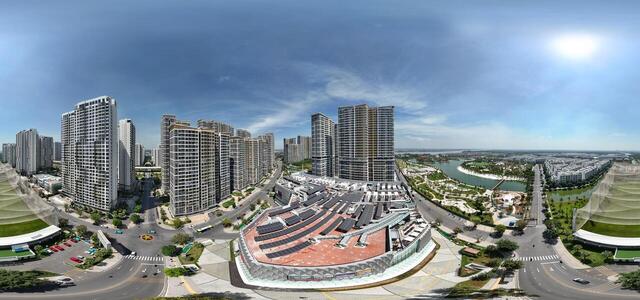
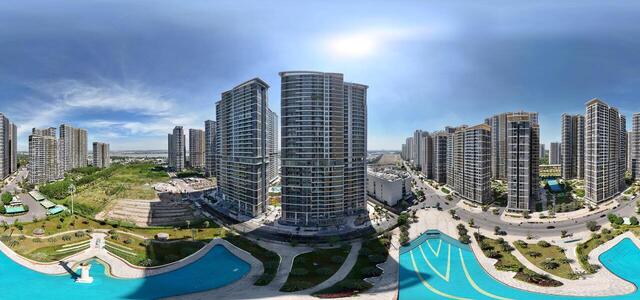
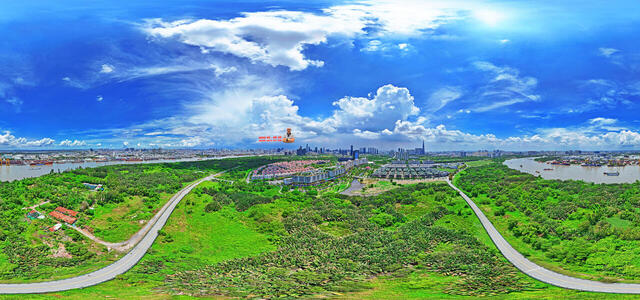
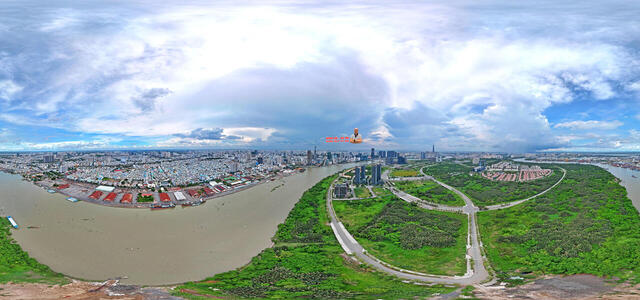
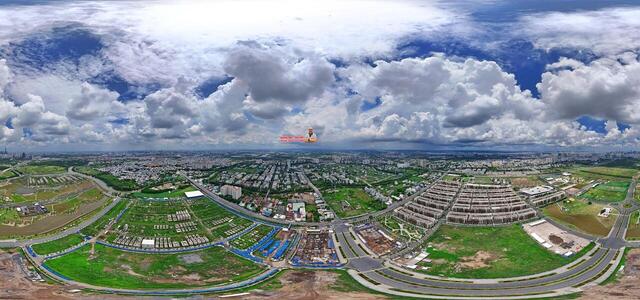
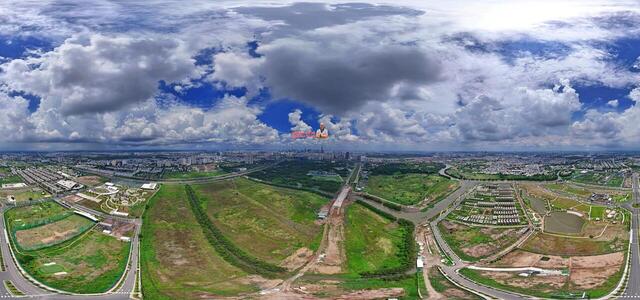
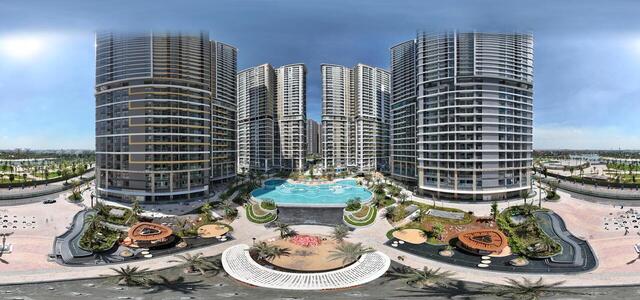
360° panoramas

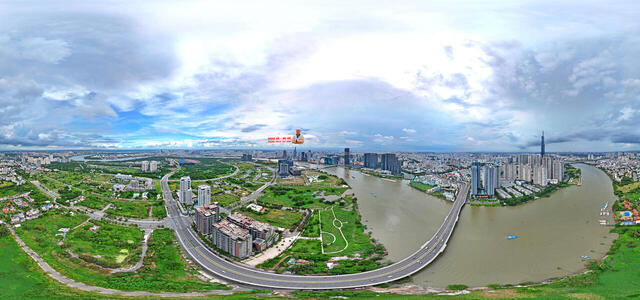
thuthiem0518 congvien 1

512/57C Trần Não, An Lợi Đông, Thủ Đức, Hồ Chí Minh, Vietnam

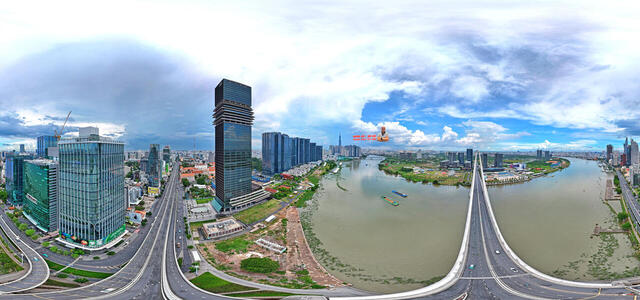
thuthiem0518 duongvongcung 1

336/3 Thủ Thiêm, An Lợi Đông, Thủ Đức, Hồ Chí Minh, Vietnam

thuthiem0518 cauthuthiem1 1

137 Lương Định Của, Thủ Thiêm, Thủ Đức, Hồ Chí Minh, Vietnam

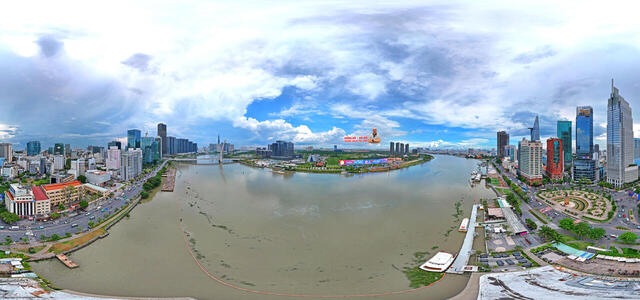
thuthiem0518 caubason 1

QPJ5+974 Công viên gầm cầu Ba Son, Cầu Ba Son, Bến Nghé, Quận 1, Hồ Chí Minh, Vietnam

thuthiem0518 benbachdang 1

10C Tôn Đức Thắng, Bến Nghé, Quận 1, Hồ Chí Minh 71006, Vietnam

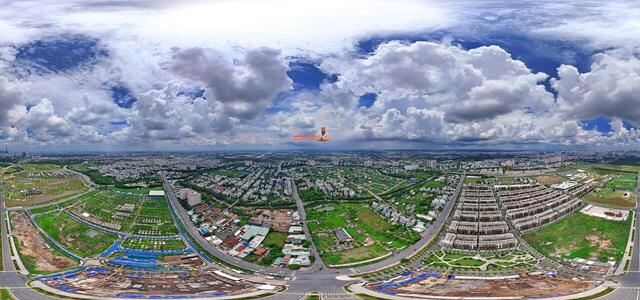
TheGlobalCity0525 2

Đ.N1, Thủ Đức, Hồ Chí Minh, Vietnam

TheGlobalCity0525 1

RQ3G+G9 Thủ Đức City, Ho Chi Minh City, Vietnam

TheGlobalCity0525 3

RQ29+QQ Thủ Đức City, Ho Chi Minh City, Vietnam

How to create a virtual 3D tour? Step-by-step instruction

The order is as follows: 1) upload to the site spherical panoramas from which you plan to create a virtual tour; 2) from the list of uploaded panoramas add each panorama to the virtual tour (Add to 3D tour link); 3) open the created virtual tour, edit the panorama order, select the main panorama, set transition points (tunnels).

30
Showing 1-8 of 8 items.