
79268859504

9   2   0   0   0 / 0

360° panoramas

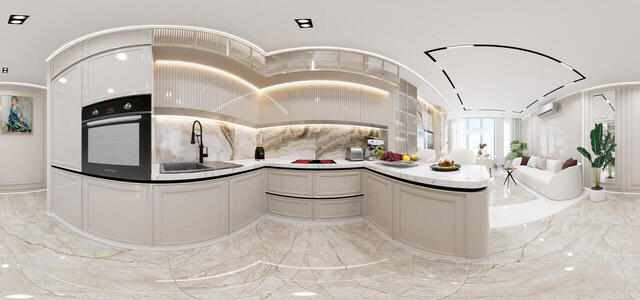
382 Asya Khersonskaya 43k5 0011
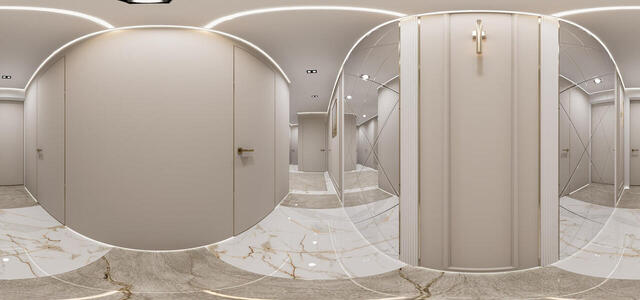
382 Asya Khersonskaya 43k5 0007
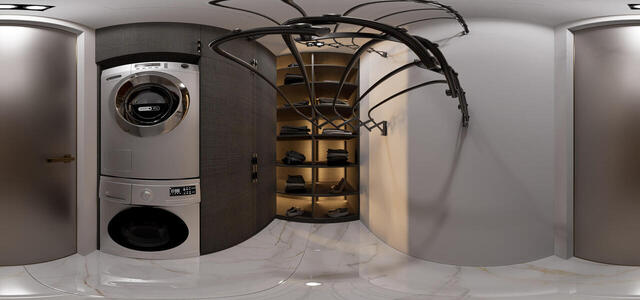
382 Asya Khersonskaya 43k5 0003
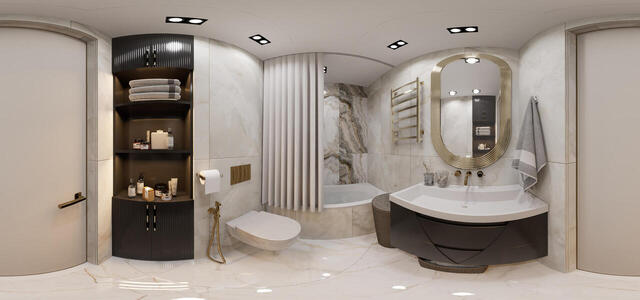
382 Asya Khersonskaya 43k5 0004
382 Asya Khersonskaya 43k5 0001
382 Asya Khersonskaya 43k5 0014
382 Asya Khersonskaya 43k5 0002
382 Asya Khersonskaya 43k5 0013
How to create a virtual 3D tour? Step-by-step instruction

The order is as follows: 1) upload to the site spherical panoramas from which you plan to create a virtual tour; 2) from the list of uploaded panoramas add each panorama to the virtual tour (Add to 3D tour link); 3) open the created virtual tour, edit the panorama order, select the main panorama, set transition points (tunnels).

30
Showing 1-8 of 8 items.