
Tonyngocoffice

8   11   0   0   0 / 0

360° panoramas

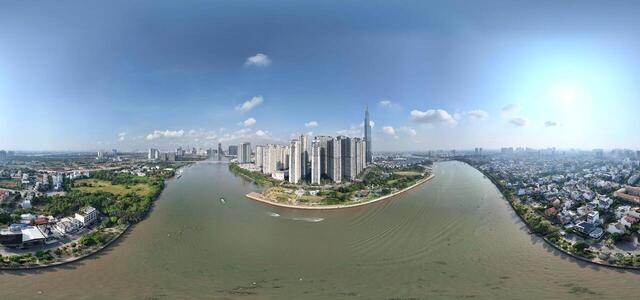
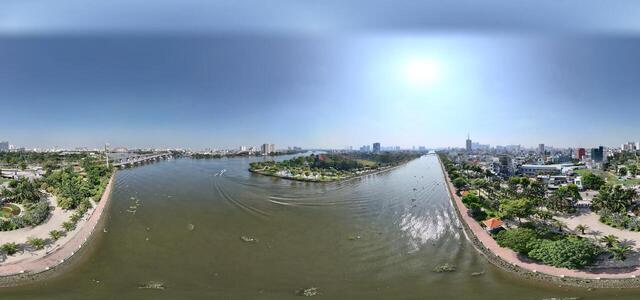
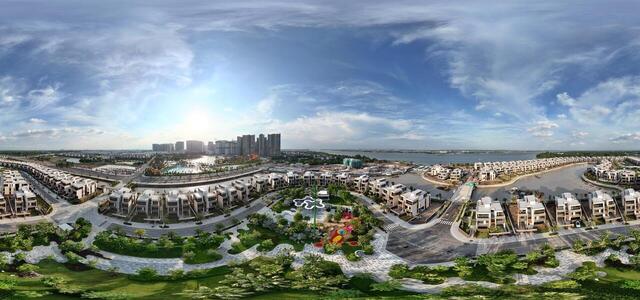
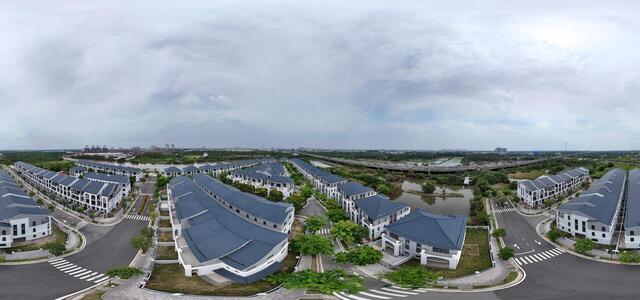
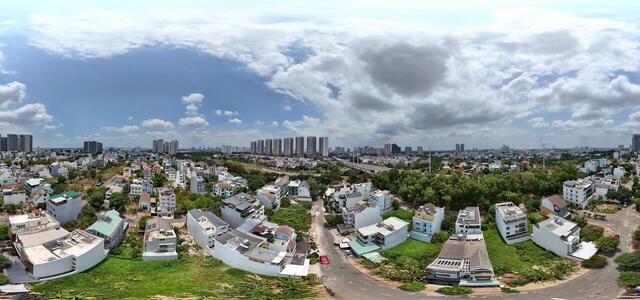
0501.2025 The Revus (2)

39490 Phước Thiện, Long Bình, Thủ Đức, Hồ Chí Minh, Vietnam

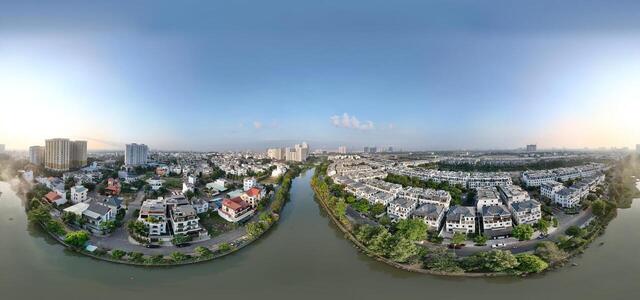
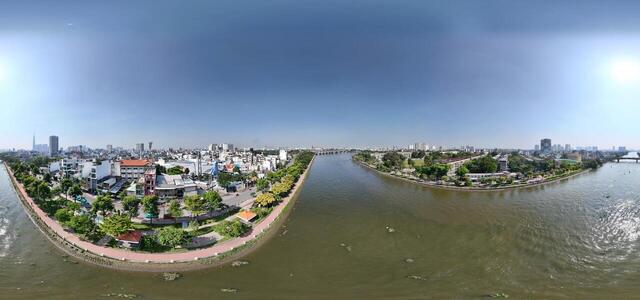
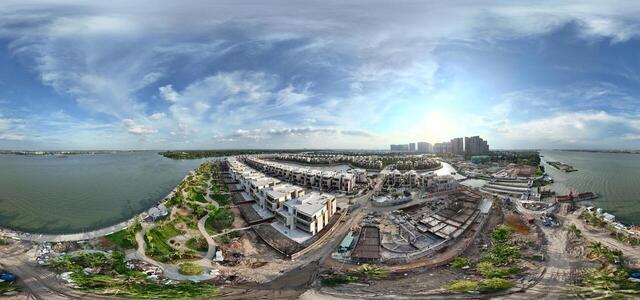
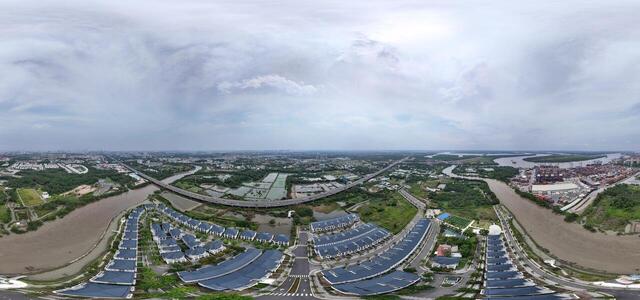
0501.2025 The Revus (3)

RVR2+CW Thủ Đức City, Ho Chi Minh City, Vietnam

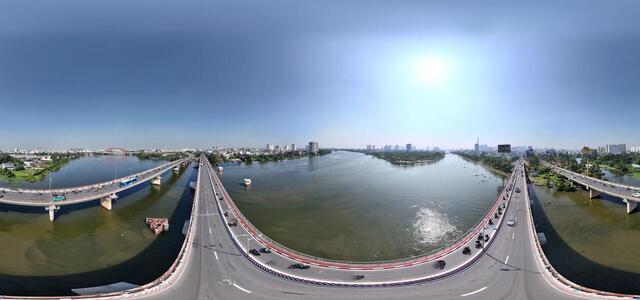
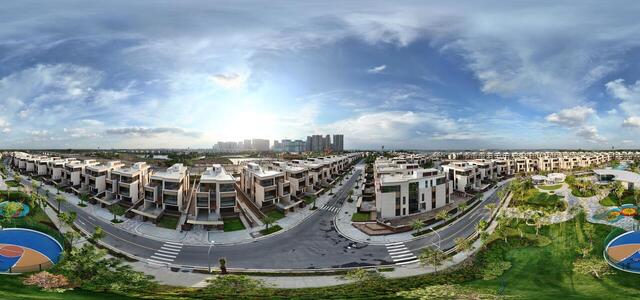
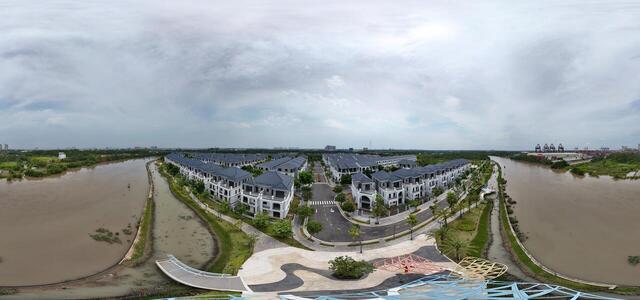
0501.2025 The Revus (5)

39669 Phước Thiện, Long Bình, Thủ Đức, Hồ Chí Minh, Vietnam

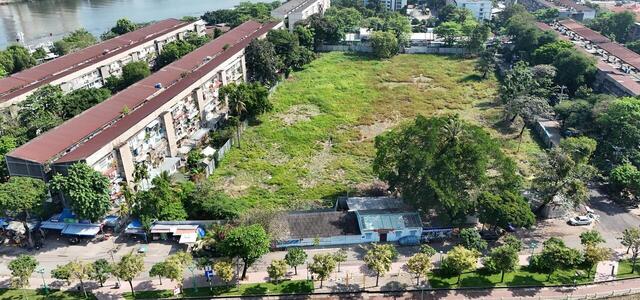
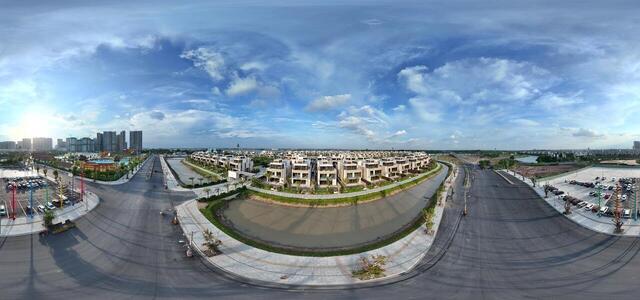
0501.2025 The Revus (1)

442 Phước Thiện, Long Bình, Thủ Đức, Hồ Chí Minh, Vietnam

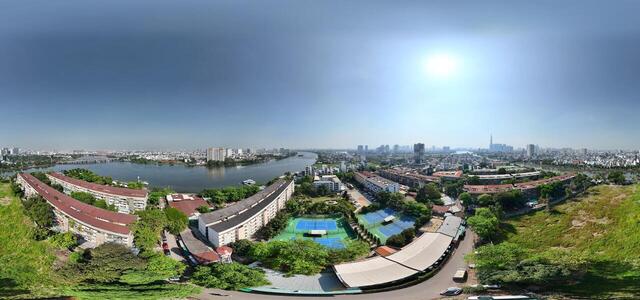
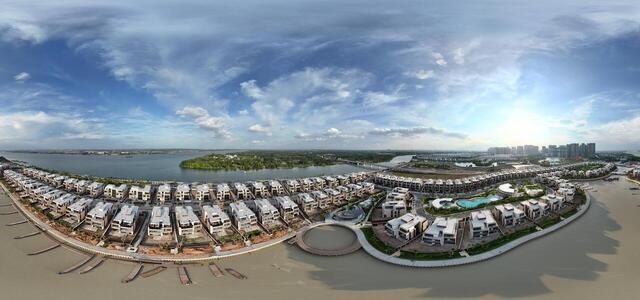
05.01.2025 palm NVL (2)

33A Đ. Trường Lưu, Khu phố Trường Lưu, Thủ Đức, Hồ Chí Minh, Vietnam

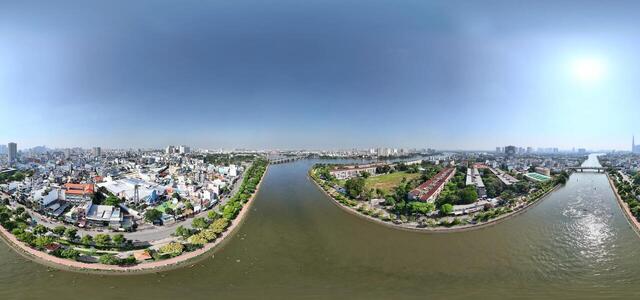
05.01.2025 palm NVL (1)

QRQC+P2C Clubhouse Palm City Novaland, Long Trường, Thủ Đức, Hồ Chí Minh, Vietnam

0501.2025 The Revus (4)

RVQ2+7M Thủ Đức City, Ho Chi Minh City, Vietnam

05.01.2025 palm NVL (3)

QRQ9+M7 Thủ Đức City, Ho Chi Minh City, Vietnam

How to create a virtual 3D tour? Step-by-step instruction

The order is as follows: 1) upload to the site spherical panoramas from which you plan to create a virtual tour; 2) from the list of uploaded panoramas add each panorama to the virtual tour (Add to 3D tour link); 3) open the created virtual tour, edit the panorama order, select the main panorama, set transition points (tunnels).

30
Showing 1-8 of 8 items.