- {{section.name}} x{{section.count}}

How to Render a 360° Panorama in 3ds Max with Corona Renderer
Step-by-step guide to rendering a spherical 360° panorama in 3ds Max with Corona Renderer: camera setup, projection settings and output resolution.
Learn moreTags
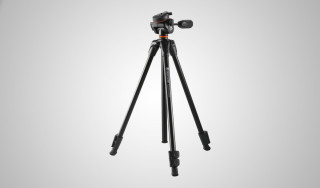
x145 Vanguard ESPOD 203AP Штатив
Compact 3-way pan head. Quick flip leg locks. Anti-shock ring prevents camera vibration damage. Legs adjust to 25-degree angles.


x138 SAMSUNG SM-C200
The Samsung Gear 360 Degree Camera is compatible with the Samsung Galaxy S6, S6 Edge, S6 Edge +, Note 5, S7, and S7 Edge. With the Samsung Gear 360 Degree Camera you can capture high resolution pictures and video in a full 360 degrees. The Samsung...
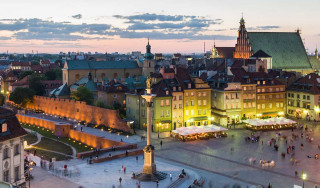
x137 Kirovograd
x132 3d project
x131 samsung SM-G780F
x129 Alma-Ata's region
x126 city of Salekhard
x125 DJI FC7303
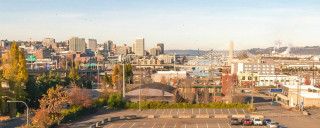
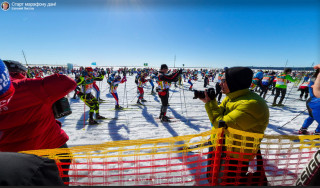
x121 Reporting Photography
Reporting photography is a special type of photography that combines landscape, portrait, domestic and other genres of photography. The main task of reporting shooting is to convey the atmosphere of the event, capture it in faces, emotions, and...
x119 Krivoy Rog
x117 DJI FC8282
x117 Sverdlovsk region
x117 SONY ILCE-7M3
x116 Best October - December 2020
This tag is added by administrators to the best works for the period from October to December 2020.