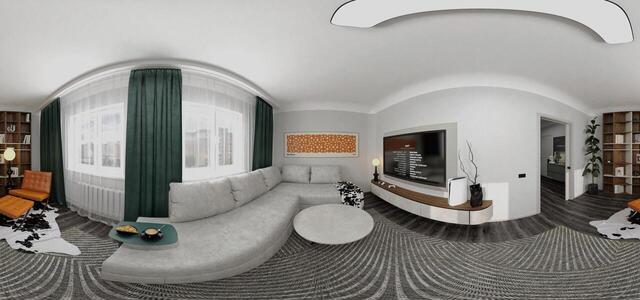
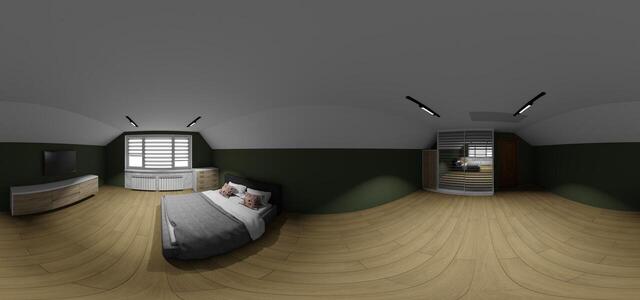
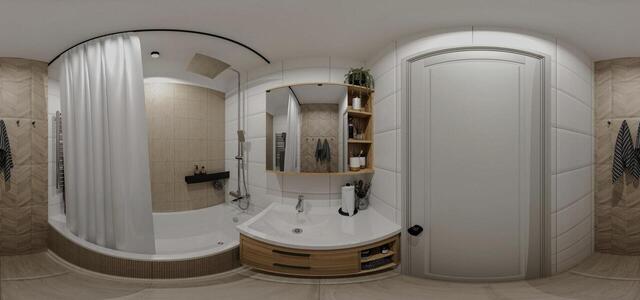
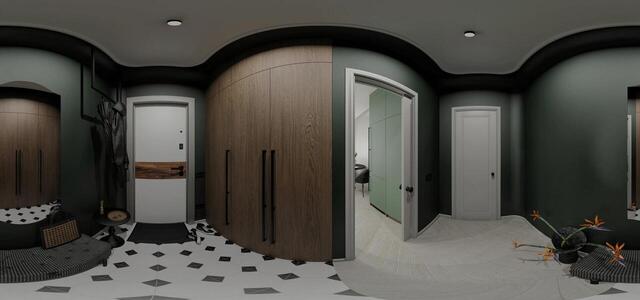
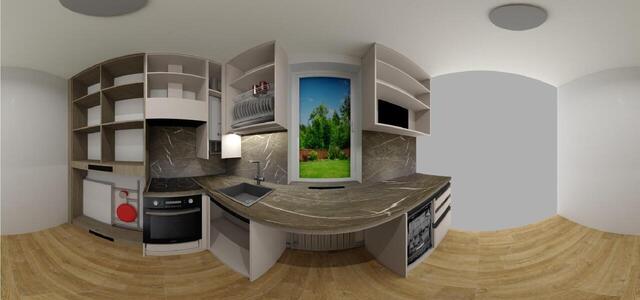
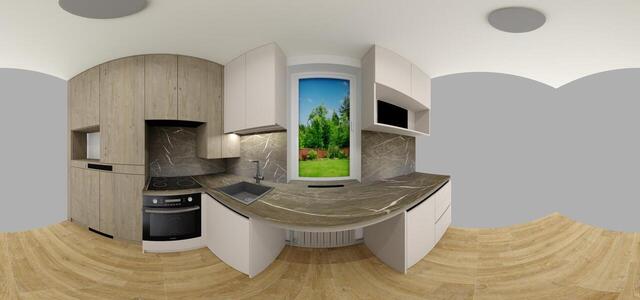
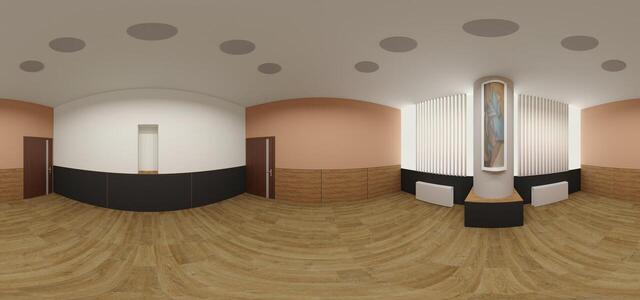
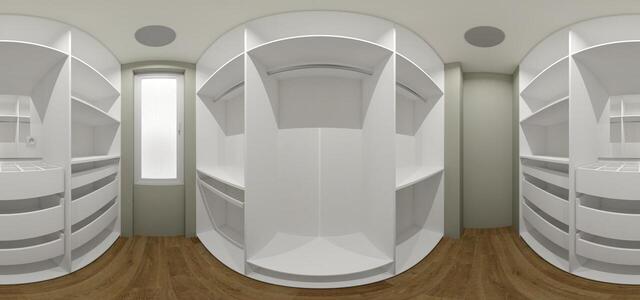
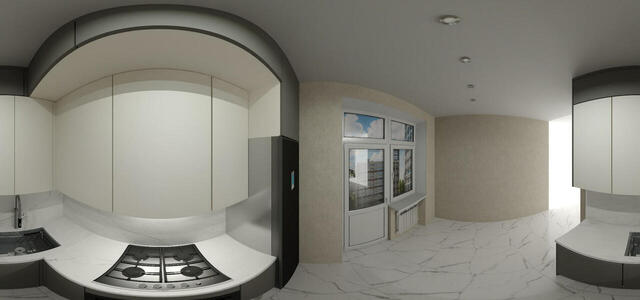
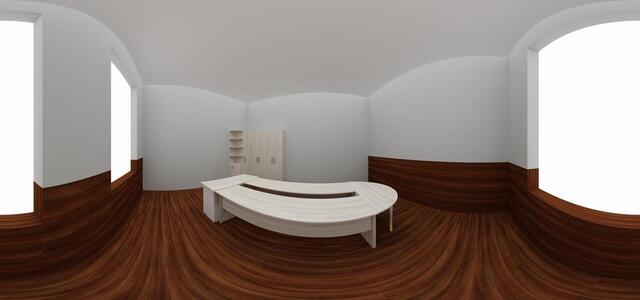
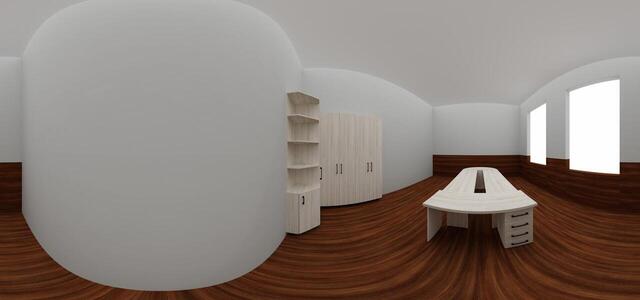
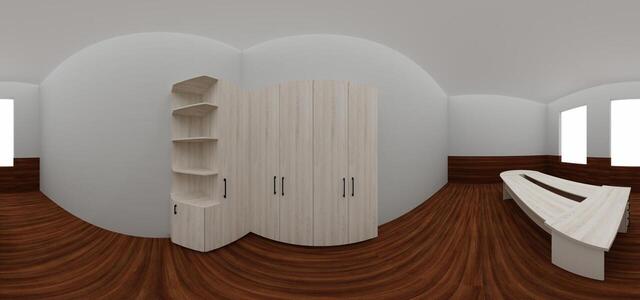
360° panoramas
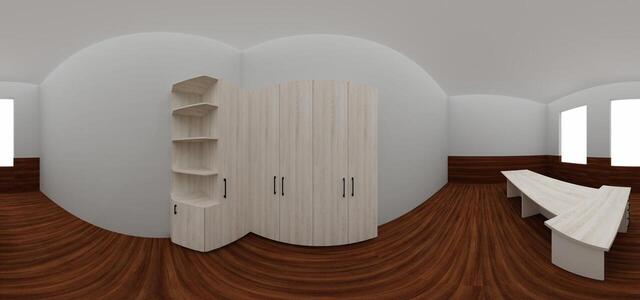
IMG 20260218 132328 970
4445B3A8266A43858B58378533678759
IMG 20250829 111907 142
IMG 20250819 130410 102
Test project
100
Gostomel, st. Heroiv Gostomel, 3, apt. 4v2
2Gostomel, st. Heroiv Gostomel, 3, apt. 4v2
Irpinskaya 26 bf
Irpinska 26
CONFERENCE
Osokorska 2 A, apartment 768A Residential Complex Zarichniy BF
Osokorska 2 A, apartment 768A Zarchniy residential complex
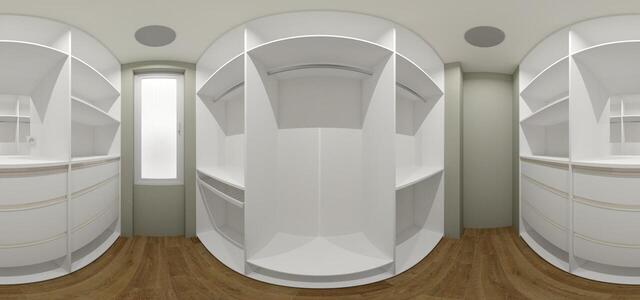
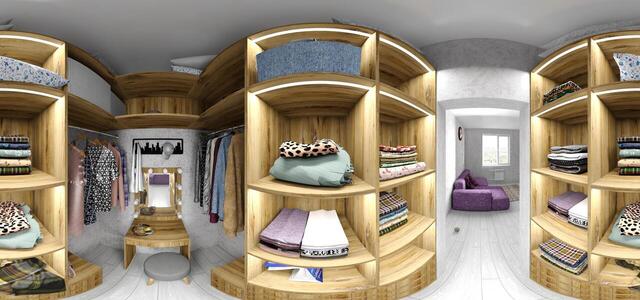
Wardrobe panorama
Yana and Ivan variant 3
Oaks bedroom
fed
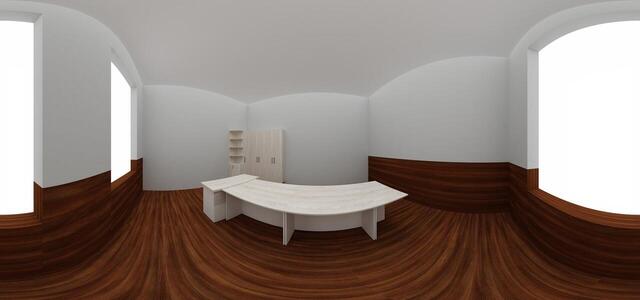
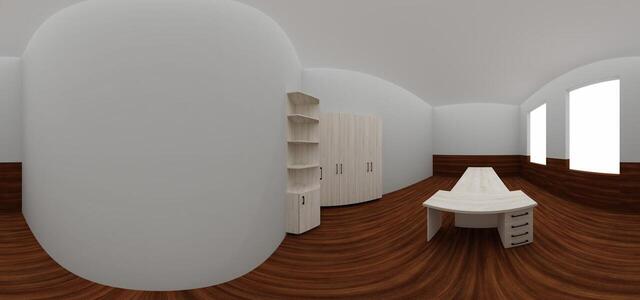
Directia Agicola Cabinet Șef 3B
Directia Agicola Cabinet Șef 2B
Directia Agicola Cabinet Șef 1B
Directia Agicola Cabinet Șef 3
Directia Agicola Cabinet Șef 2
12 wing beige 3123
12 wing beige Camera 1111
panorama
How to create a virtual 3D tour? Step-by-step instruction

The order is as follows: 1) upload to the site spherical panoramas from which you plan to create a virtual tour; 2) from the list of uploaded panoramas add each panorama to the virtual tour (Add to 3D tour link); 3) open the created virtual tour, edit the panorama order, select the main panorama, set transition points (tunnels).
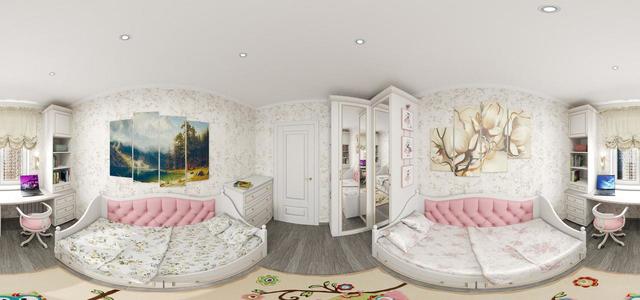
30
Showing 1-26 of 26 items.