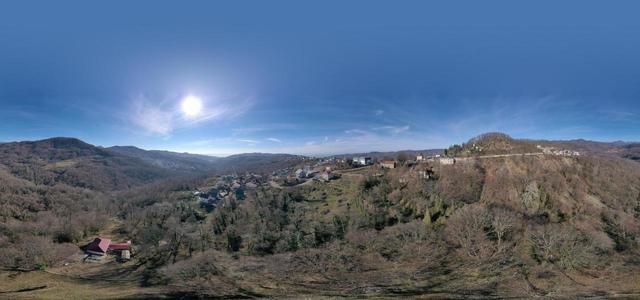
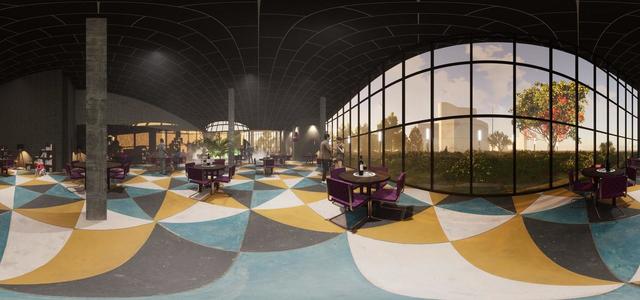
central District

Locations

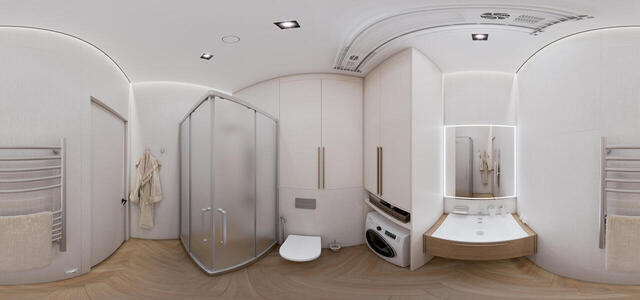
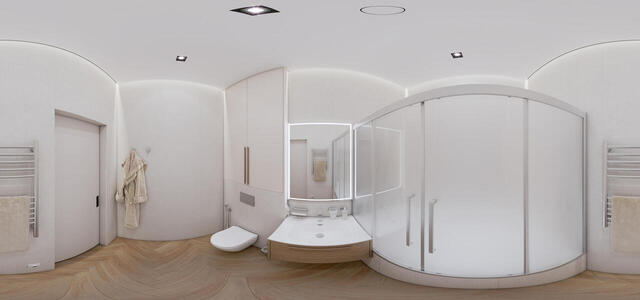
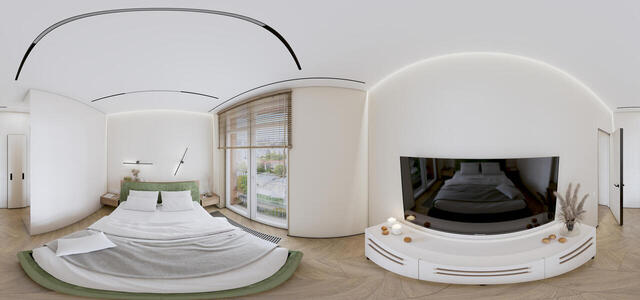
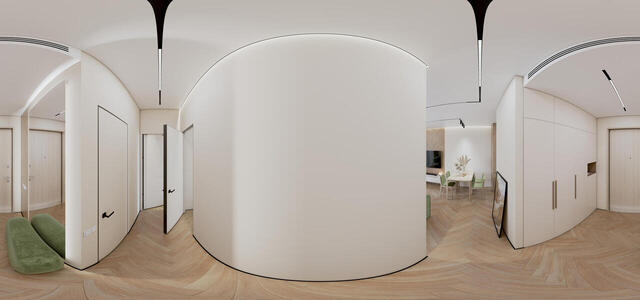
360° panoramas
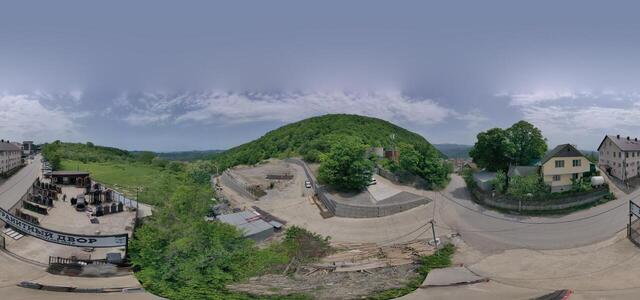
dji fly 20260201 170822 983 1769940713775 pano

st. Anatolia, 317, Barnaul, Altai Territory, Russia, 656008

oeUiMnKikZlqJ93Ef77N28rG gbypeXzDnx1WRPVQUgUklhZBl7 j-p0l-5JrTMaBS-WYZyQ0PKqvXgWVaZrwg==

Sredniy pr-t V.O., 35, lit. B, Saint Petersburg, Russia, 191036

IMG 0038

University of Physical Education, Minsk, Minsk region, Belarus

DJI 0801

st. Armenian, 100b, Sochi, Krasnodar Territory, Russia, 354055

DJI 0569

Krasnooktyabrskaya st., 3/3, Sergey-Pole, Krasnodar Territory, Russia, 354236

Panorama9

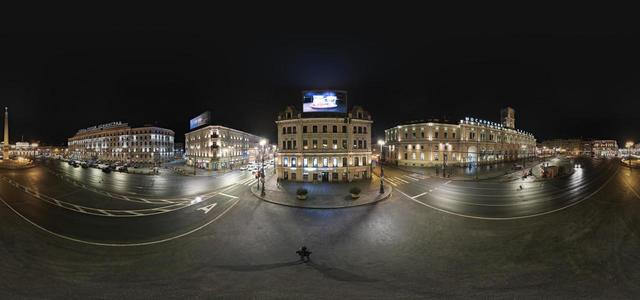
Nevsky pr., 85AV, Saint Petersburg, Russia, 191086

DJI 0693

Nevsky pr., 87/2, Saint Petersburg, Russia, 191036

Before the Winter Palace

Palace Square, 6, St. Petersburg, Russia, 191186

How to create a virtual 3D tour? Step-by-step instruction

The order is as follows: 1) upload to the site spherical panoramas from which you plan to create a virtual tour; 2) from the list of uploaded panoramas add each panorama to the virtual tour (Add to 3D tour link); 3) open the created virtual tour, edit the panorama order, select the main panorama, set transition points (tunnels).
30
Showing 1-8 of 8 items.