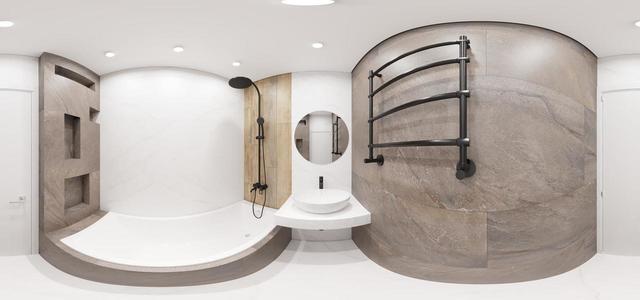
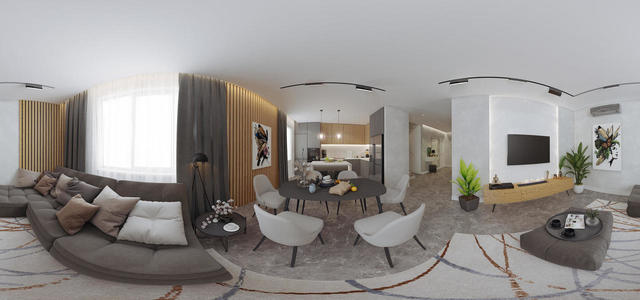
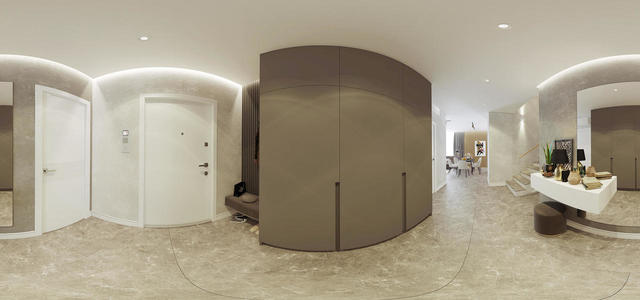
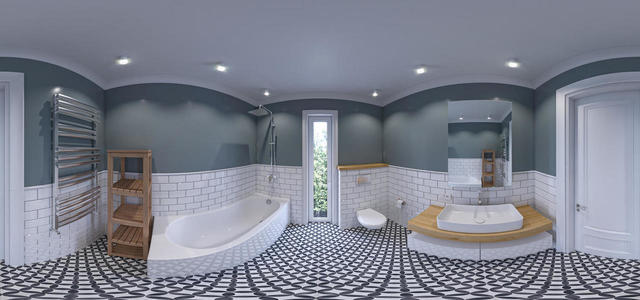
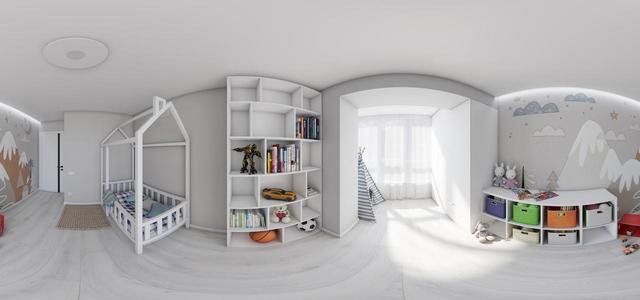
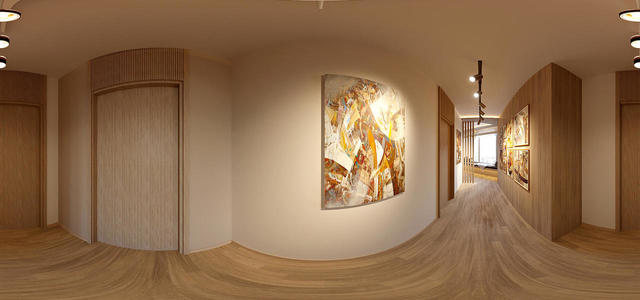
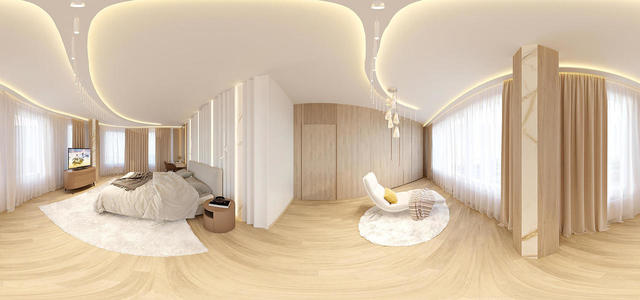
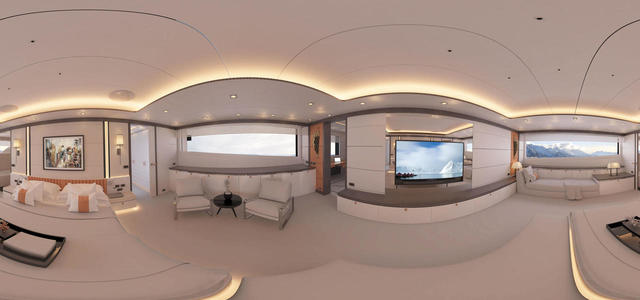
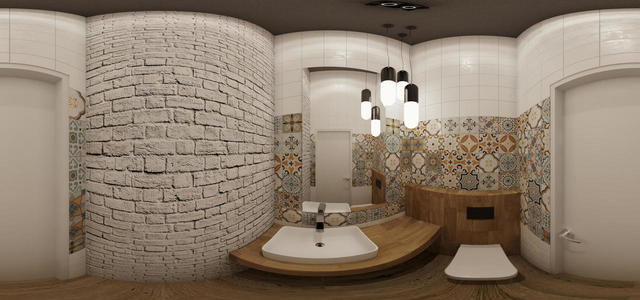
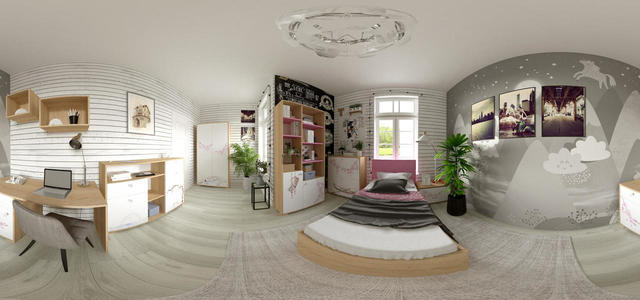
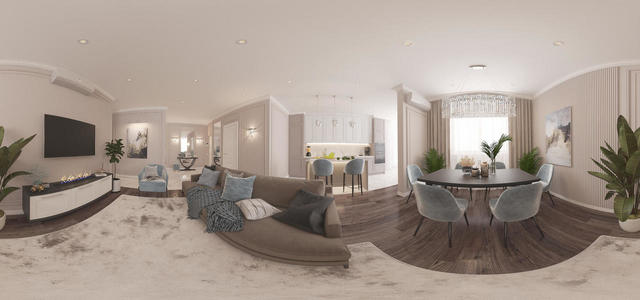
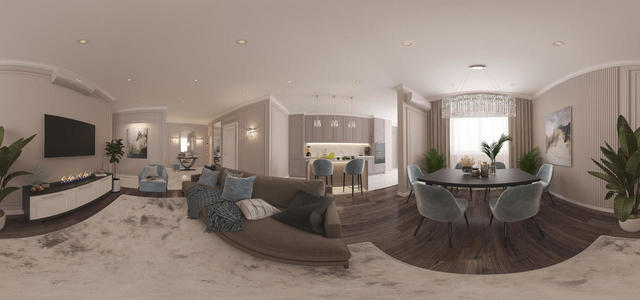
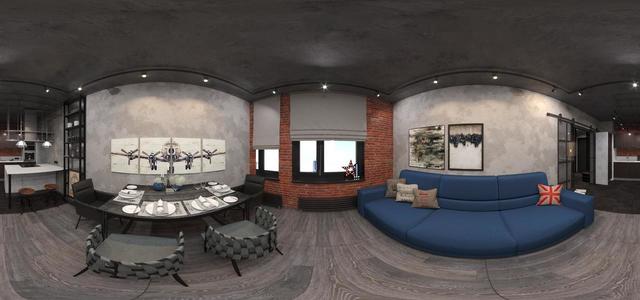
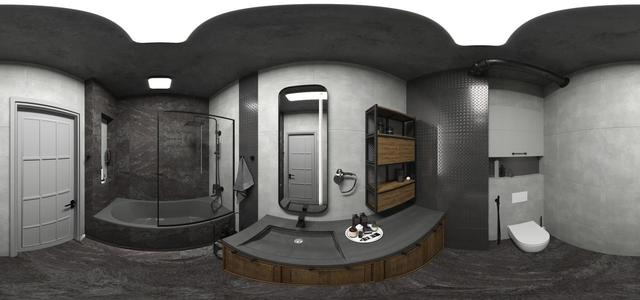
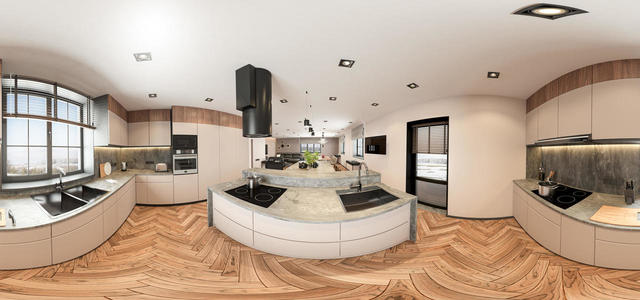
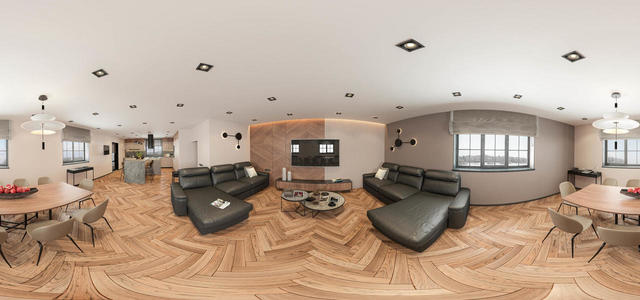
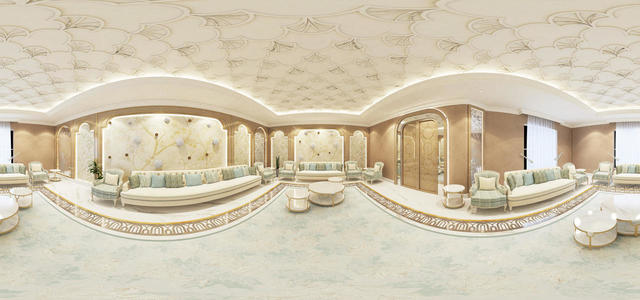
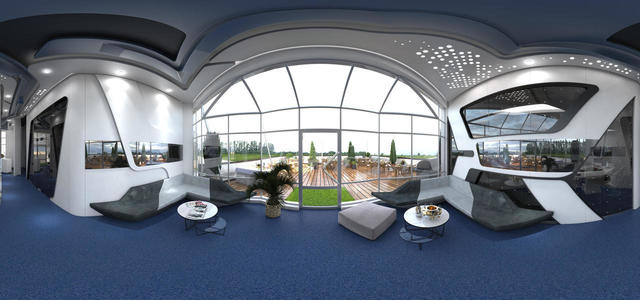
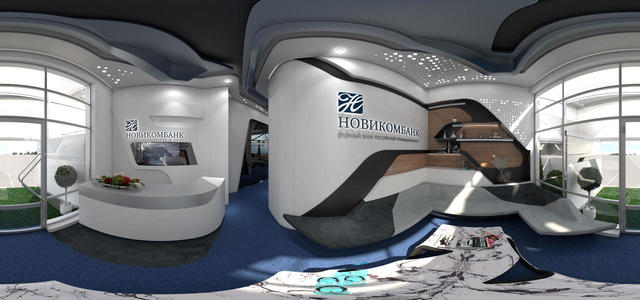
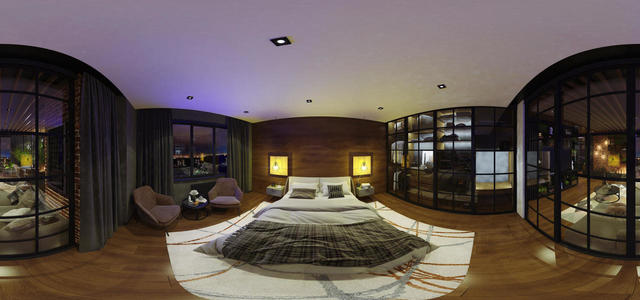
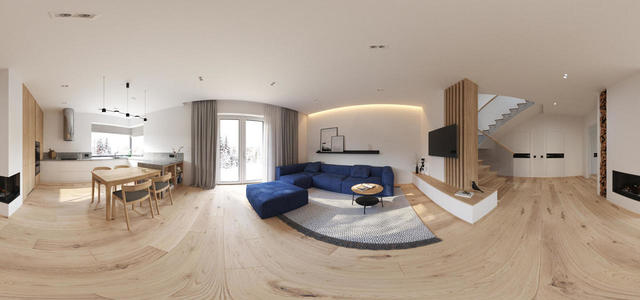
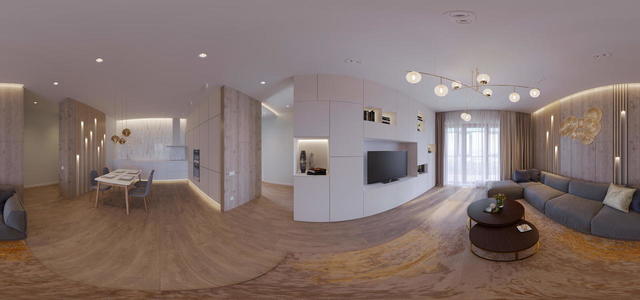
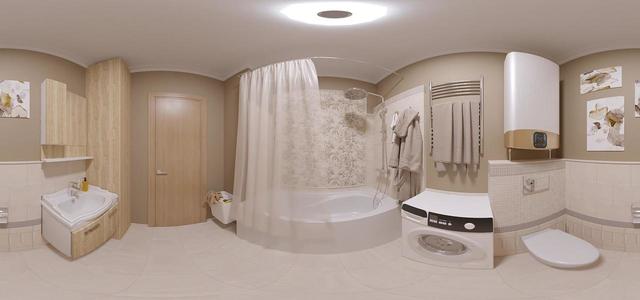
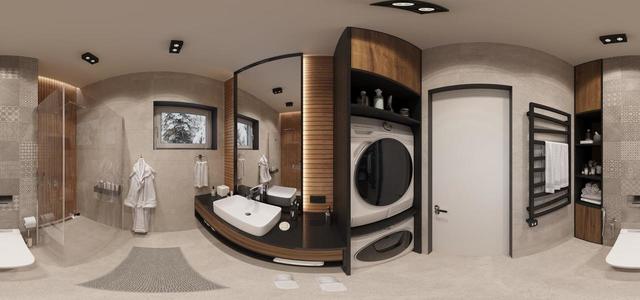
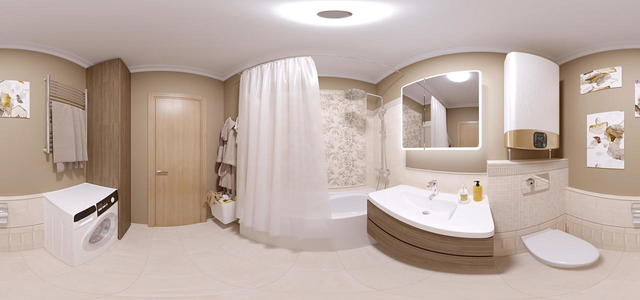
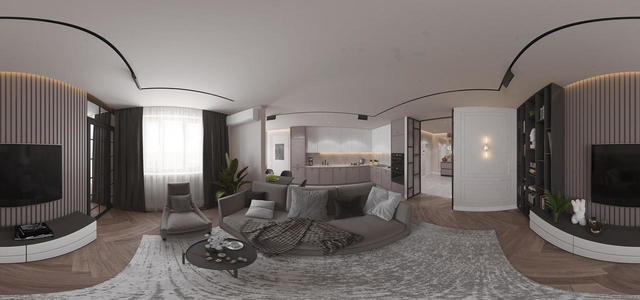
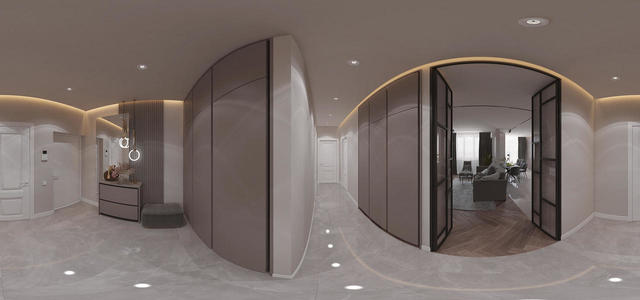
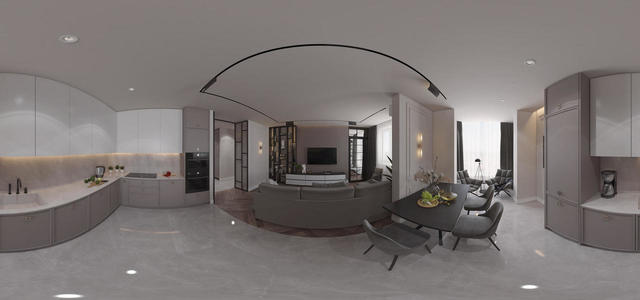
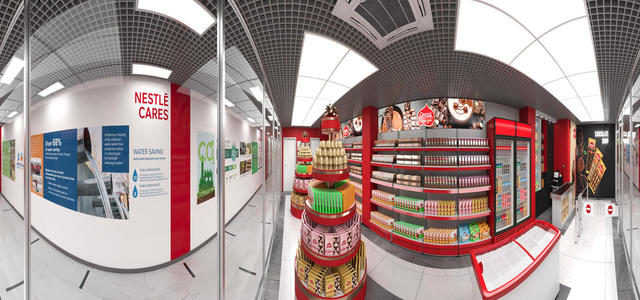
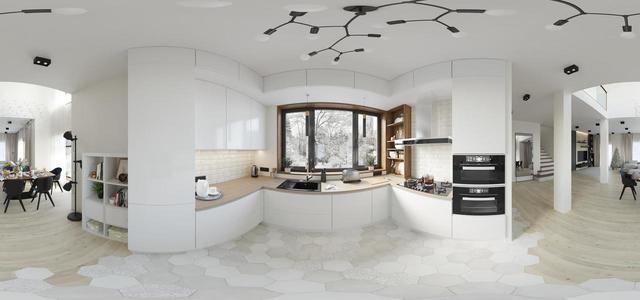
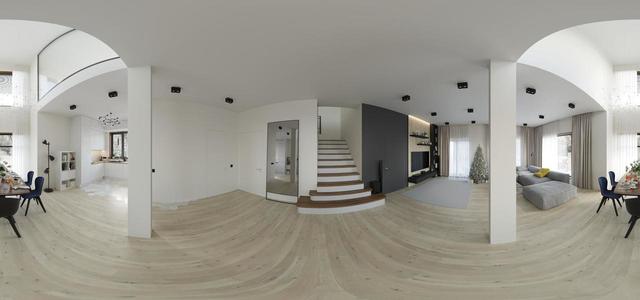
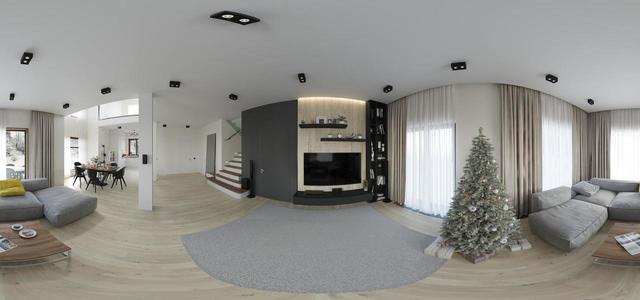
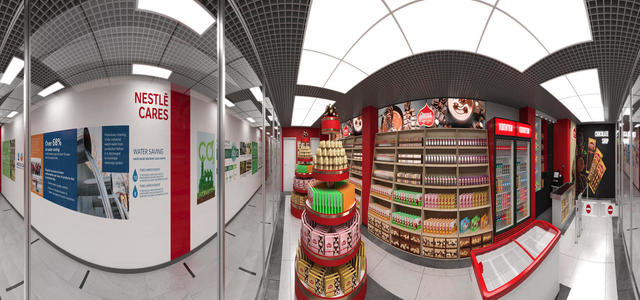
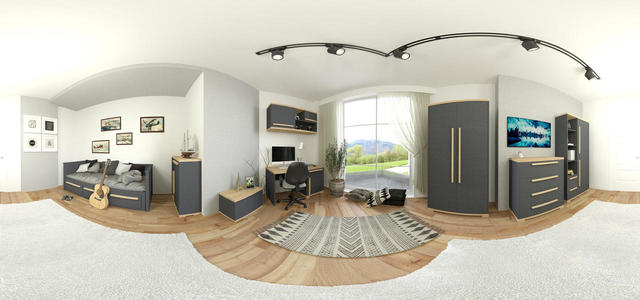
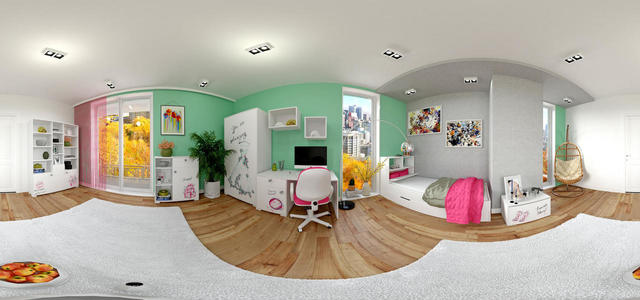
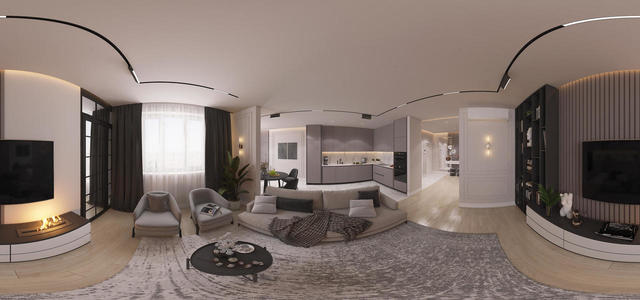
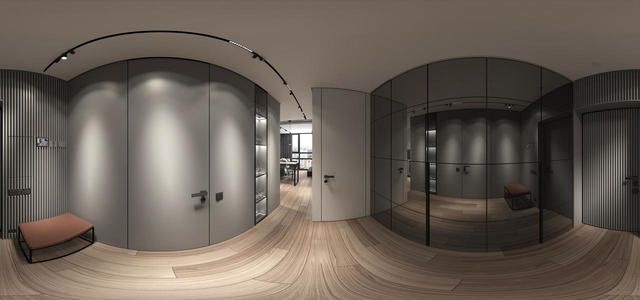
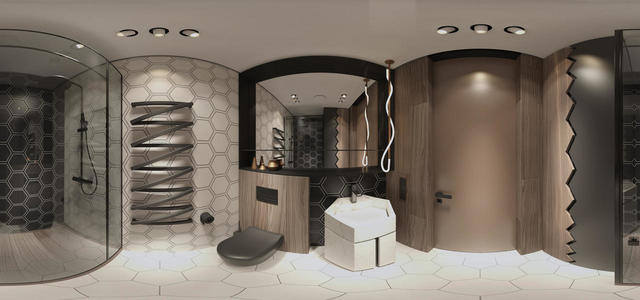
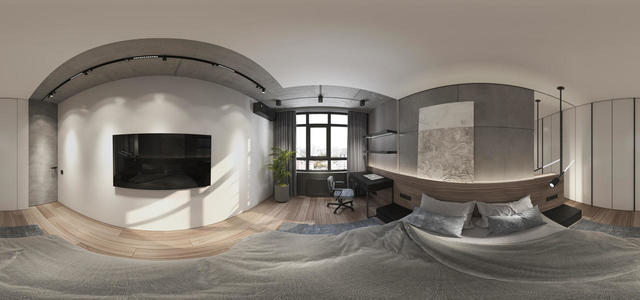
360° panoramas

052
5756857645232354464663465474835343434
5756857645232354464664575687696802222
01 Interactive LightMix
kindzim2,360.1
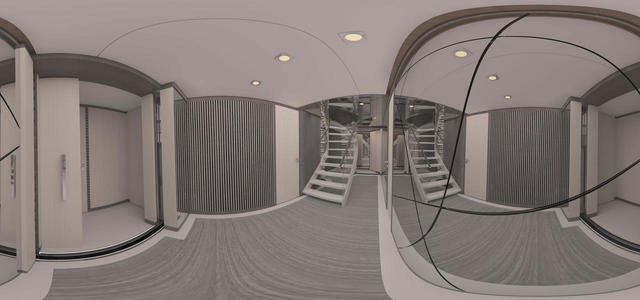
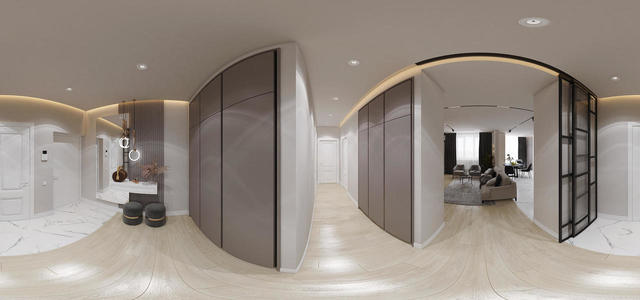
panorama corridor 2v (2)
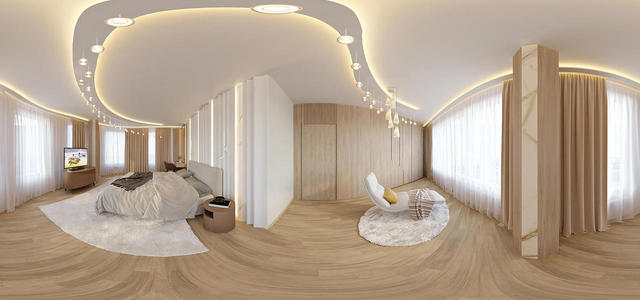
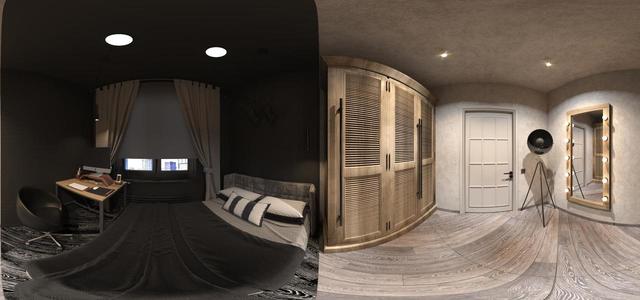
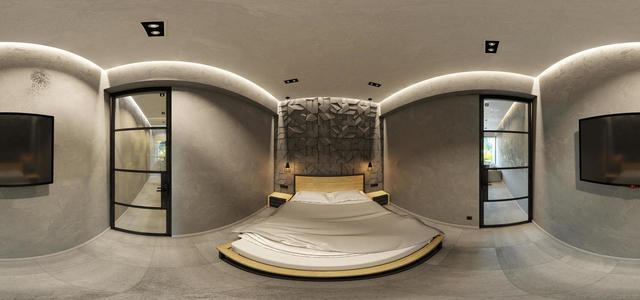
panorama of bedroom 2B
3
staircase 1st floor
19
10
1
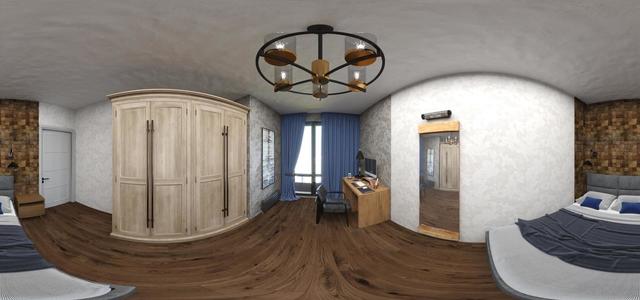
bedroom panorama
Sales office of ZhK Geometry 03
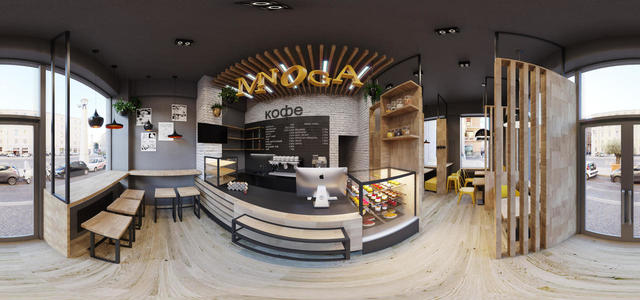
Coffee shop MNOGA coffee
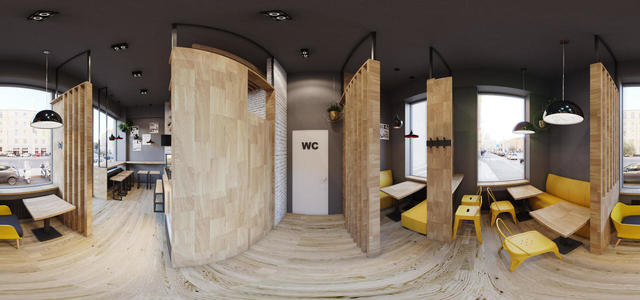
Coffee house MNOGA coffee 2
Coffee house MNOGA coffee (bathroom)
sakura 360
57333333333333333
575685764523235446466465485798679
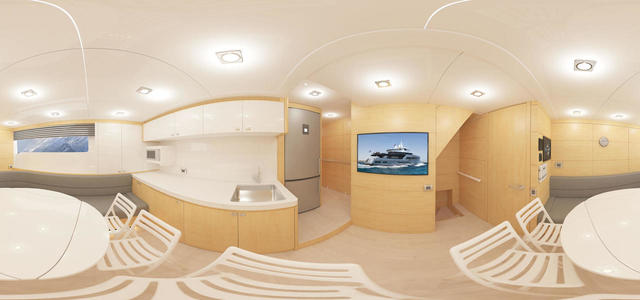
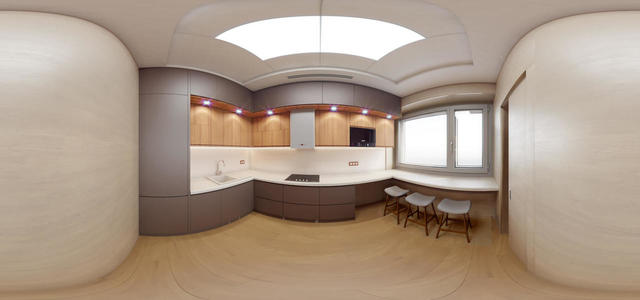
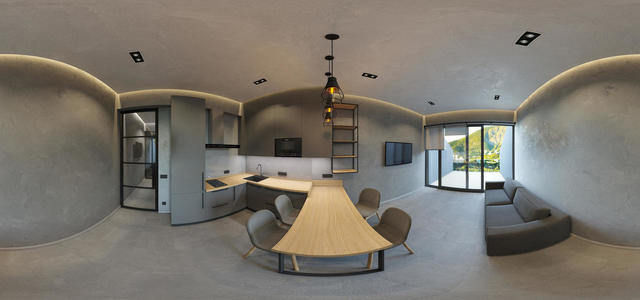
Kitchen
Belinsky's kitchen3
Belinsky
007
004
005
003
006
001
002
360 2
360
3601
1b pan View03
1b pan View01
57568576452323544646623123213
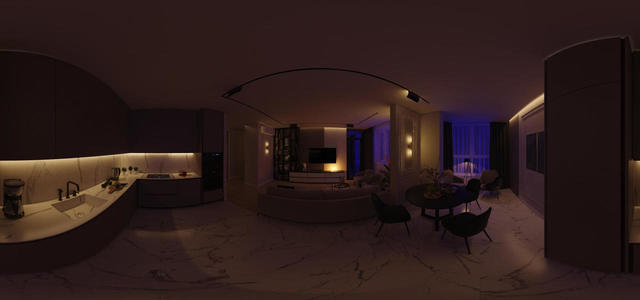
Kitchen-living room 2
panorama
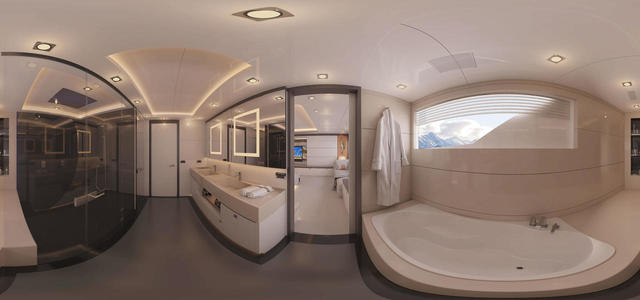
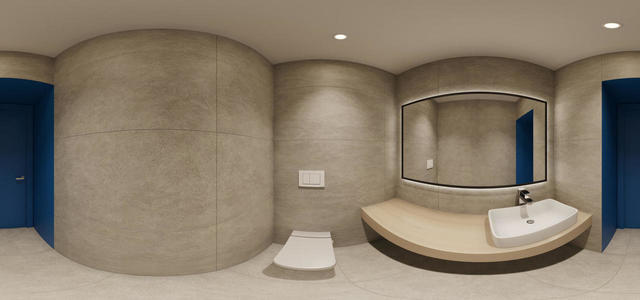
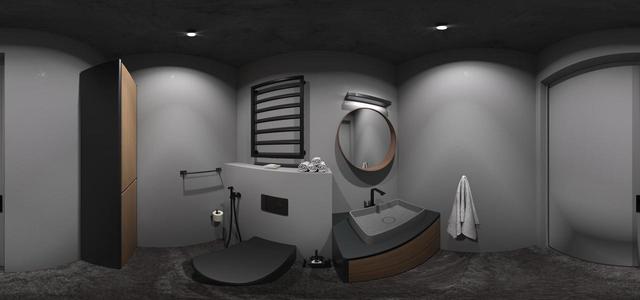
Bath panorama5
1san360-001
panorama3
5756857645232354464664343433546547969
57568576452323544646635746859670222222222222222
11111111222222
shop 4
360-003
360-002
360-001
shop 360 1
pan360-3
pan360 GIRL
10 Interactive LightMix
Partenit
5756857645232354464665664587698070434646545
5756857645232354464663564647
2222222222222222222222222
RENDER B40 FLAT 02 PANORAMA
RENDER B40 FLAT 03 PANORAMA
RENDER B40 FLAT 001 PANORAMA
How to create a virtual 3D tour? Step-by-step instruction

The order is as follows: 1) upload to the site spherical panoramas from which you plan to create a virtual tour; 2) from the list of uploaded panoramas add each panorama to the virtual tour (Add to 3D tour link); 3) open the created virtual tour, edit the panorama order, select the main panorama, set transition points (tunnels).
30
Showing 237-295 of 480 items.