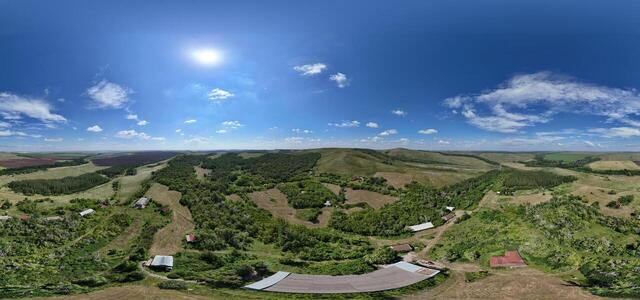
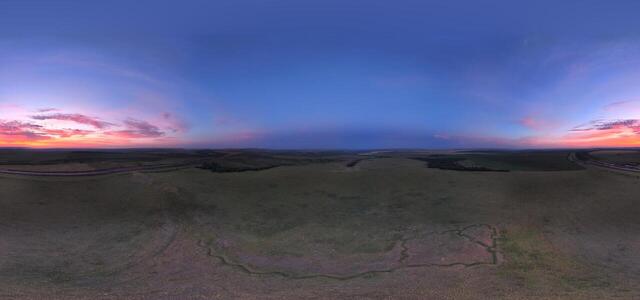
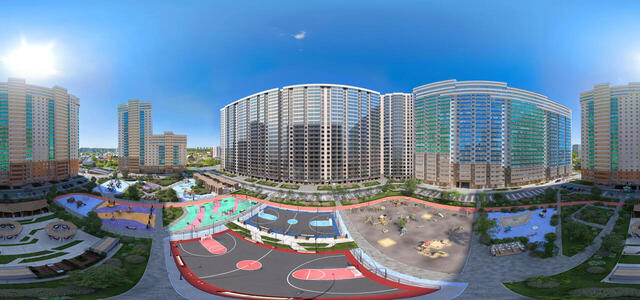
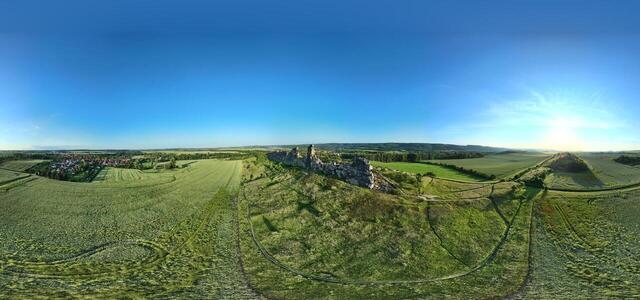
360° panoramas

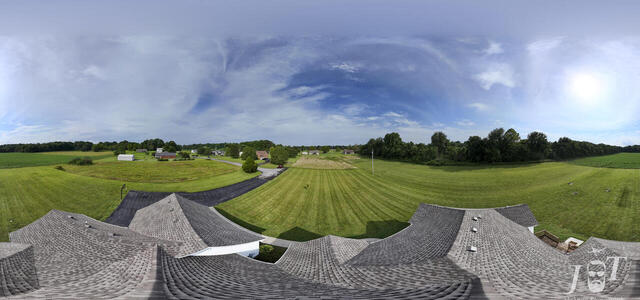
20240717-DJI 20240717170046 0017 D-2

94 Rolling Field Ct, Scottsville, KY 42164, USA

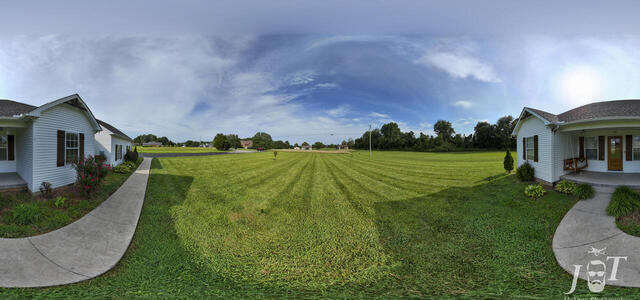
20240717-DJI 20240717165651 0015 D-2

94 Rolling Field Ct, Scottsville, KY 42164, USA

pano 0001 1 - pano 0033 1

6P7R+R2 Stepnoy Mayak, Orenburg region, Russia

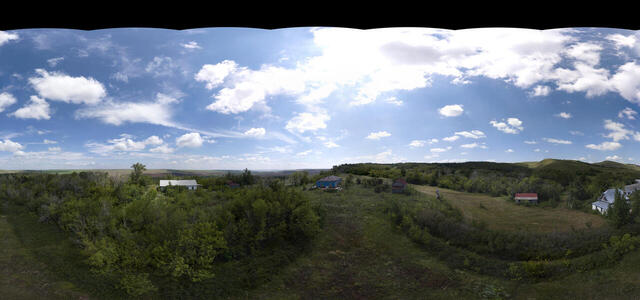
DJI 20240714153204 0478 D

6P8R+42 Stepnoy Mayak, Orenburg region, Russia

DJI 20240707220357 0445 D

VF38+88 Syrt, Orenburg region, Russia

PanorPrev
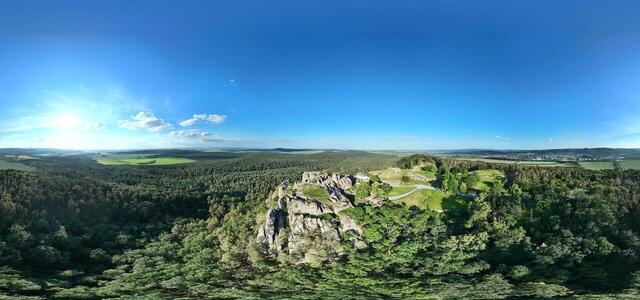
Teufelsmauer Mittelsteine

Q35J+JM Thale, Germany

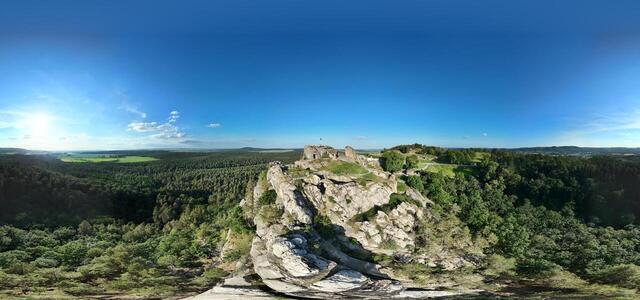
Burg Regenstein

Am Platenberg, 38889 Blankenburg (Harz), Germany

Burg Regenstein

Am Platenberg, 38889 Blankenburg (Harz), Germany

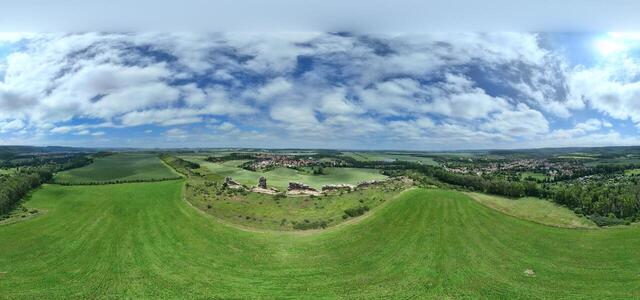
Teufelsmauer Mittelsteine (Köningsstein) Neinstedt

Q35M+43, 06502 Thale, Germany

DJI 20240319182946 0013 D

RWH3+7R Milocani, Montenegro

DJI 20240318000959 0015 D

Beograd, Serbia

DJI 20240318180120 0021 D

7V54+8P Novi Sad, Serbia

DJI 20240319231343 0008 D

544C+27F, Zabljak, Montenegro

DJI 20240317223925 0019 D

Twenty, Ušce 10, Beograd, Serbia

DJI 20240317190254 0005 D

Sibijanin Janka 14, Beograd, Serbia

DJI 20240318001620 0030 D
How to create a virtual 3D tour? Step-by-step instruction

The order is as follows: 1) upload to the site spherical panoramas from which you plan to create a virtual tour; 2) from the list of uploaded panoramas add each panorama to the virtual tour (Add to 3D tour link); 3) open the created virtual tour, edit the panorama order, select the main panorama, set transition points (tunnels).

30
Showing 60-76 of 76 items.