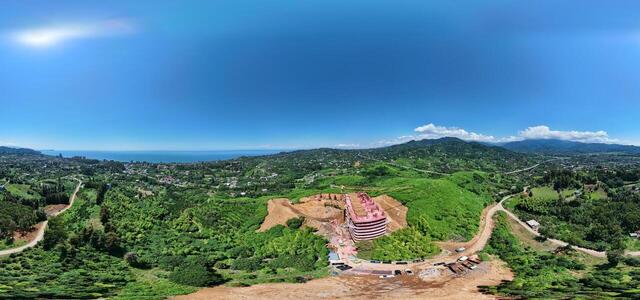
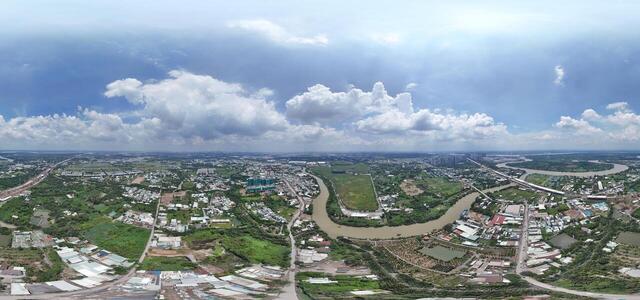
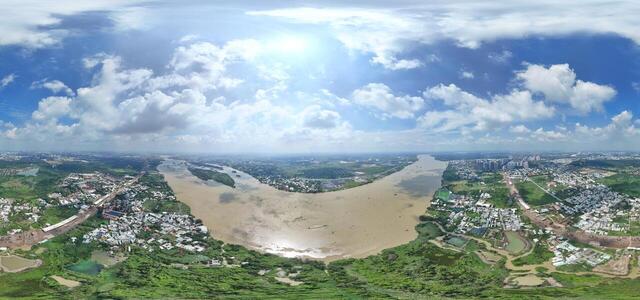
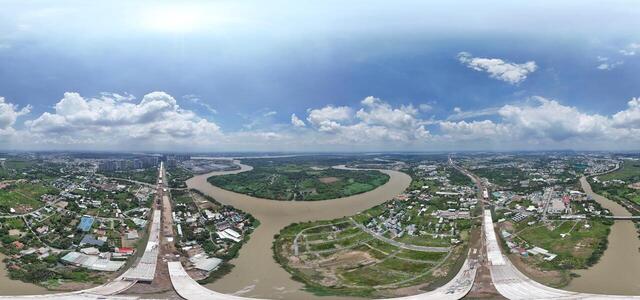
360° panoramas
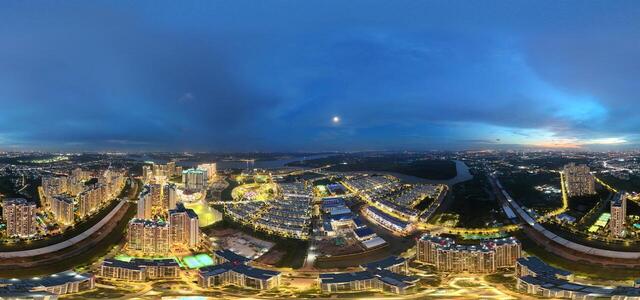
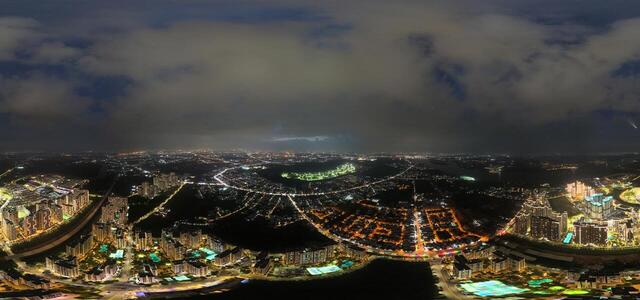
Kuland Hotline 0916.767.090 20250716123022 0030 D

39 Nguyễn Xiển, Long Thạnh Mỹ, Thủ Đức, Thành phố Hồ Chí Minh, Vietnam

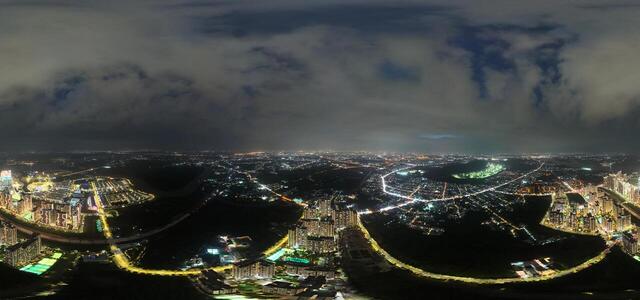
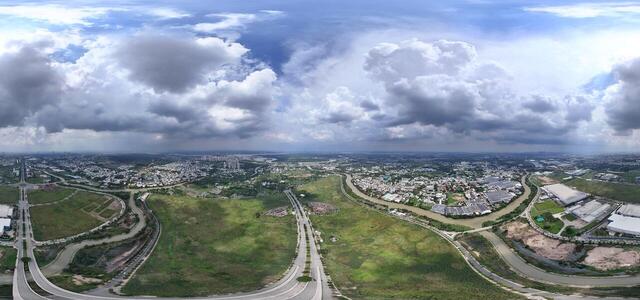
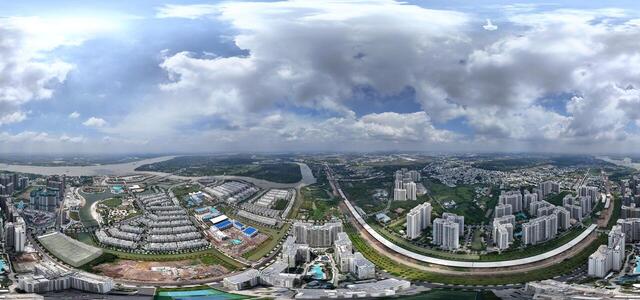
Kuland Hotline 0916.767.090 07.16 TDC Phước Thiện Giai đoạn 4

221/61 Tổ 5, Khu phố, Thủ Đức, Hồ Chí Minh, Vietnam

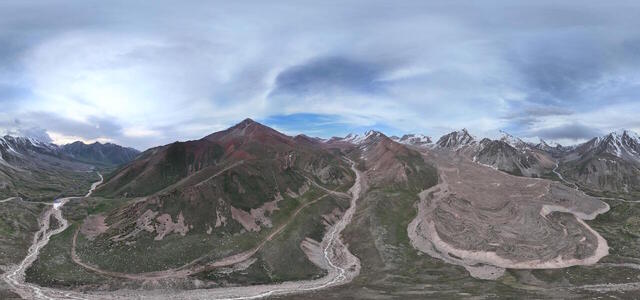
DJI 20250606190924 0020 D route

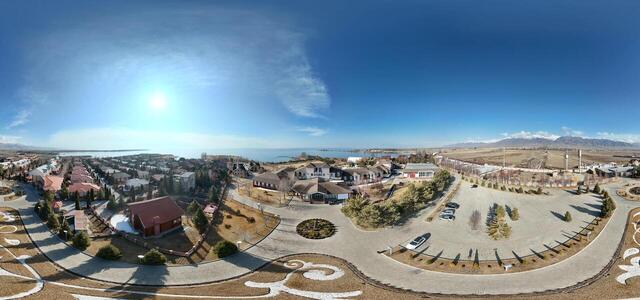
222H+PJ Almaty, Kazakhstan

New Panorama1and
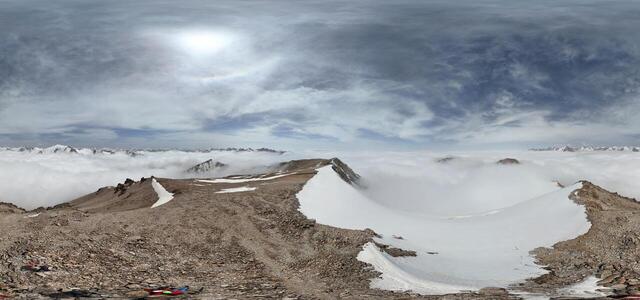
DJI 20250607143051 0001 D

2W6W+CW Almaty, Kazakhstan

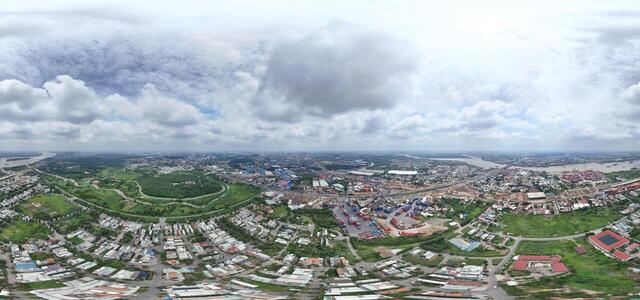
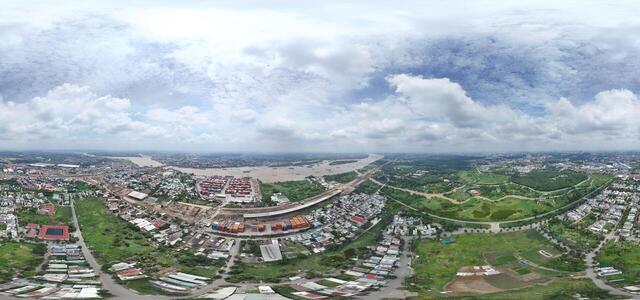
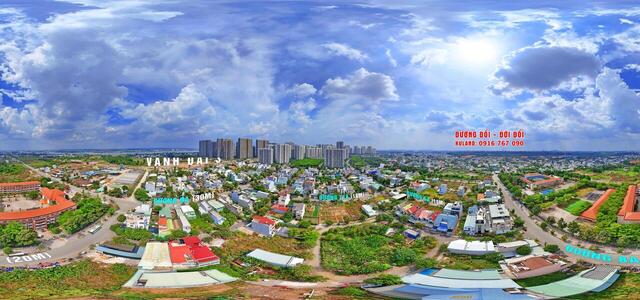
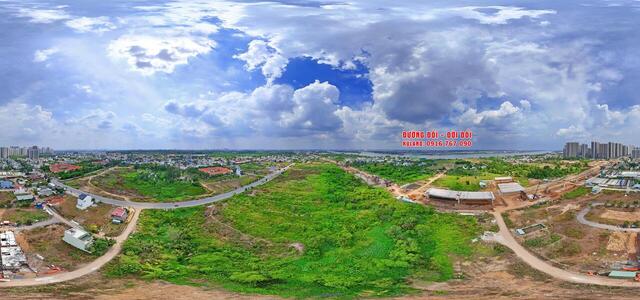
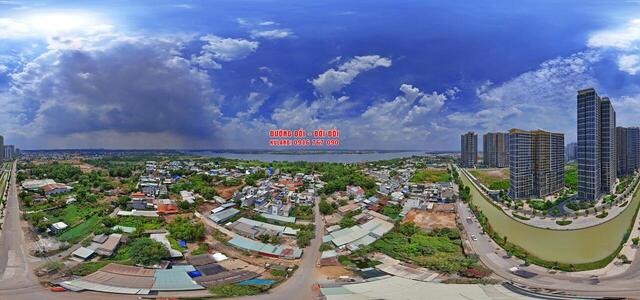
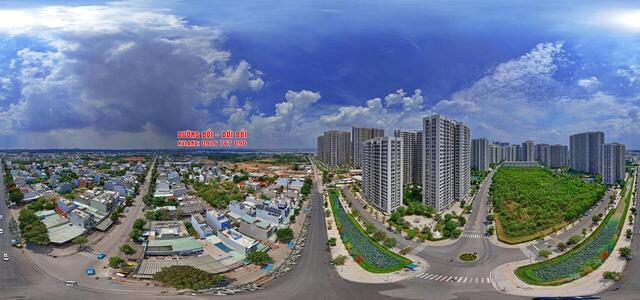
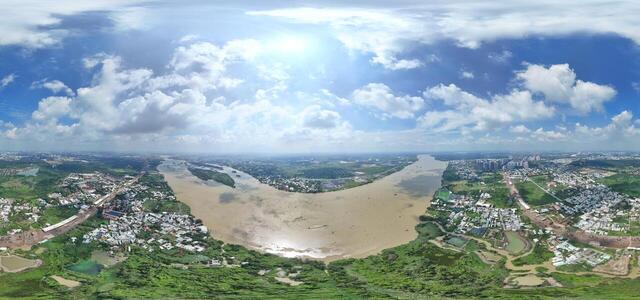
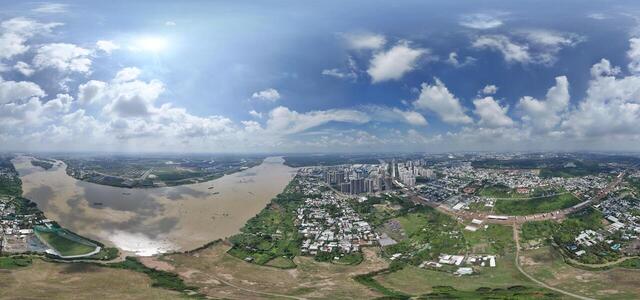
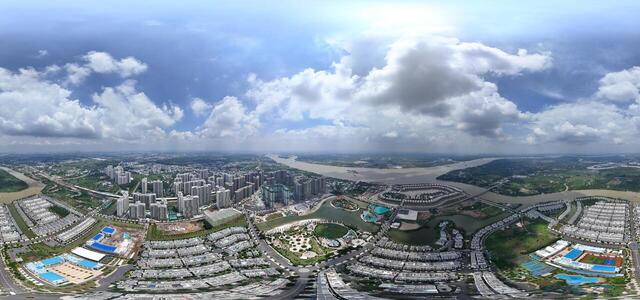
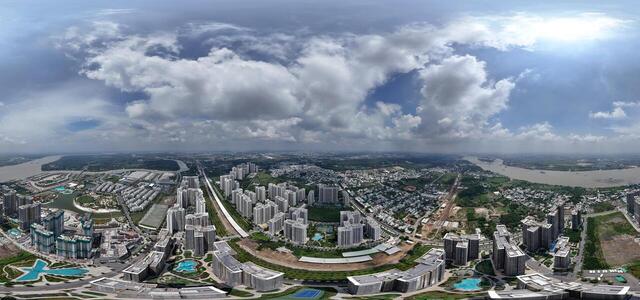
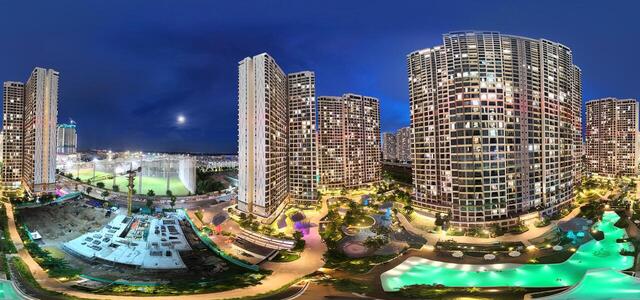
Kuland 0916767090 Vinhomes grand Park

RRQM+WXJ, Đ. Cầu Vồng 3, Long Thạnh Mỹ, Thủ Đức, Thành phố Hồ Chí Minh, Vietnam

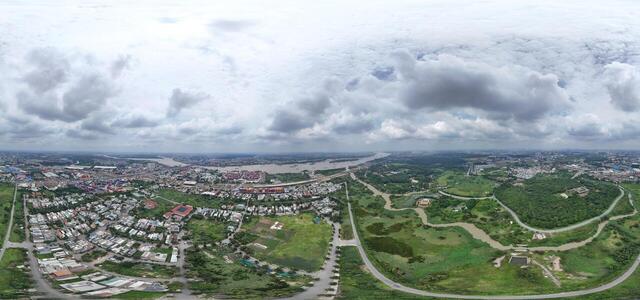
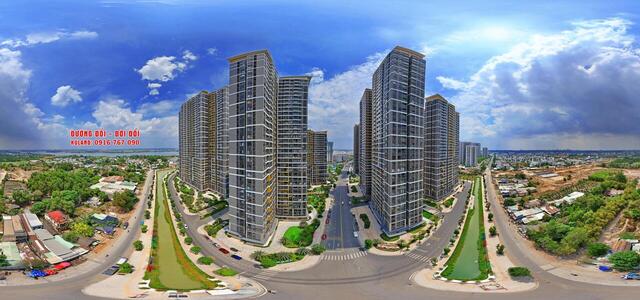
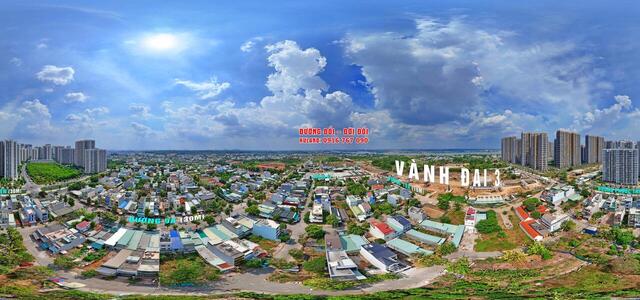
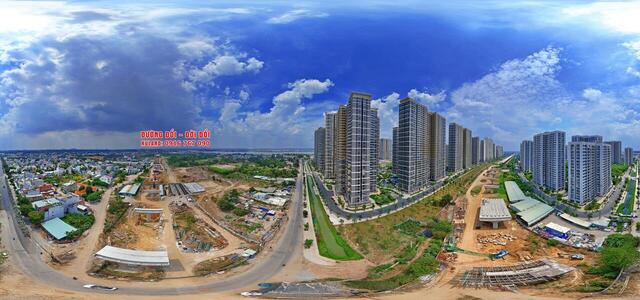
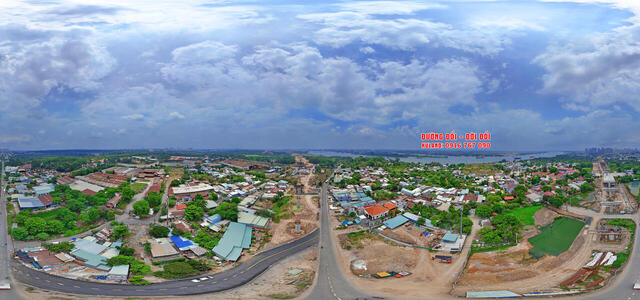
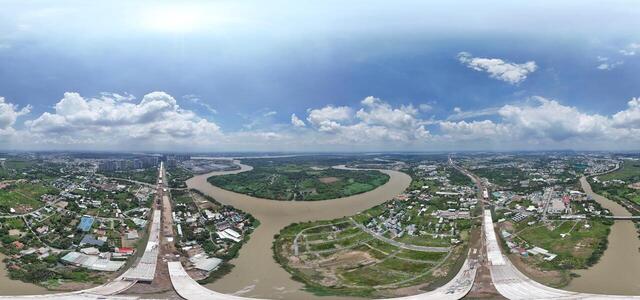
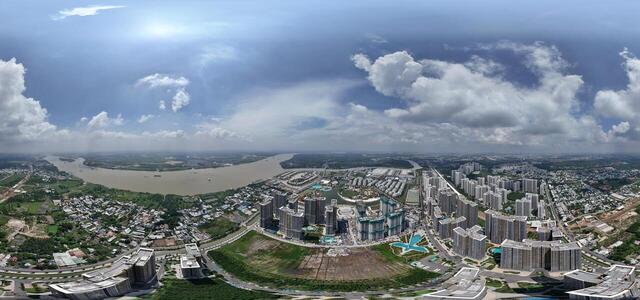
Kuland 0916767090 Vinhomes grand Park

18 Đ. Cầu Vồng 5, Long Bình, Thủ Đức, Thành phố Hồ Chí Minh, Vietnam

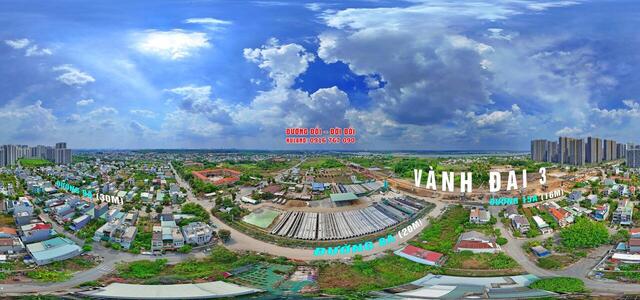
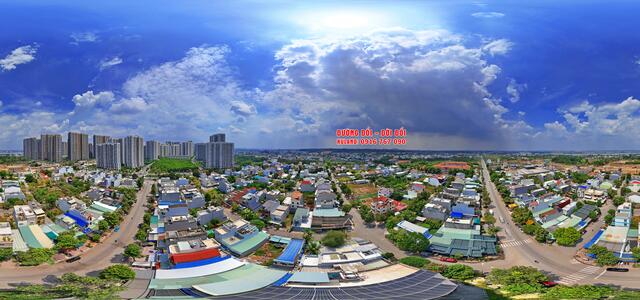
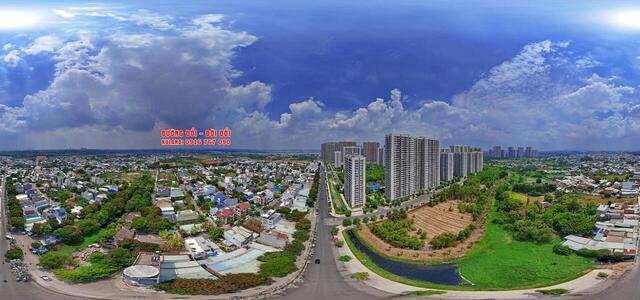
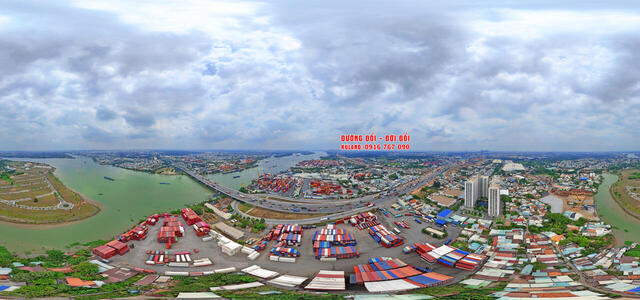
Kuland 0916767090 D1 Ngay Jabil cầu sông D1

RRM8+FPF, Đ. D10, Long Thạnh Mỹ, Thủ Đức, Thành phố Hồ Chí Minh, Vietnam

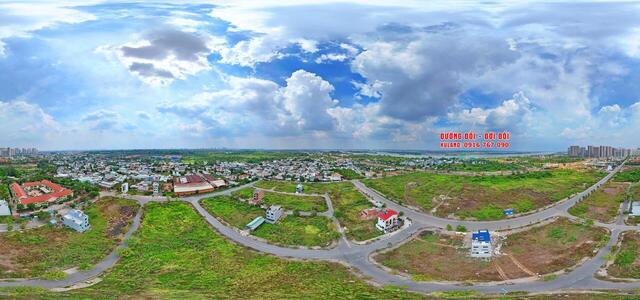
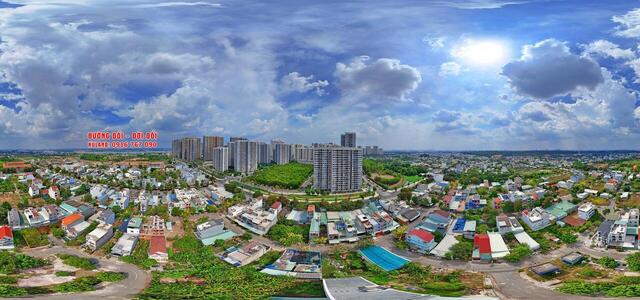
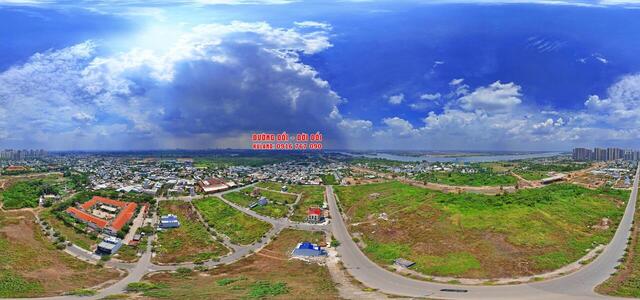
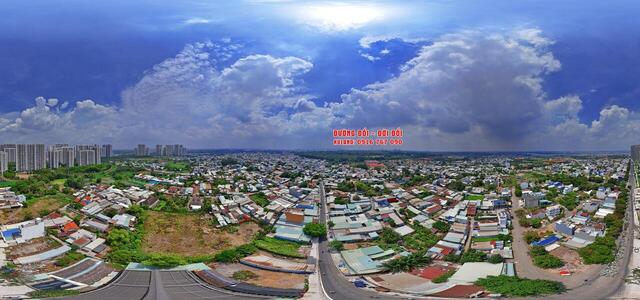
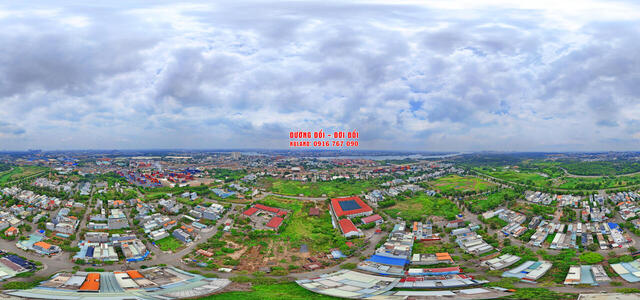
Kuland Hotline 0916767090 Vinhomes grand Park

33 Đ. D2A, Long Bình, Thủ Đức, Thành phố Hồ Chí Minh, Vietnam

Kuland 0916767090 Vinhomes grand Park

RRWV+JCV, Long Thạnh Mỹ, Thủ Đức City, Ho Chi Minh City, Vietnam

Kuland 0916767090 Vinhomes grand Park

RRRQ+8VX, Long Bình, Thủ Đức City, Ho Chi Minh City, Vietnam

Kuland 0916767090 Vinhomes grand Park

RRWR+5MH, Long Bình, Thủ Đức, Thành phố Hồ Chí Minh, Vietnam

DJI 20240707093117 0051 D

34MC+MR Almaty, Kazakhstan

dji fly 20250525 173230 0204 1748193661638 pano

8HM23RQX+76

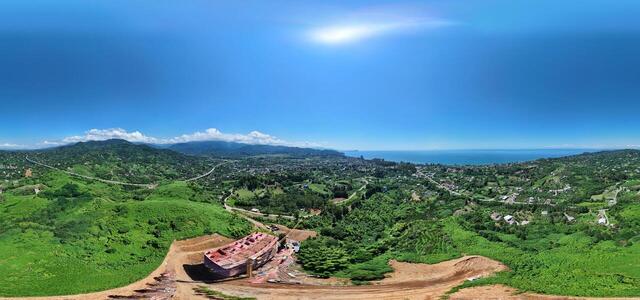
DJI 20250428112515 0736 D

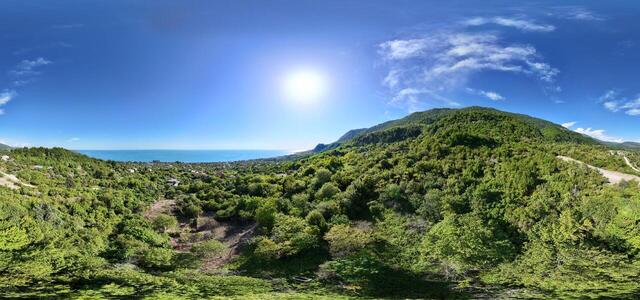
Issyk-Kul region, Baet village, Lenin 1/1, Kyrgyzstan

DJI 20250315123529 0440 D
DJI 20250317194549 0556 D
DJI 20250317195156 0558 D
DJI 20250315160745 0485 D

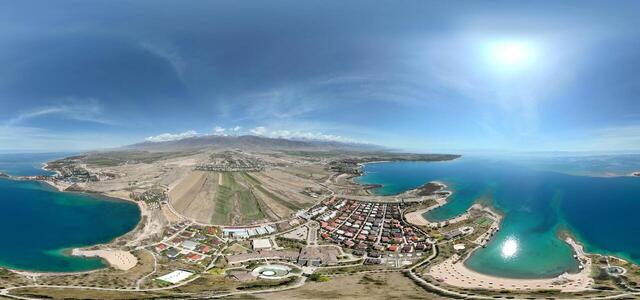
Issyk-Kul region, Baet village, Lenin 1/1, Kyrgyzstan

DJI 20250316093632 0530 D

JX6J+PM Baetovka, Kyrgyzstan

DJI 20250520085916 0003 D

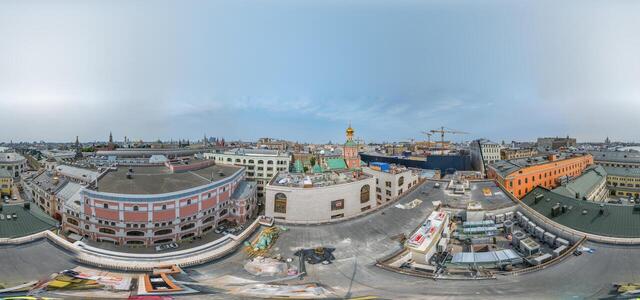
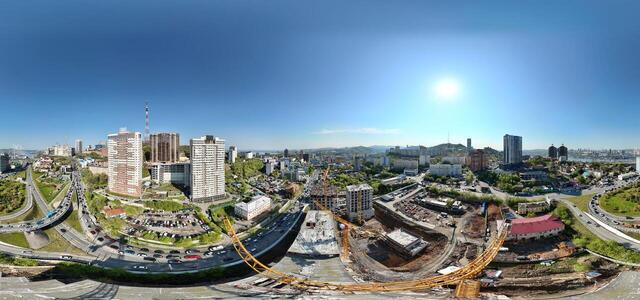
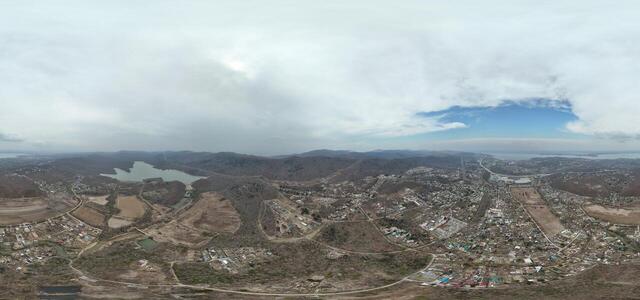
Krylova st., 10, Vladivostok, Primorsky Krai, Russia, 690014

DJI 20250429140504 0076 D

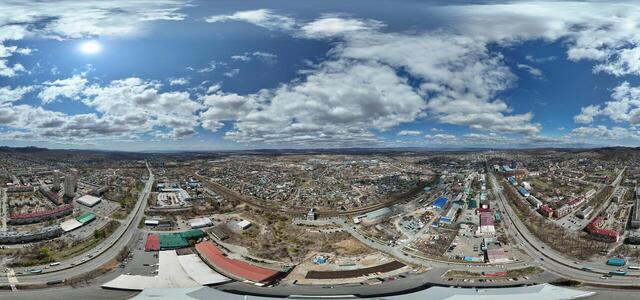
Frunze st., 19, Artem, Primorsky Krai, Russia, 692756

DJI 20250429130210 0002 D

74Q7+JG Sovetsky District, Vladivostok, Primorsky Krai, Russia

DJI 20250428104105 0161 D

63Q5+35 Sovetsky District, Vladivostok, Primorsky Krai, Russia

DJI 20240116124243 0011 D

Tsimlyanskaya st., 28, Vladivostok, Primorsky Krai, Russia, 690041

How to create a virtual 3D tour? Step-by-step instruction

The order is as follows: 1) upload to the site spherical panoramas from which you plan to create a virtual tour; 2) from the list of uploaded panoramas add each panorama to the virtual tour (Add to 3D tour link); 3) open the created virtual tour, edit the panorama order, select the main panorama, set transition points (tunnels).
30
Showing 1,417-1,441 of 1,441 items.