
Garretkg

7   18   0   0   0 / 0

360° panoramas

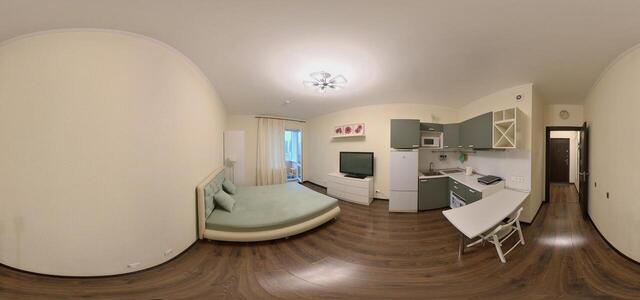
IMG 20251206 115526 00 merged

Plesetskaya st., 20 building 1, St. Petersburg, Russia, 197373

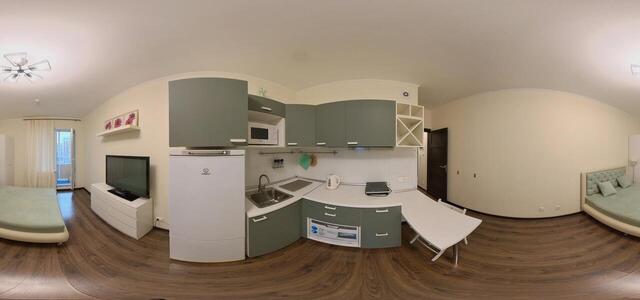
IMG 20251206 120238 00 merged

Komendantsky Ave., 65, Saint Petersburg, Russia, 197350

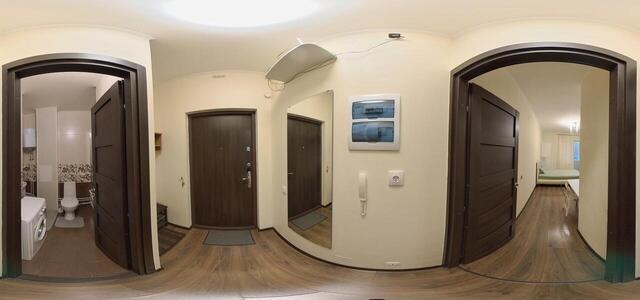
IMG 20251206 120346 00 merged

Komendantsky Ave., 65, Saint Petersburg, Russia, 197350

IMG 20251206 115607 00 merged

Plesetskaya st., 20 building 1, St. Petersburg, Russia, 197373

IMG 20251206 115740 00 merged

Komendantsky Ave., 65, Saint Petersburg, Russia, 197350

IMG 20251206 120319 00 merged

Komendantsky Ave., 65, Saint Petersburg, Russia, 197350

IMG 20251206 115703 00 merged

Komendantsky Ave., 65, Saint Petersburg, Russia, 197350

How to create a virtual 3D tour? Step-by-step instruction

The order is as follows: 1) upload to the site spherical panoramas from which you plan to create a virtual tour; 2) from the list of uploaded panoramas add each panorama to the virtual tour (Add to 3D tour link); 3) open the created virtual tour, edit the panorama order, select the main panorama, set transition points (tunnels).

30
Showing 1-7 of 7 items.