Danielvetrov

Design and Visualization as for yourself.

12   27   0   0   0 / 0

360° panoramas

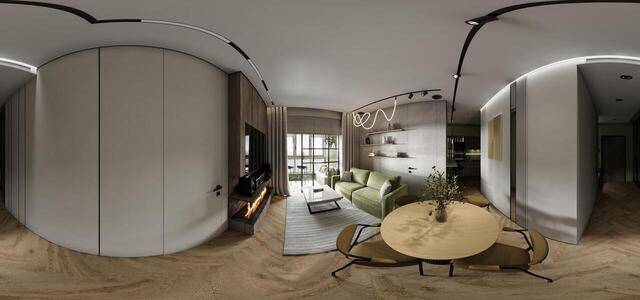
SU CorCam002 Correct5 360 25 07 24
SU CorCam001 Correct5 360 24 07 24
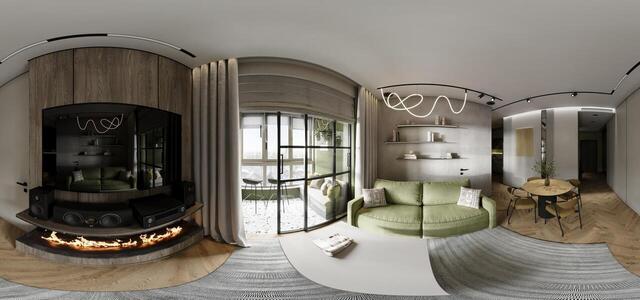
GostSU CorCam001 360 24 07 24
Kabinet CorCam001 360 24 07 24
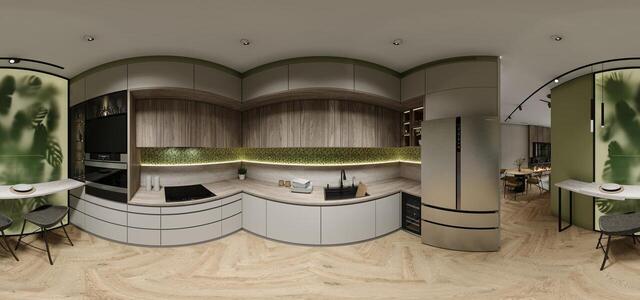
KuhnyaGotinaya CorCam004 360 23 07 24
KuhnyaGotinaya CorCam003 360 22 07 24
KuhnyaGotinaya CorCam002 360 22 07 24
KuhnyaGotinaya CorCam001 360 22 07 24
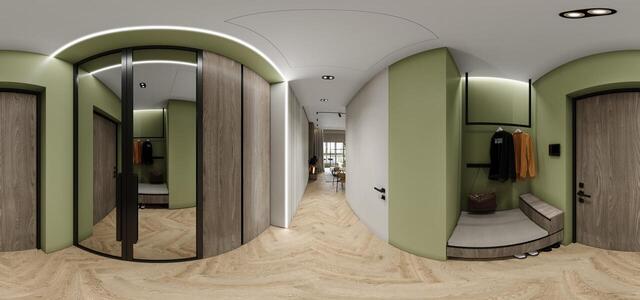
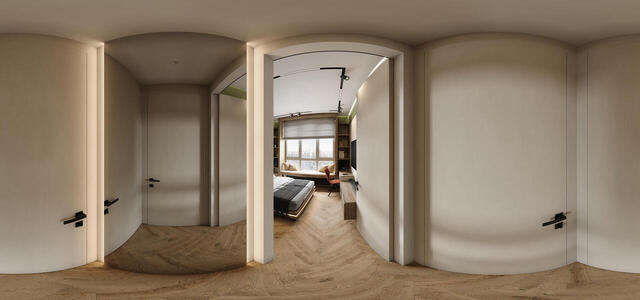
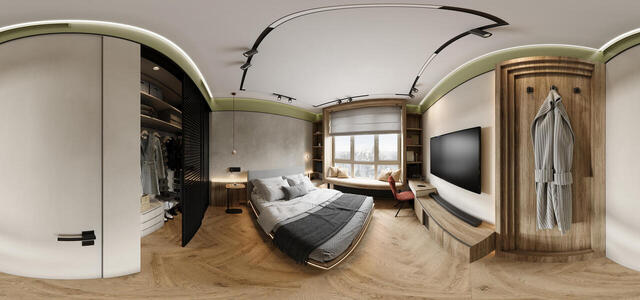
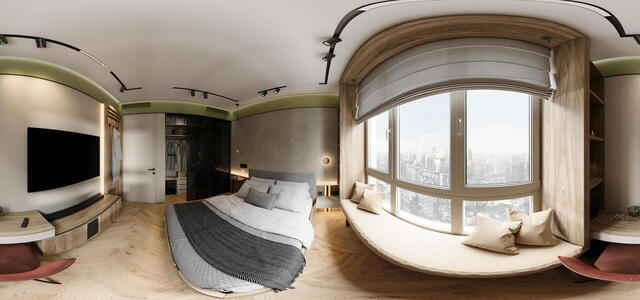
SpalnyaTambur CorCam003 360 20 07 24 2
Spalnya CorCam002 360 03 05 24 correct
Spalnya CorCam001 360 03 05 24 correct
How to create a virtual 3D tour? Step-by-step instruction

The order is as follows: 1) upload to the site spherical panoramas from which you plan to create a virtual tour; 2) from the list of uploaded panoramas add each panorama to the virtual tour (Add to 3D tour link); 3) open the created virtual tour, edit the panorama order, select the main panorama, set transition points (tunnels).

30
Showing 1-11 of 11 items.