Brory

16   31   0   0   0 / 0

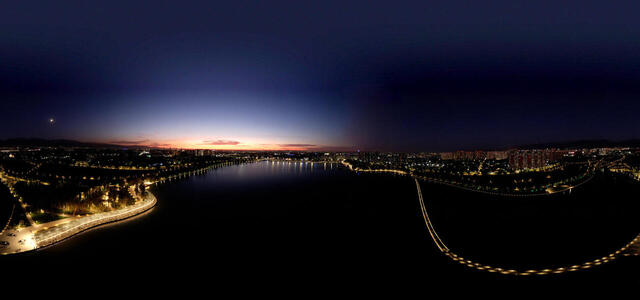
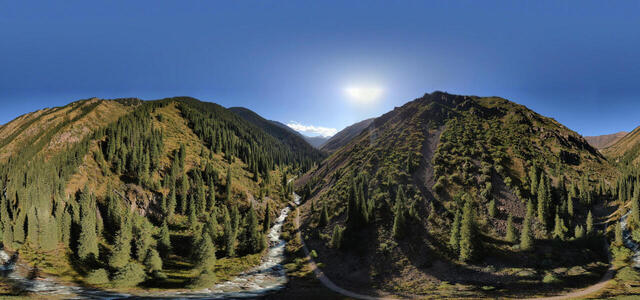
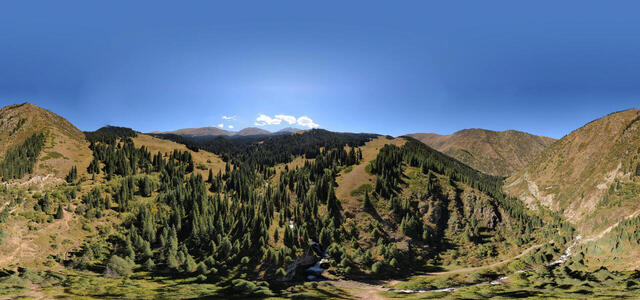
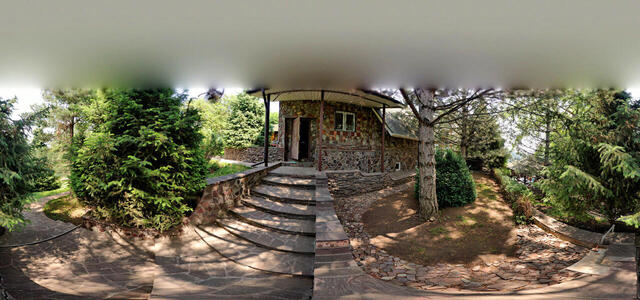
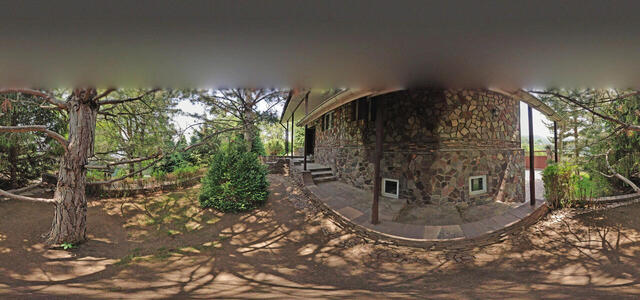
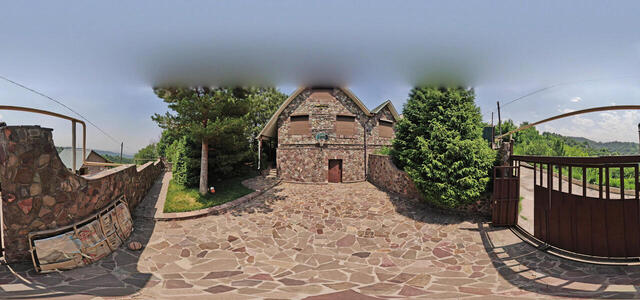
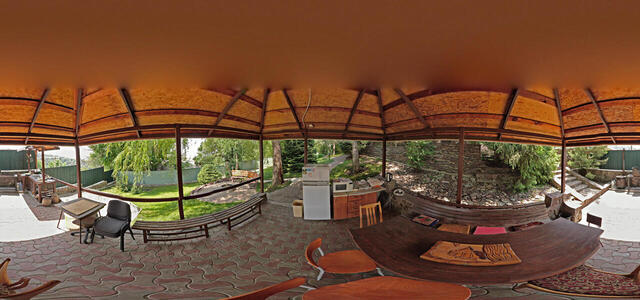
360° panoramas

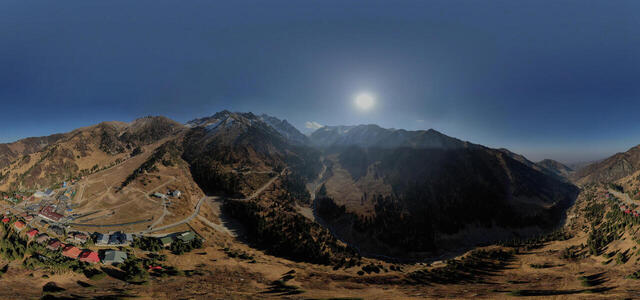
DJI 0128

6W96+Q47, Almaty, Kazakhstan

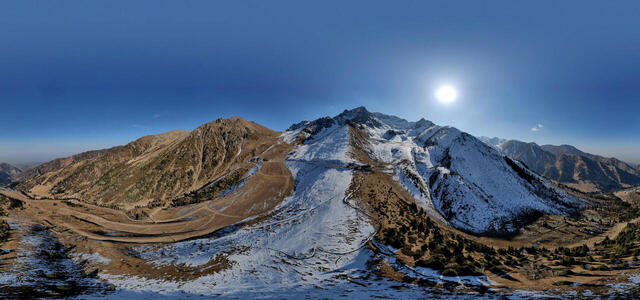
DJI 0032
1 DJI 0078

43GH+FC Almaty, Kazakhstan

2 DJI 0073

439V+VJ Almaty, Kazakhstan

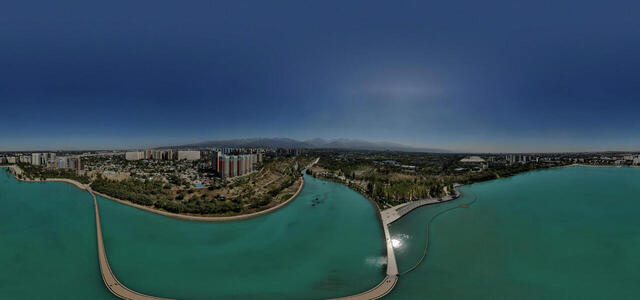
Terenkur Lake

Dostyk Avenue 630, Almaty, Kazakhstan

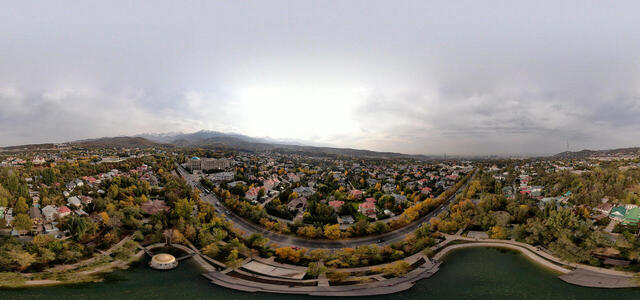
2 DJI 0035

6VR8+MX Almaty, Kazakhstan

2 DJI 0035

6VR8+MX Almaty, Kazakhstan

1 DJI 0032

6VR8+FJ Almaty, Kazakhstan

DJI 0014 (Processing)

5PPM+FH Batan, Kazakhstan

DJI 0026 (Processing)

Kairak waterfall road, Kazakhstan

5

62VG+4G Almaty, Kazakhstan

6

62VG+5G Almaty, Kazakhstan

3

62VG+4C Almaty, Kazakhstan

2(1)

62VG+3F Almaty, Kazakhstan

7

62VG+3G Almaty, Kazakhstan

2

62VG+4F Almaty, Kazakhstan

1

62VG+2F Almaty, Kazakhstan

4

62VG+3C Almaty, Kazakhstan

How to create a virtual 3D tour? Step-by-step instruction

The order is as follows: 1) upload to the site spherical panoramas from which you plan to create a virtual tour; 2) from the list of uploaded panoramas add each panorama to the virtual tour (Add to 3D tour link); 3) open the created virtual tour, edit the panorama order, select the main panorama, set transition points (tunnels).

30
Showing 1-18 of 18 items.