
BAITUN GROUP

676   856   0   0   2 / 5

PRO

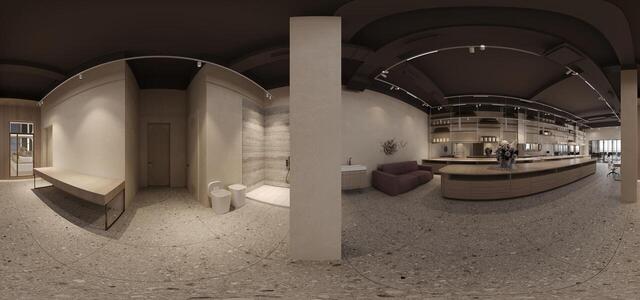
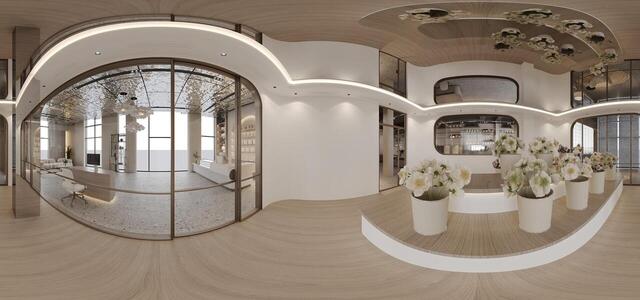
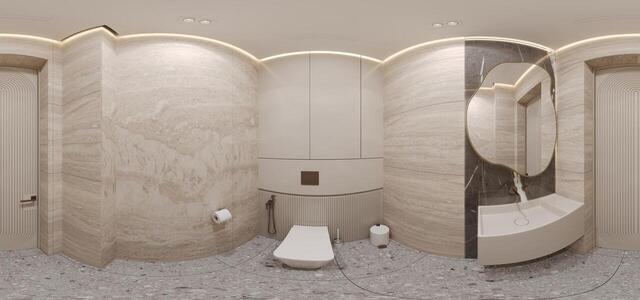
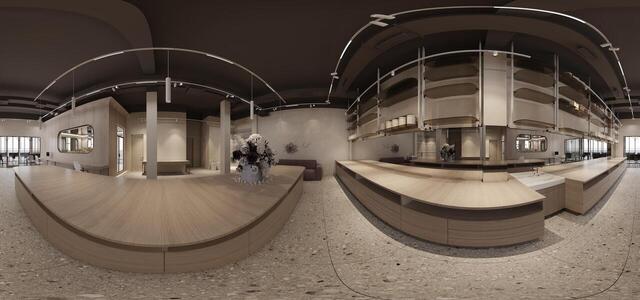
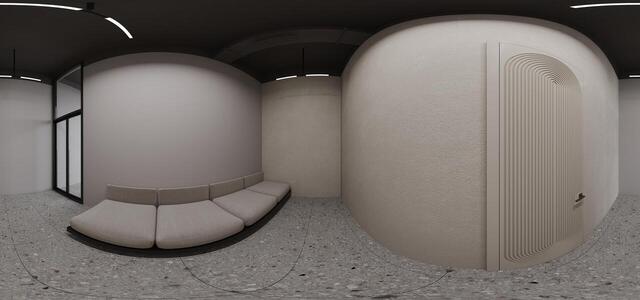
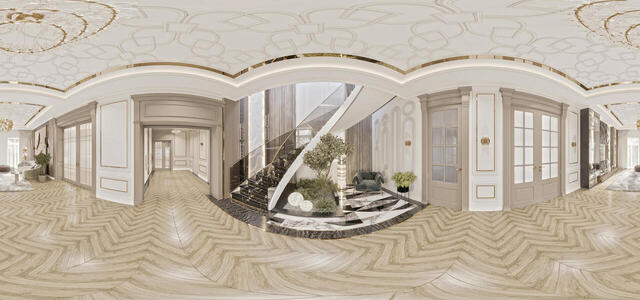
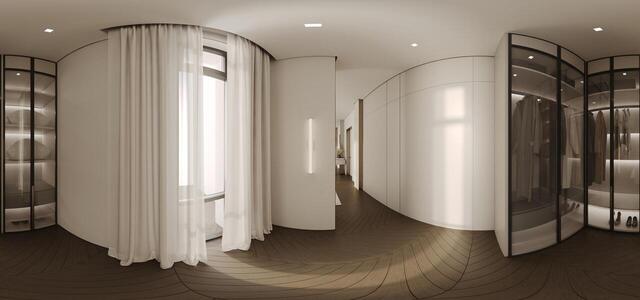
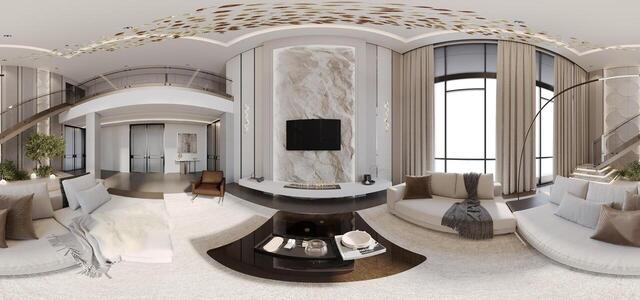
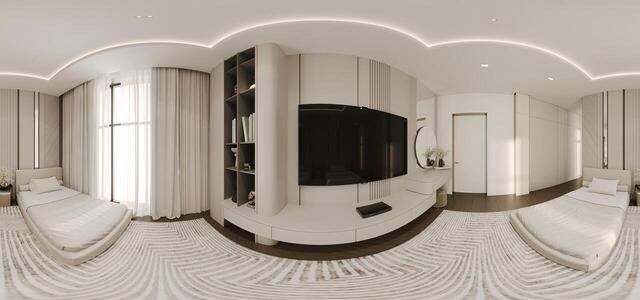
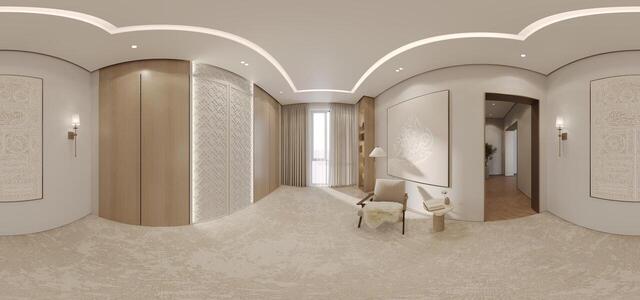
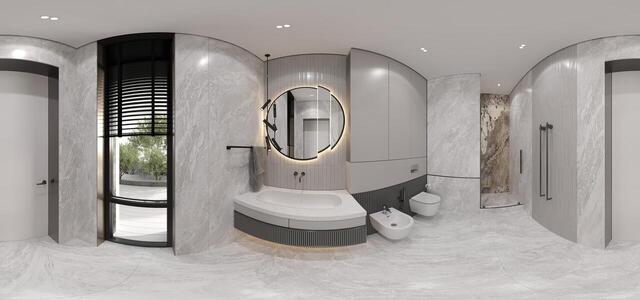
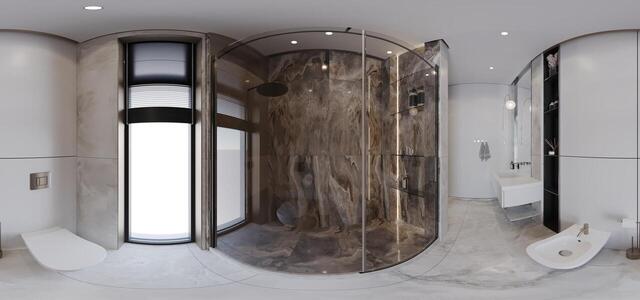
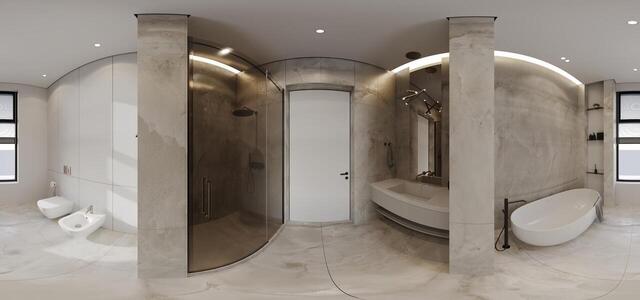
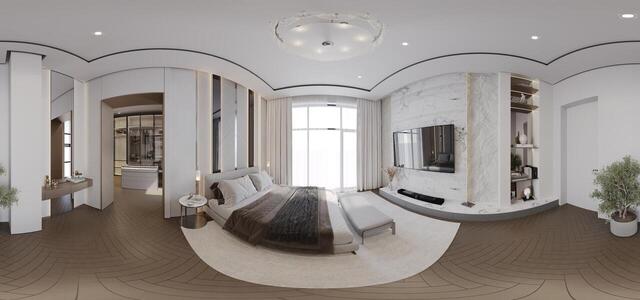
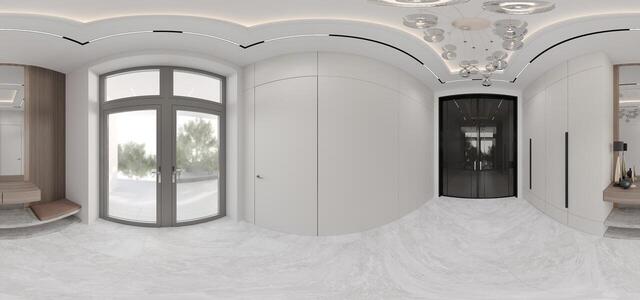
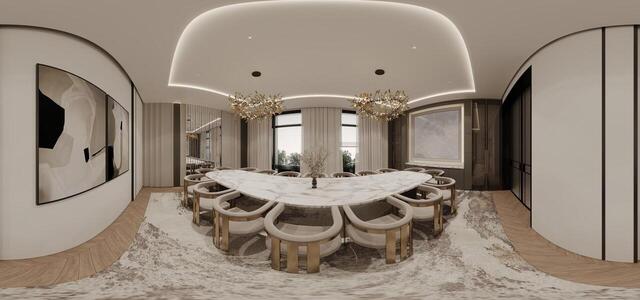
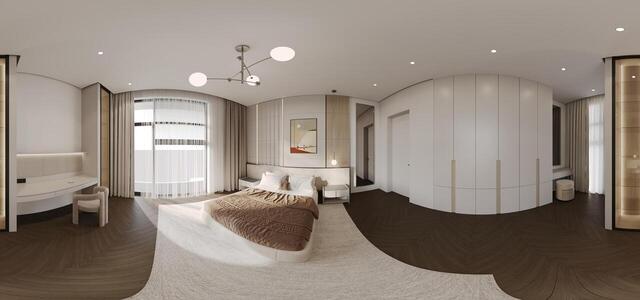
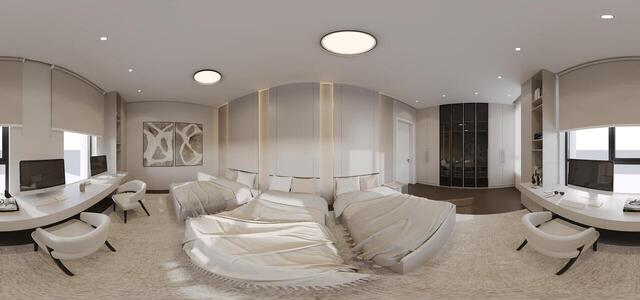
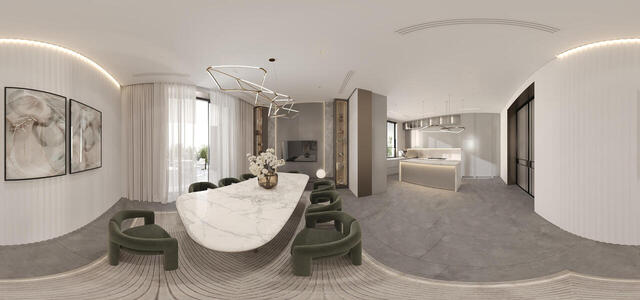
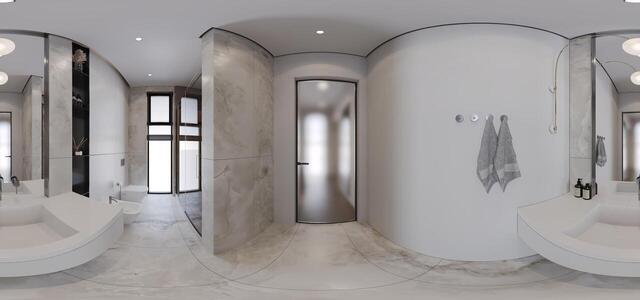
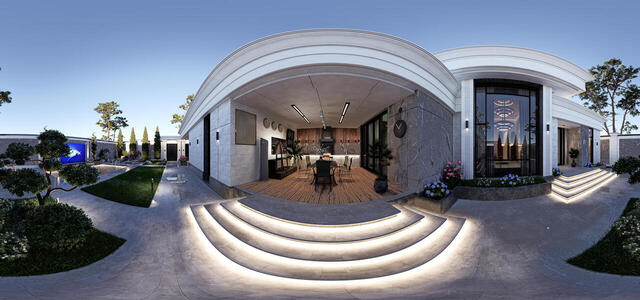
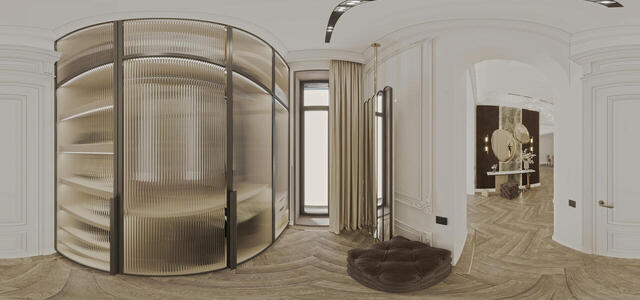
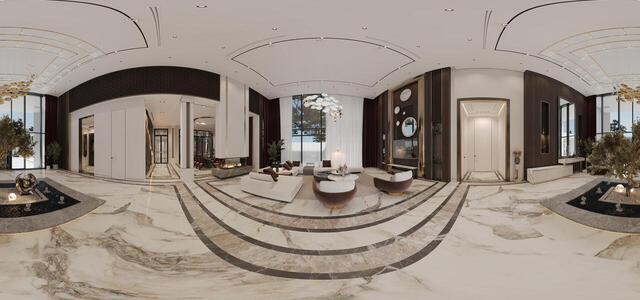
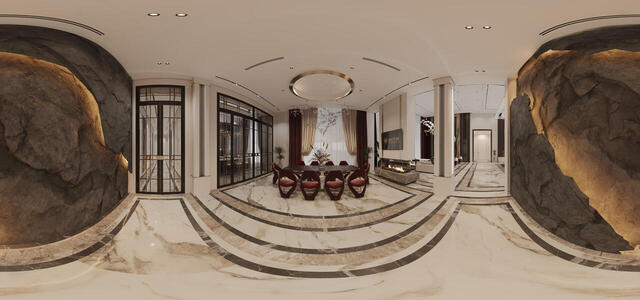
360° panoramas
Celine 001 0000 Post
Celine 005 0000 Post
Celine 010 0000 Post
Celine 006 0000 Post
Celine 008 0000 Post
Refre
Celine 009 0000 Post
Celine 007 0000 Post
Celine 011 0000 Post
101
Master bedroom 1 et002 0000 Post
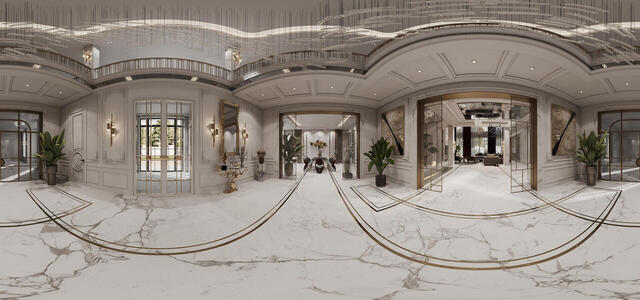
Hall vr001 0000 Post
Master bedroom 1 et001 0000 Post
Hamazhan VR001 0000 Post
SU gost001 0000 Post
Master su002 0000 Post
Su001 0000 Post
Master bedroom001 0000 Post
Prihojaya001 0000 Post
Zal vr001 0000 Post
girls room vr001 0000 Post
Boys room vr001 0000 Post
Stolovaya001 0000 Post
Master su001 0000 Post
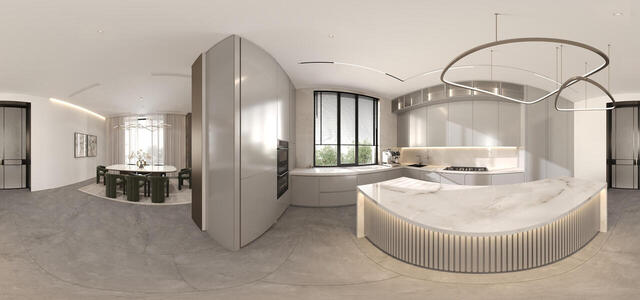
kuhnya001 0000 Post
Master bedroom002 0000 Post
Hall vr002 0000 Post
3.2
Corona Camera004 0000 Post
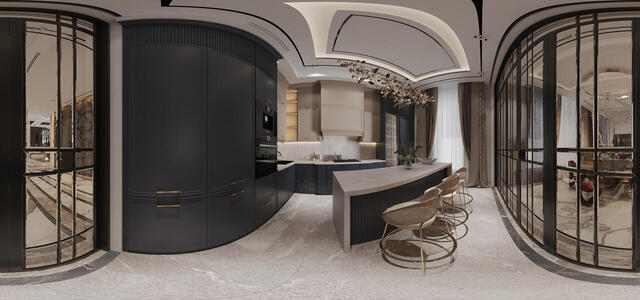
Kitchen
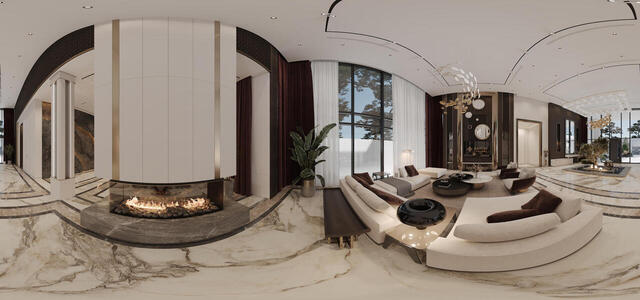
living room
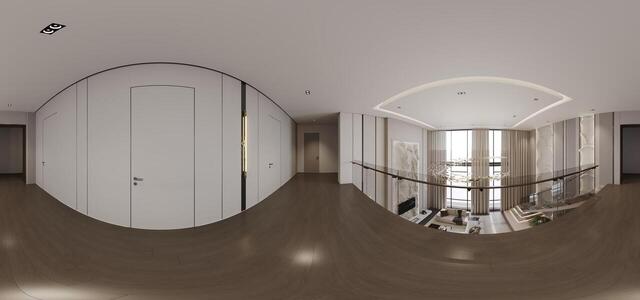
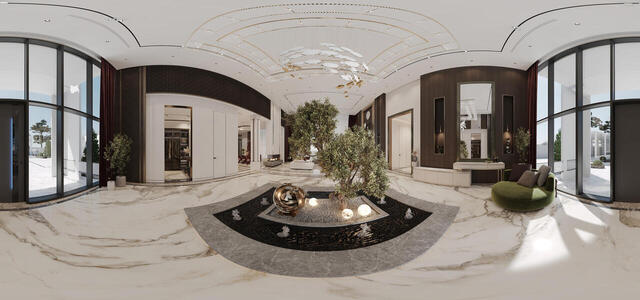
hallway
360 004 HALL
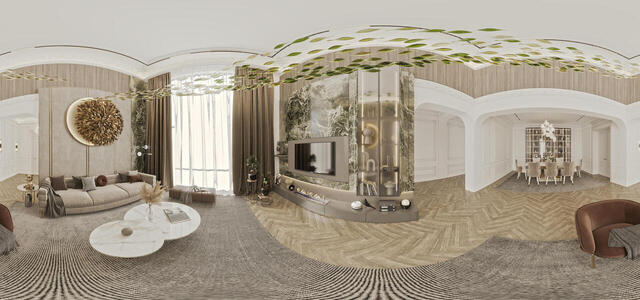
360 Dining Room
2,2
How to create a virtual 3D tour? Step-by-step instruction

The order is as follows: 1) upload to the site spherical panoramas from which you plan to create a virtual tour; 2) from the list of uploaded panoramas add each panorama to the virtual tour (Add to 3D tour link); 3) open the created virtual tour, edit the panorama order, select the main panorama, set transition points (tunnels).
30
Showing 36-70 of 615 items.